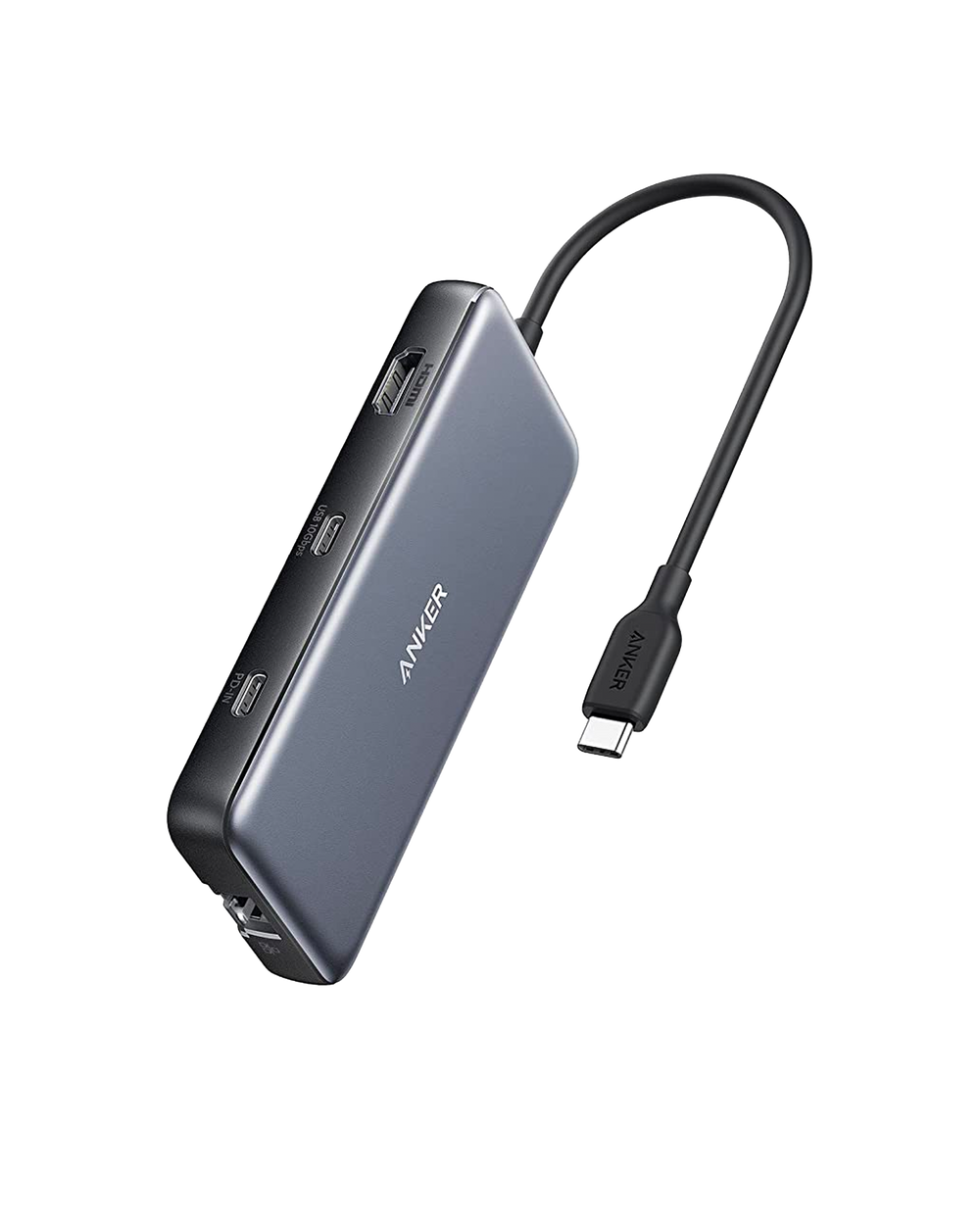
Anker 332 vs. 555 USB-C hubs
The 555 adds Ethernet, card slots and faster USB. The smaller 332 still covers a monitor, keyboard and mouse.
Read article →
12 posts
For a new laptop accessory, begin with the USB-C checklist and then compare the hubs, drives or cameras that fit the intended job. For a desk shared by two computers, start with the switching guide before selecting individual keyboards and mice.
Networking choices benefit from a small sketch: count wired devices for a switch, or mark weak rooms and possible unit locations for a router or mesh kit. The transfer-time tool then puts large speed numbers into minutes for a file size you actually move.
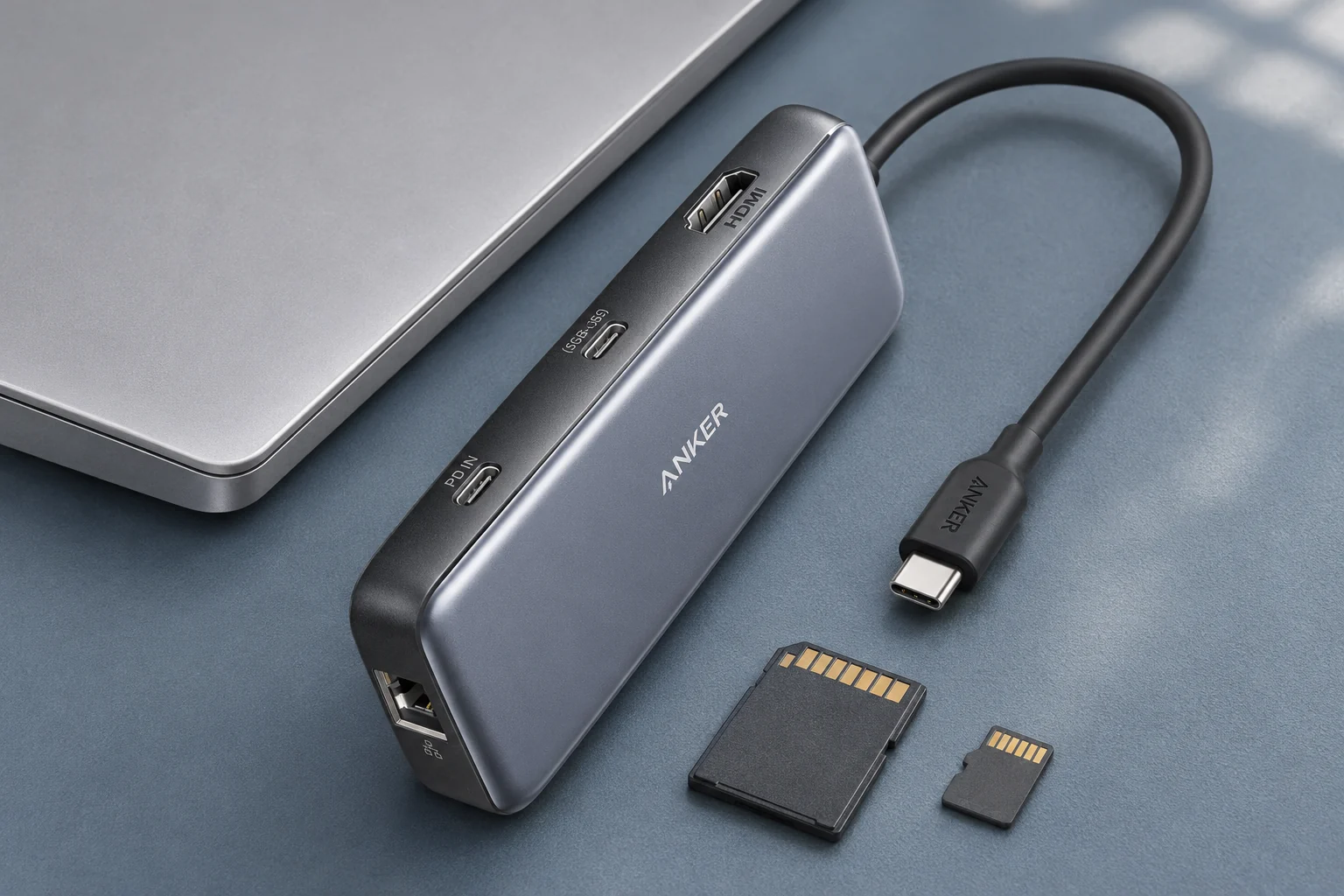
The 555 adds Ethernet, card slots and faster USB. The smaller 332 still covers a monitor, keyboard and mouse.
Read article →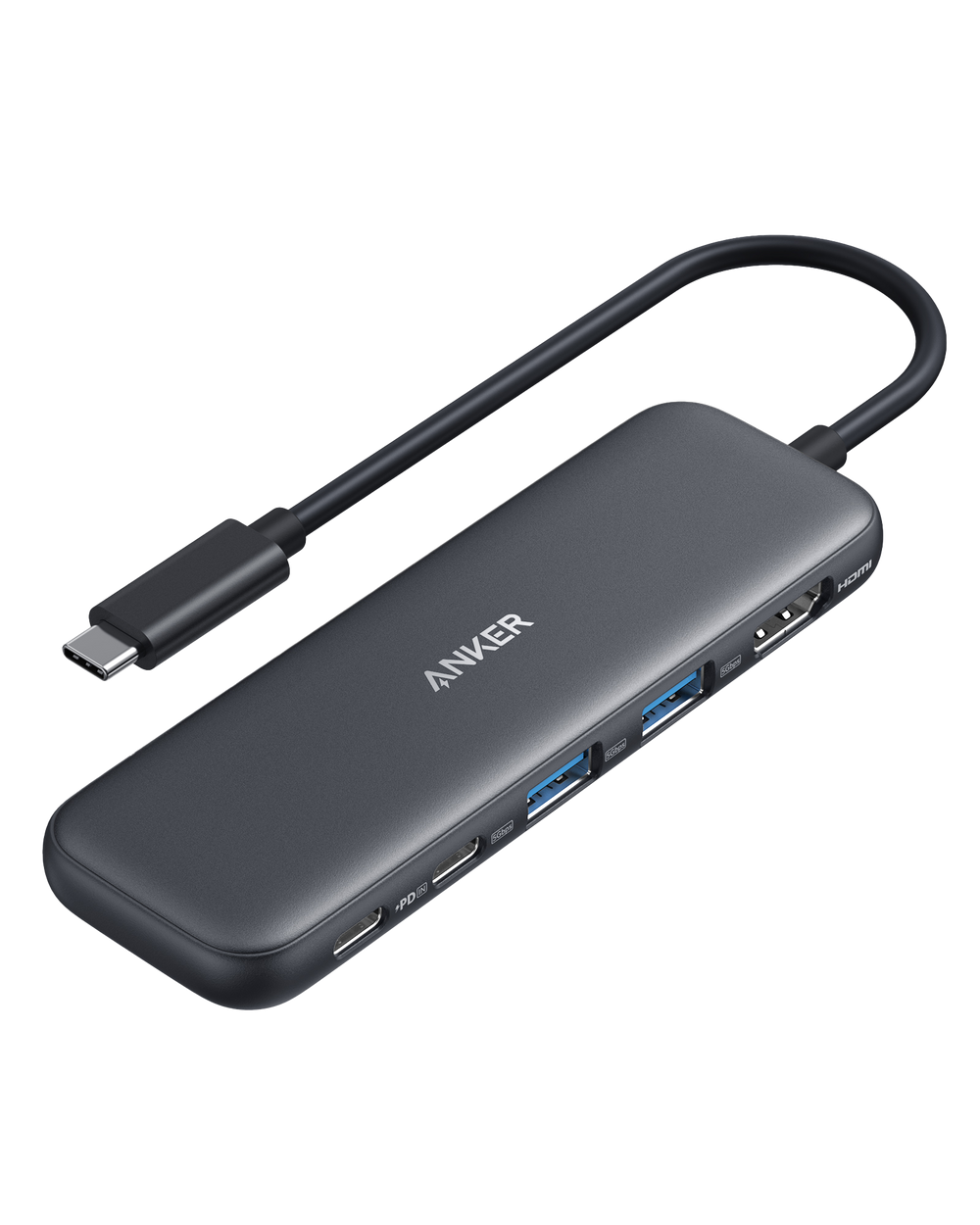
The connector shape tells you less than the host’s data, display and charging specifications.
Read article →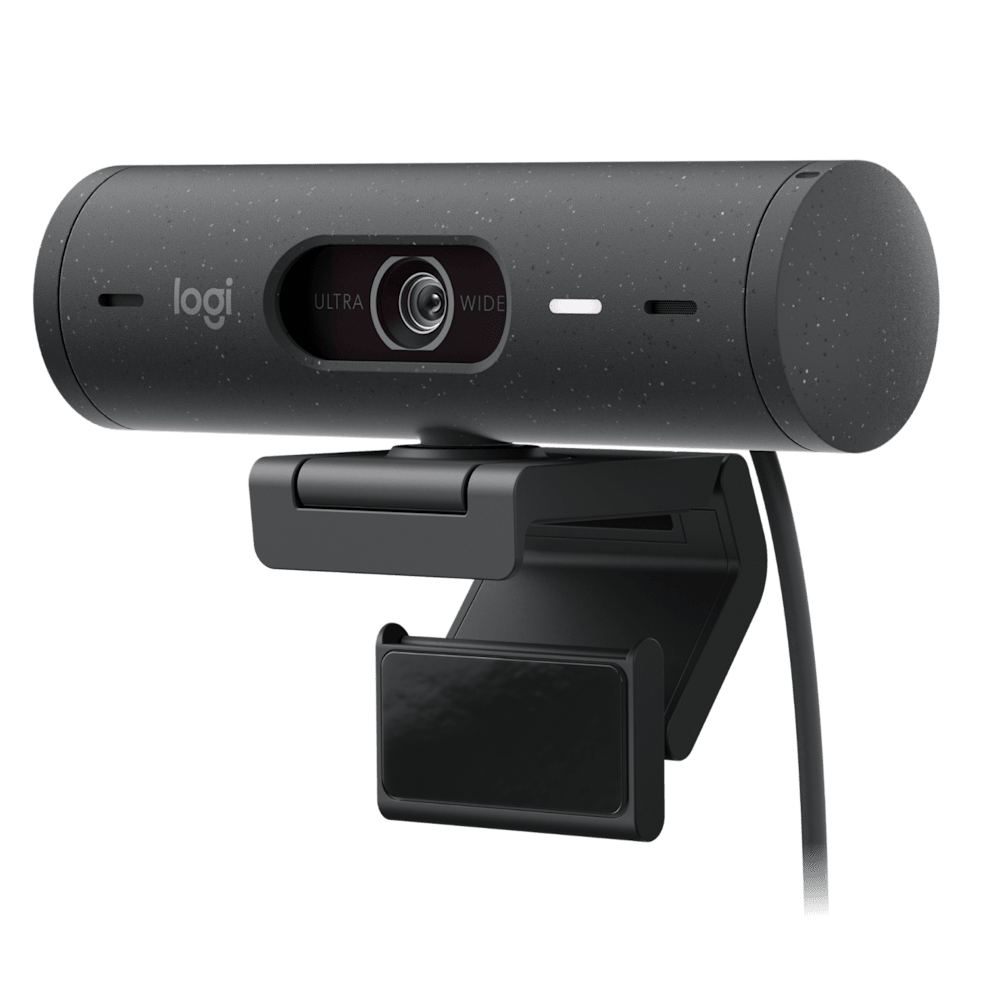
Brio 100, Brio 300, C920s and Brio 500 differ in focus, view angle and USB connector.
Read article →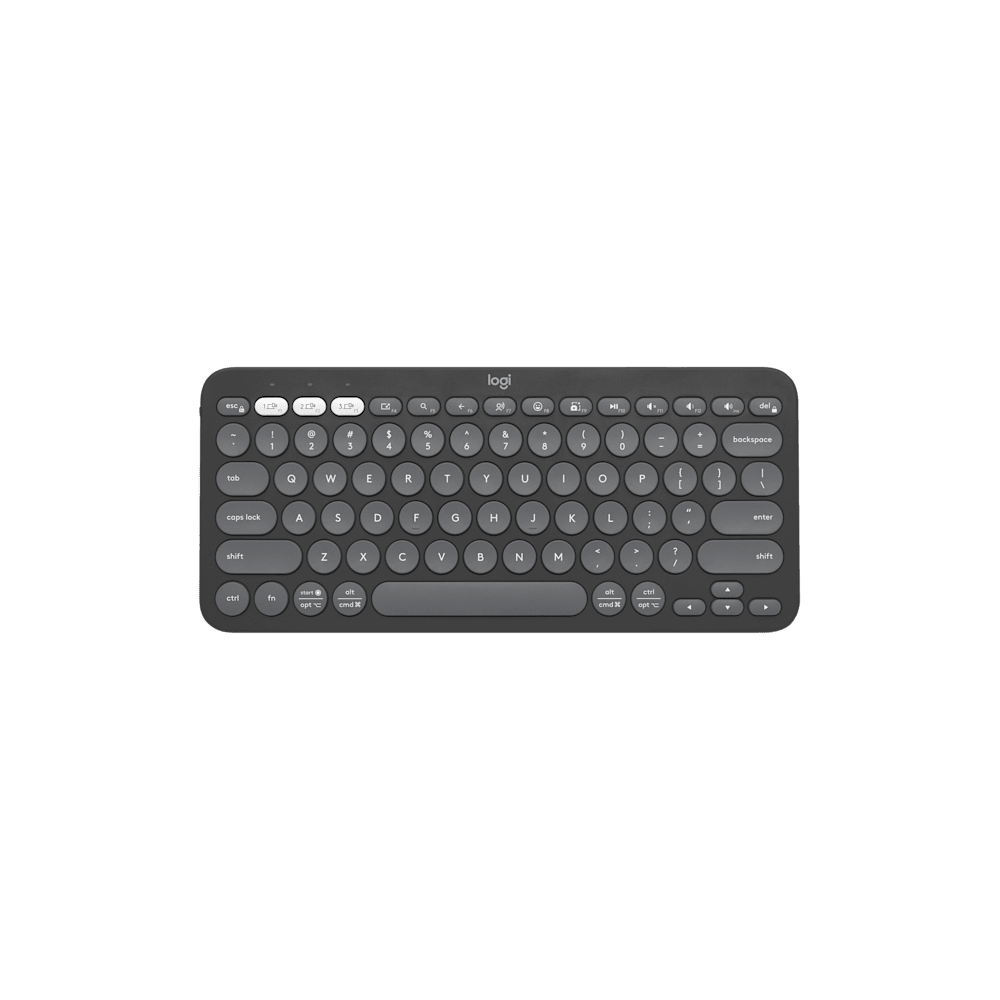
Three-device pairing is useful, but the keyboard, mouse and USB receiver still need to be chosen separately.
Read article →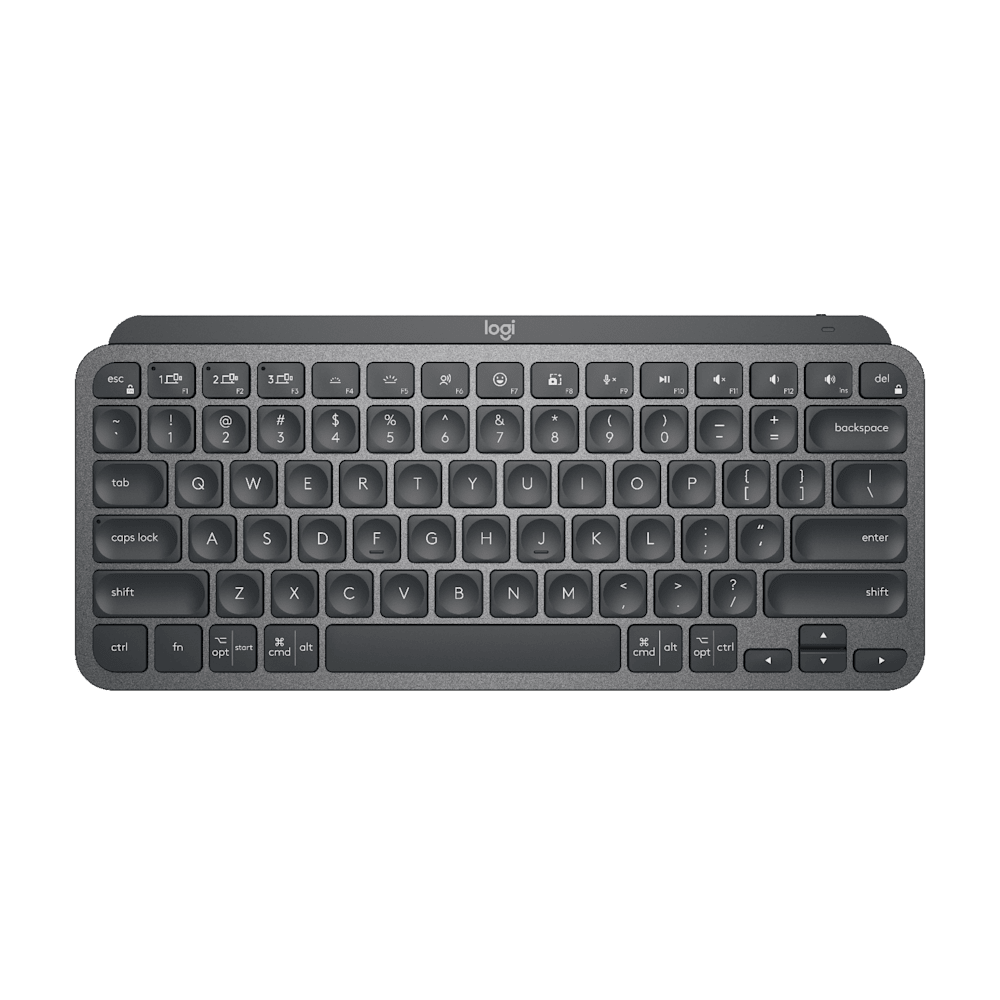
Two compact typing keyboards and a keyboard with a touchpad should not be treated as interchangeable.
Read article →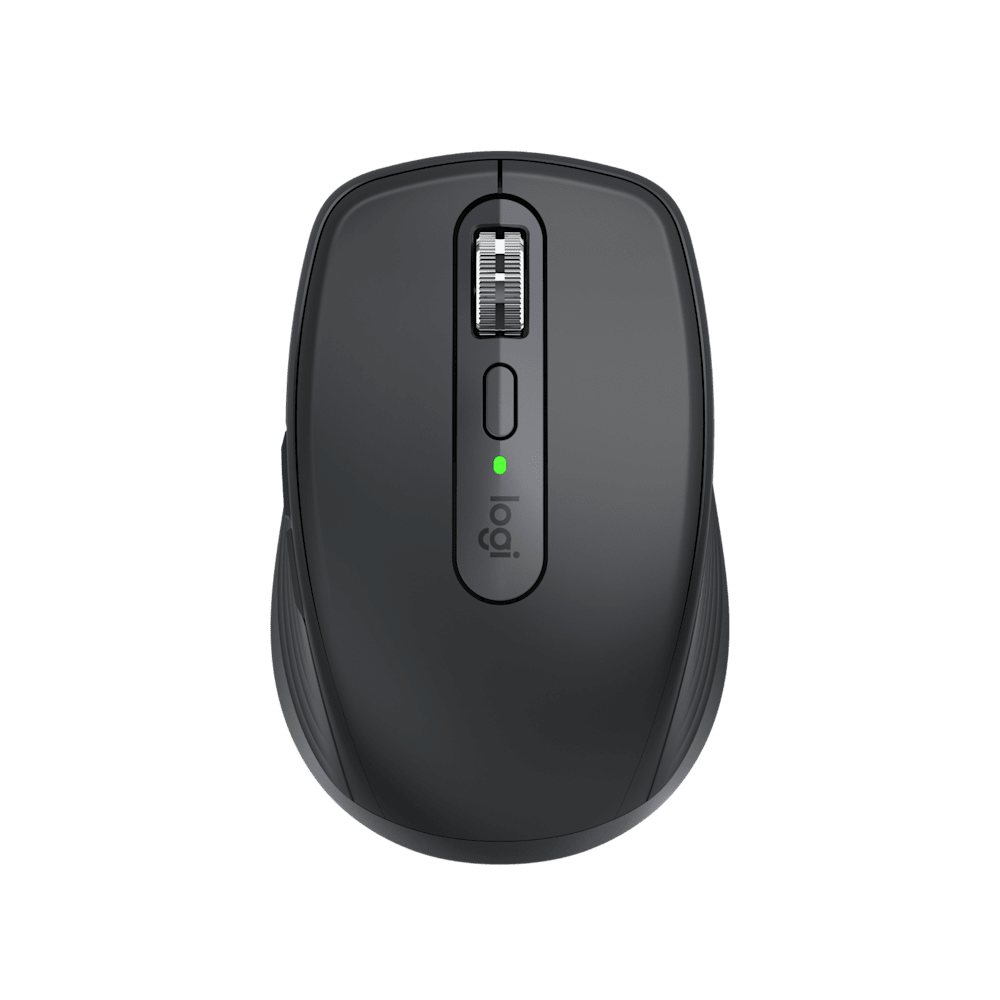
The useful differences are shape, device switching, batteries and whether a receiver is included.
Read article →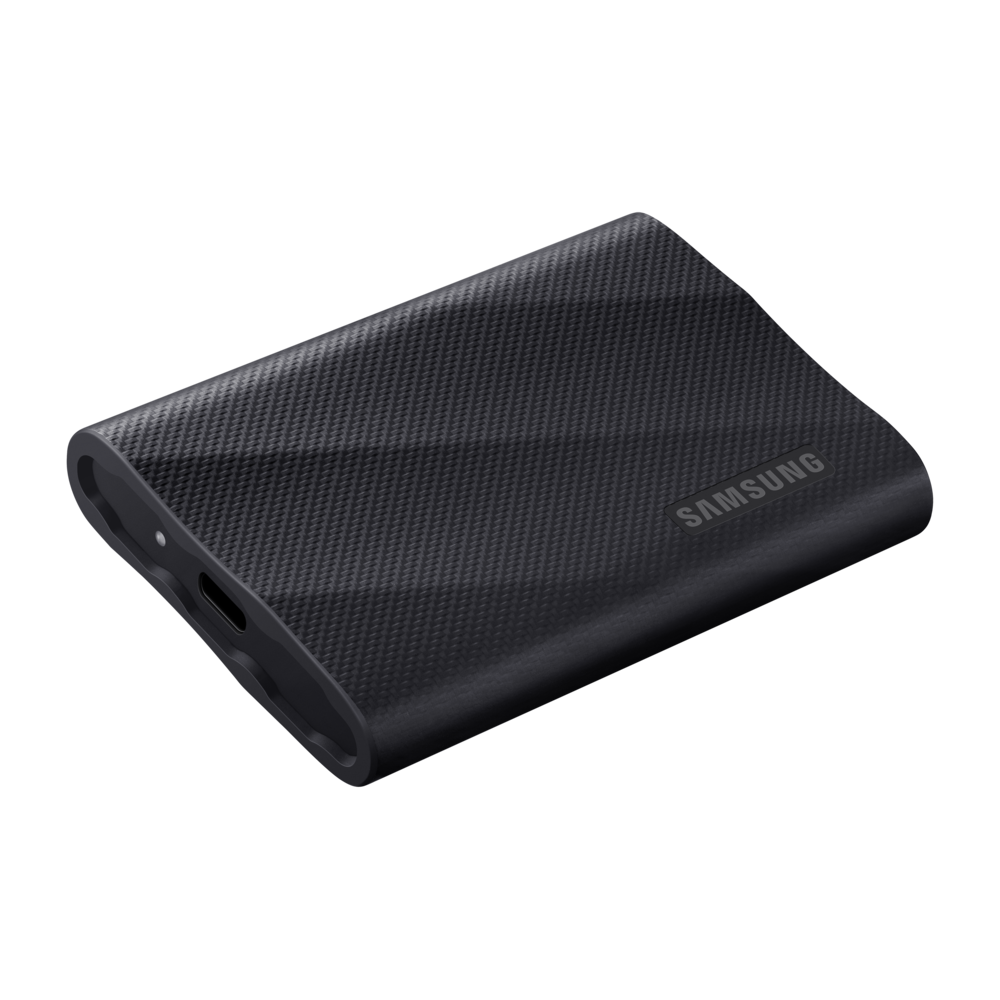
Samsung T5 EVO, T7, T7 Shield and T9 use three different USB speed classes.
Read article →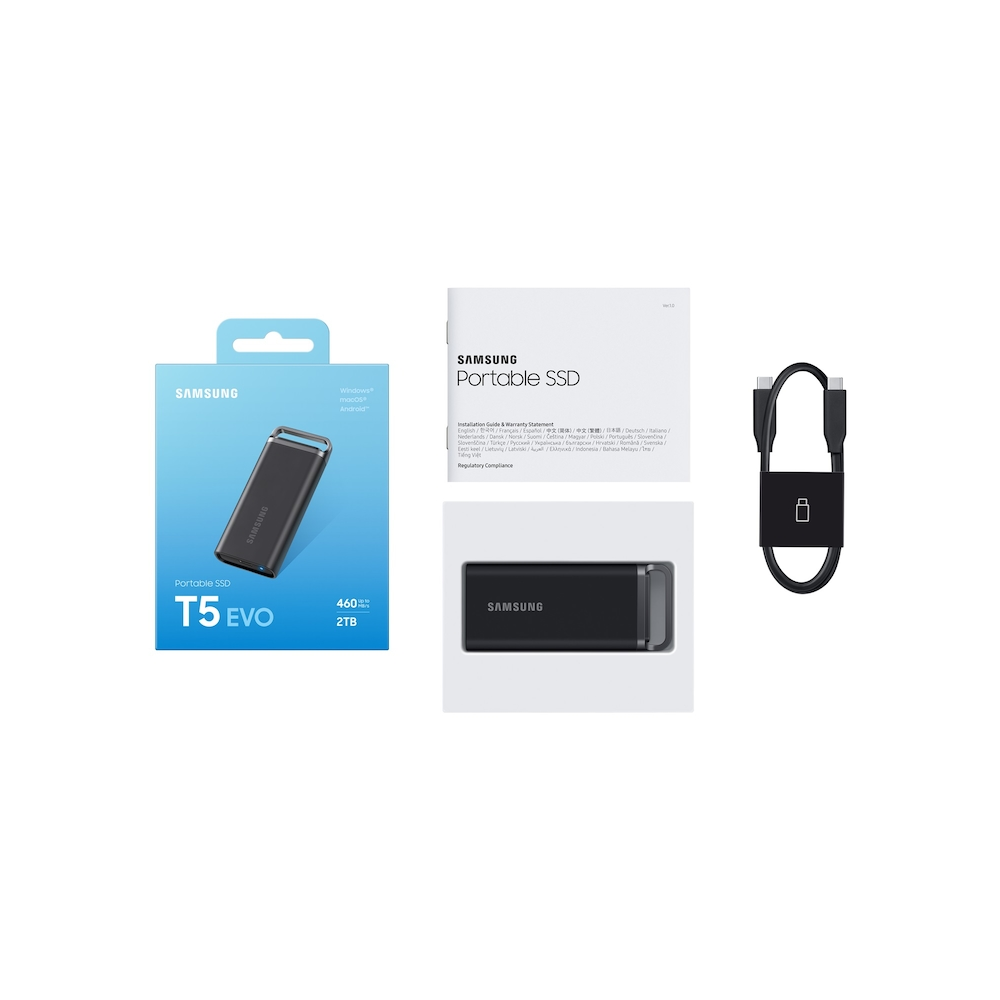
A simple capacity worksheet for photos, projects and another copy of important files.
Read article →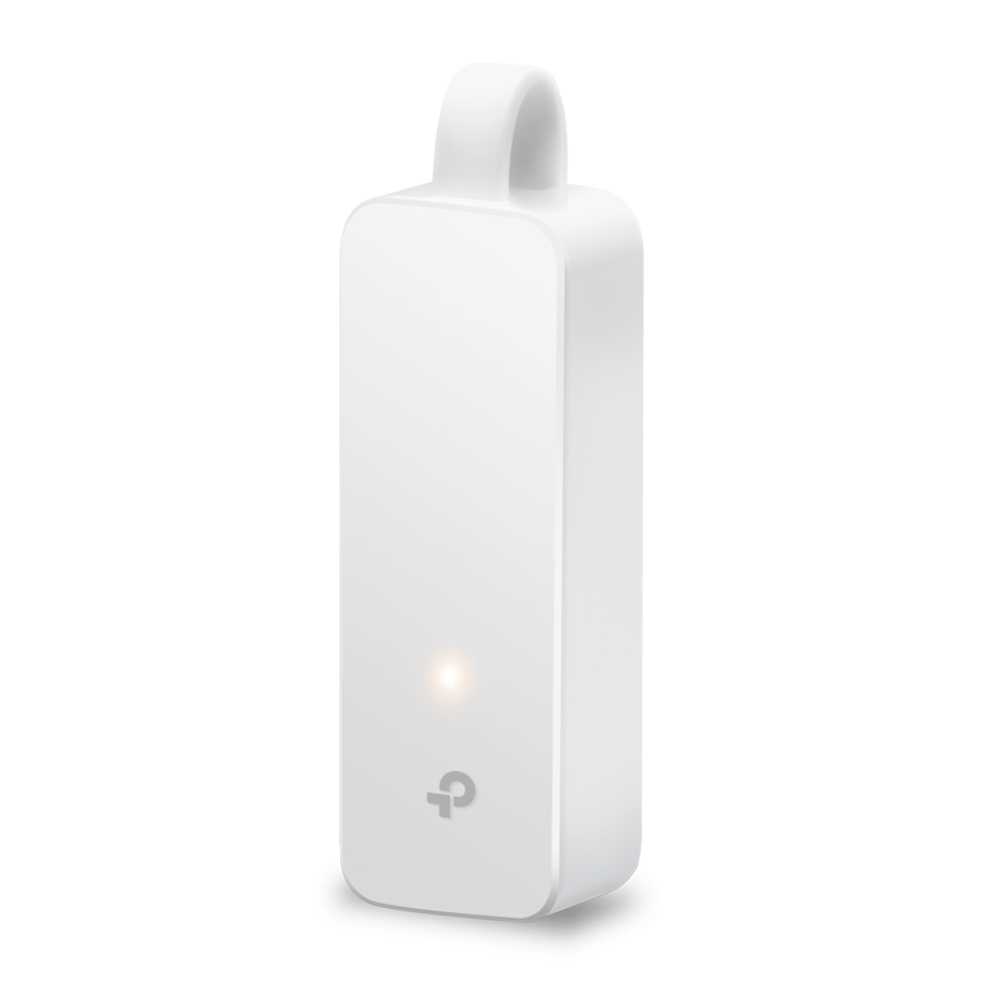
Bits, bytes and a few useful lower bounds for moving a 100 GB folder.
Read article →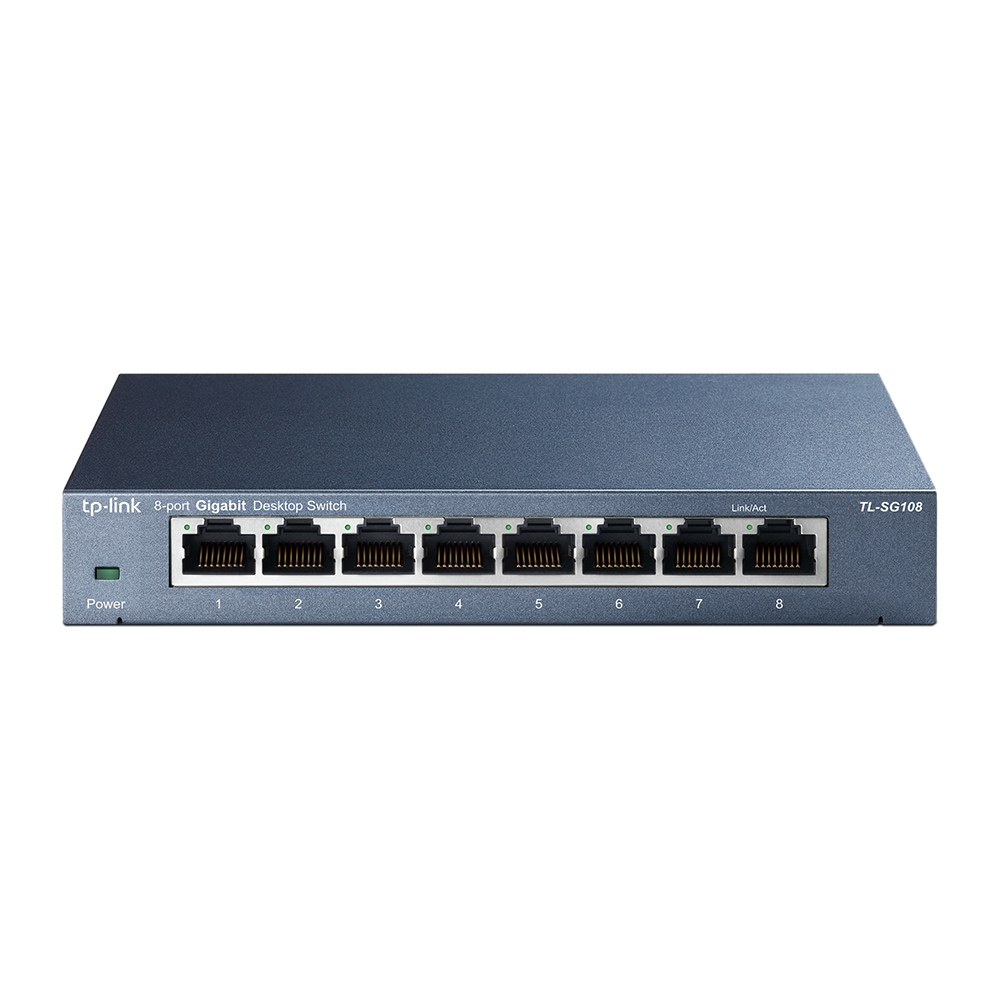
TL-SG105, TL-SG108 and TL-SG105-M2 compared by useful port count and link speed.
Read article →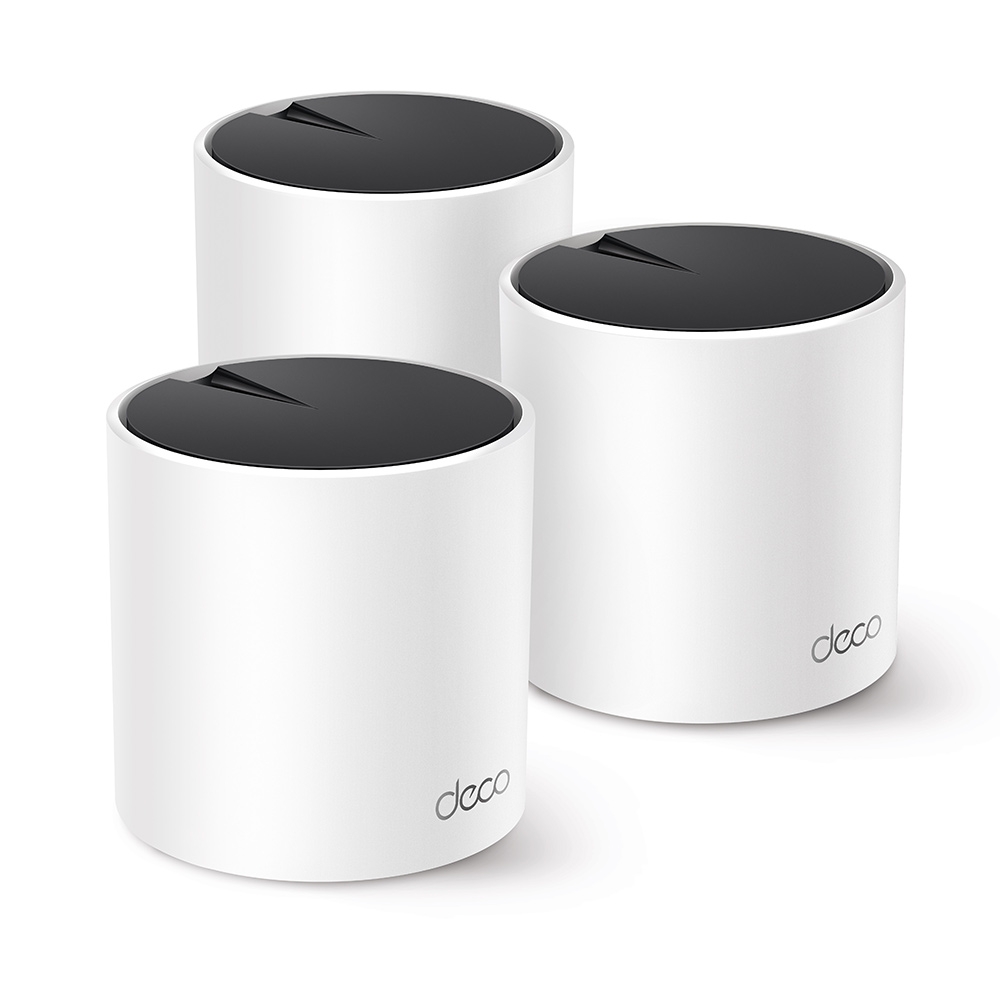
The shared AX3000 label does not tell you where the radios or Ethernet sockets will be.
Read article →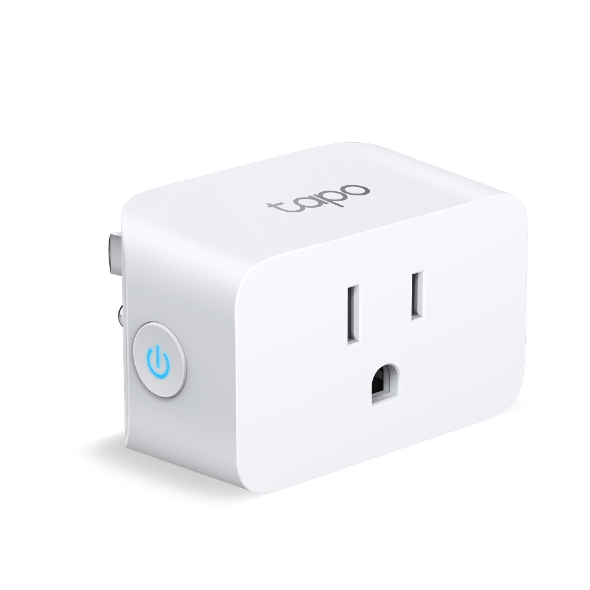
Choose the control ecosystem and the information you need before buying a smart plug.
Read article →

