
Samsung T5 EVO, T7, T7 Shield and T9 SSDs compared
Samsung T5 EVO, T7, T7 Shield and T9 use three different USB speed classes.
The 2TB models
Scroll sideways to compare.
| Compare | 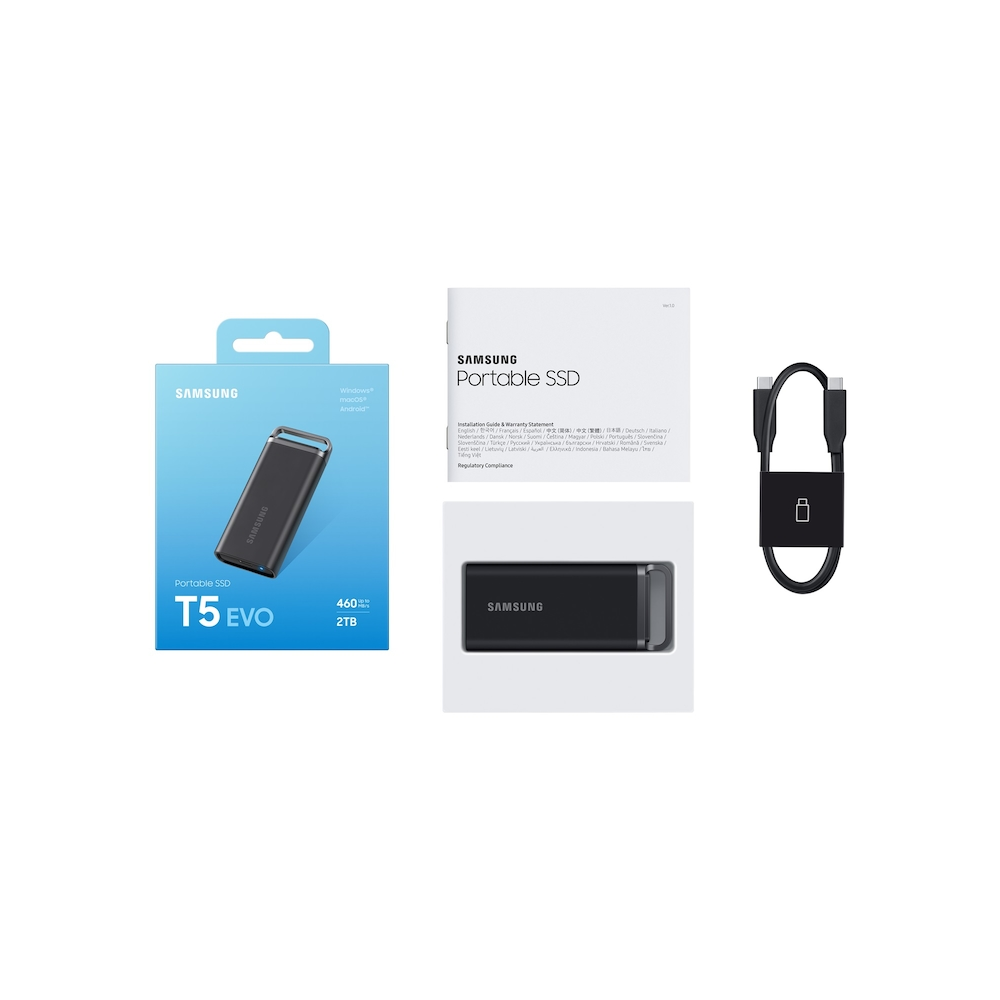 Samsung T5 EVO 2TB — Black | 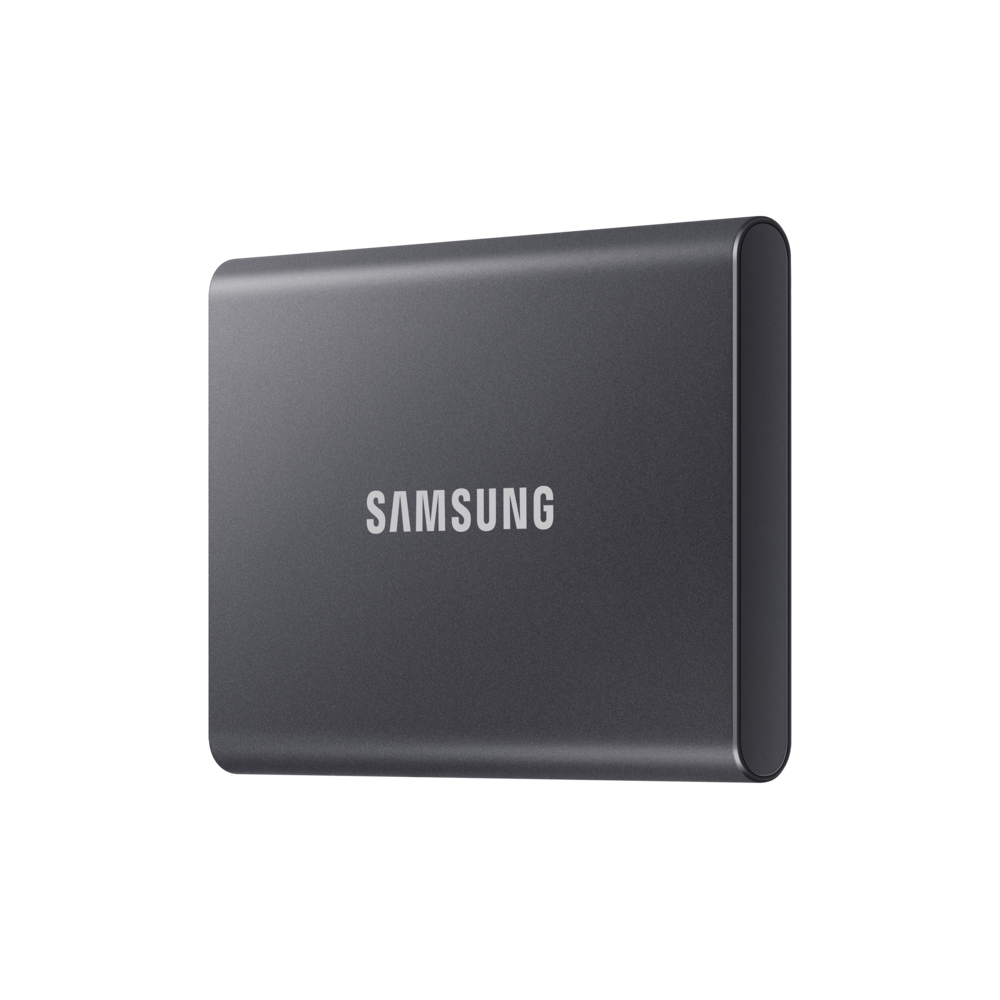 Samsung T7 2TB — Gray | 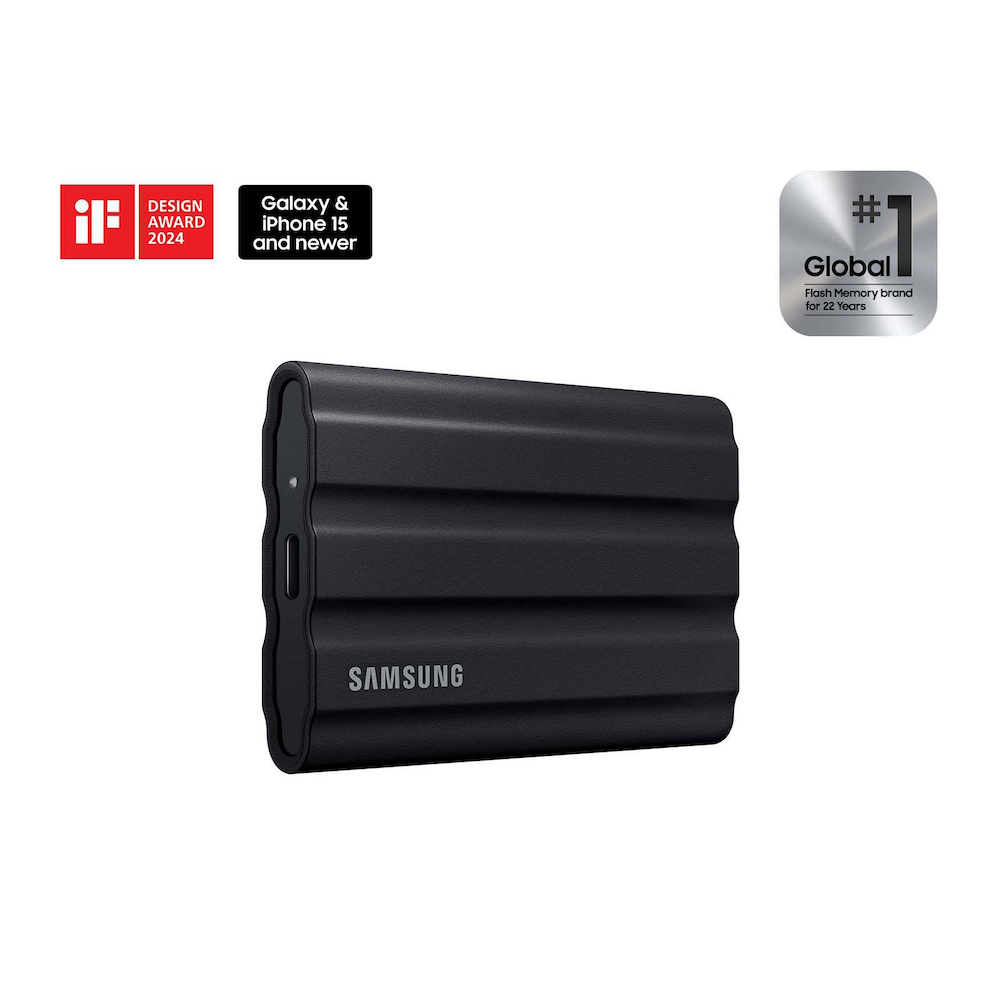 Samsung T7 Shield 2TB — Black | 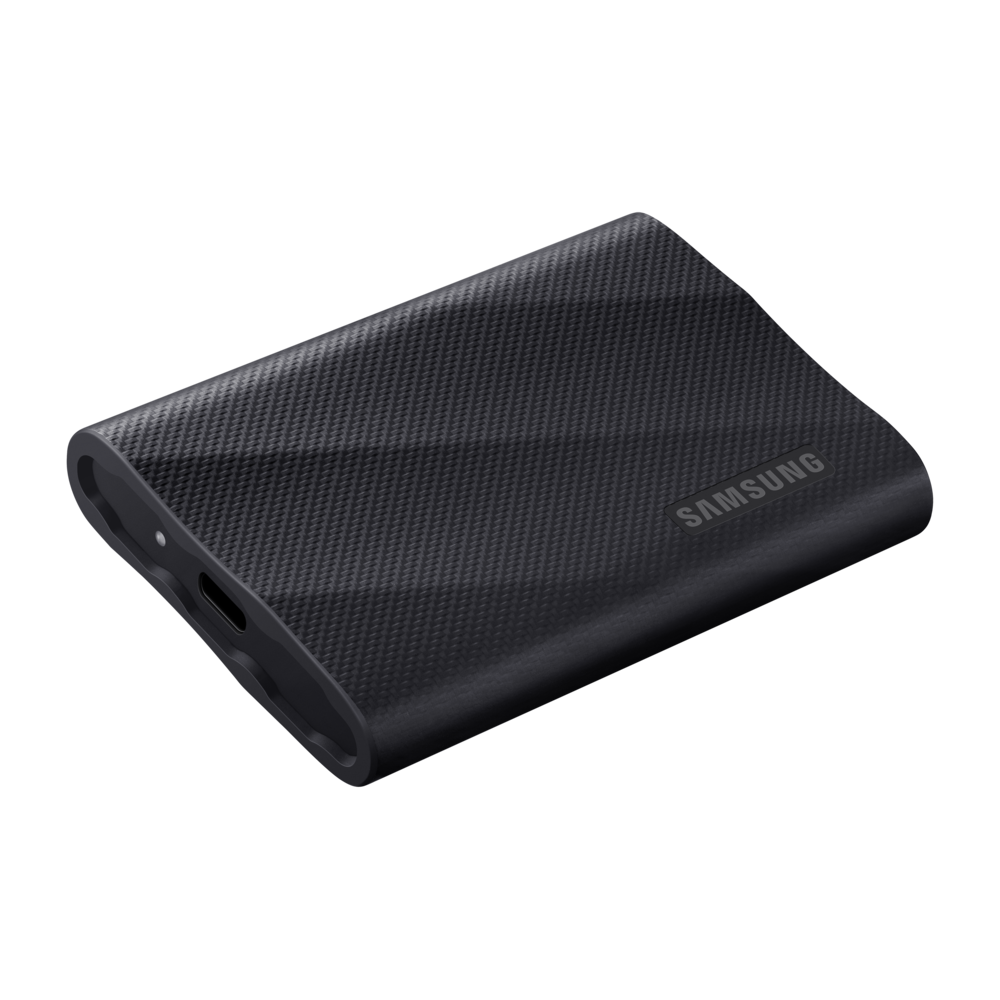 Samsung T9 2TB — Black |
|---|---|---|---|---|
| USB interface | 5 Gbps / Gen 1 | 10 Gbps / Gen 2 | 10 Gbps / Gen 2 | 20 Gbps / Gen 2x2 |
| Listed maximum read | 460 MB/s | 1,050 MB/s | 1,050 MB/s | 2,000 MB/s |
| Listed maximum write | 460 MB/s | 1,000 MB/s | 1,000 MB/s | 2,000 MB/s |
Trace the slowest connection
A drive plugged into a hub shares the hub’s connection path. A T9 connected through a 10 Gbps hub cannot use a 20 Gbps path through that hub, and the laptop itself still needs the right mode. Check the entire route before paying for the fastest listed drive.
For a useful comparison, use the same capacity and think about your normal copy: one large video file, a folder full of small documents, or an overnight backup. The quoted sequential figures describe one kind of workload. If transfer time is not your main constraint, enclosure and capacity may decide the purchase.
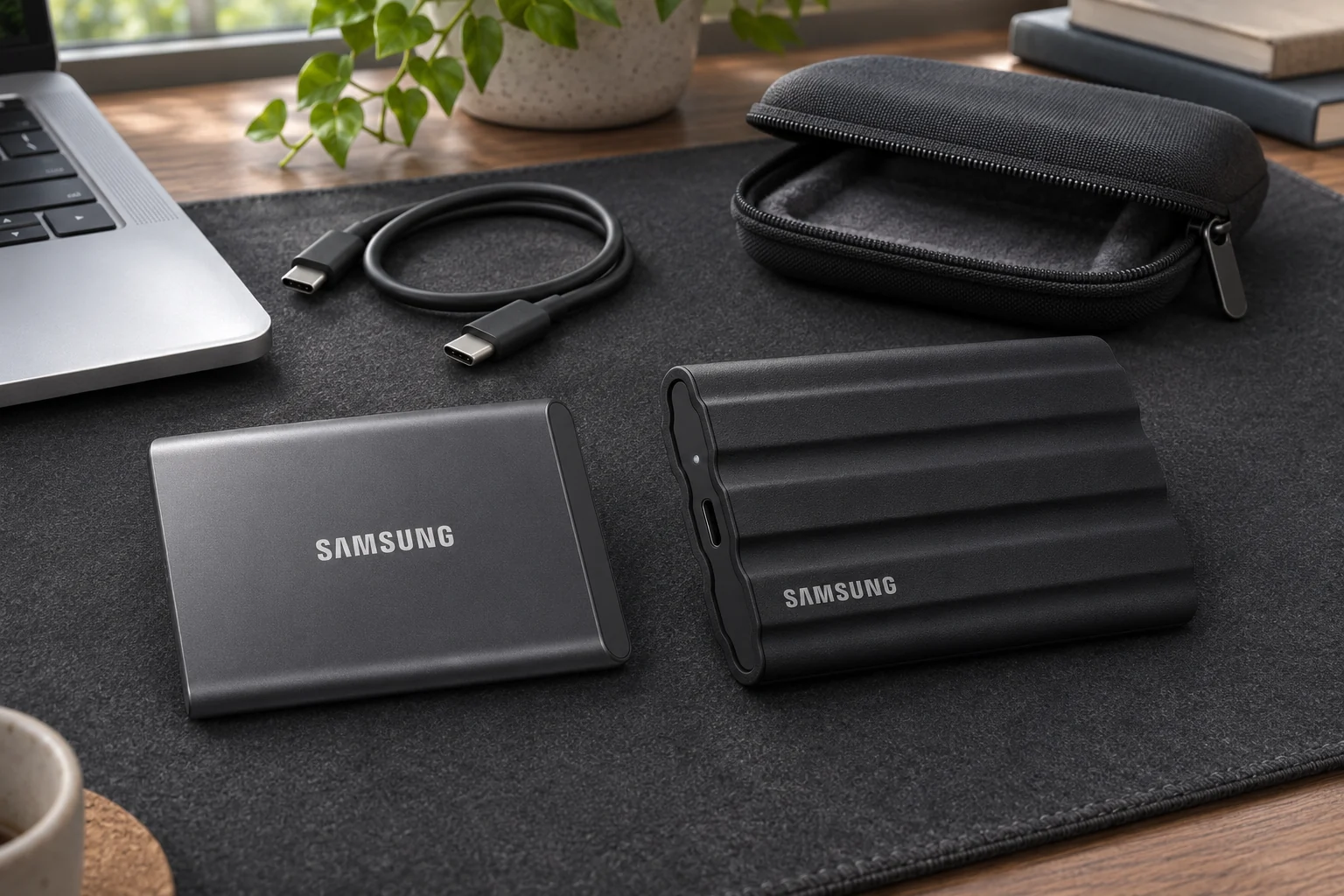
Read the interface before the advertised speed
All four drives in this comparison hold a nominal 2 TB, but they do not use the same connection. T5 EVO uses USB 3.2 Gen 1 at 5 Gbps. T7 and T7 Shield use Gen 2 at 10 Gbps. T9 uses Gen 2x2 at 20 Gbps.
Samsung lists maximum sequential reads of 460 MB/s for T5 EVO, 1,050 MB/s for T7 and T7 Shield, and 2,000 MB/s for T9. These are manufacturer performance specifications under stated conditions. They are not interchangeable with the rate printed beside a computer’s USB port.
Follow the connection all the way back
The T9’s top mode requires USB 3.2 Gen 2x2 support from the host and an appropriate cable. A USB-C shape is not enough. A hub in the path also has a maximum data rate, and the connection works at a mutually supported rate.
That makes a port check worth doing before spending more on the drive. If the computer’s relevant connection is 10 Gbps, the T9’s 20 Gbps interface is not a benefit you can simply assume will be available. Read the exact host specification, including external hubs or docks.
Separate the enclosure decision from the speed decision
T7 and T7 Shield have the same listed maximum sequential read and write rates. The Shield adds a rubber exterior and an IP65 rating under Samsung’s conditions. That is a different reason to choose it; it is not a step up to the T9’s interface class.
For occasional document transfers, capacity and connection convenience may matter more than a headline maximum. For repeated large copies, check the source drive, destination drive and host connection together. The slowest relevant part of that path can keep a faster portable SSD waiting.
Sources
- Samsung T5 EVO 2TB — Black — manufacturer listingChecked November 15, 2026
- Samsung T7 2TB — Gray — manufacturer listingChecked November 15, 2026
- Samsung T7 Shield 2TB — Black — manufacturer listingChecked November 15, 2026
- Samsung T9 2TB — Black — manufacturer listingChecked November 15, 2026
- USB-IF: USB 3.2 transfer ratesChecked November 15, 2026
- Samsung memory buying guide and performance conditionsChecked November 15, 2026