
How much external storage do you need?
A simple capacity worksheet for photos, projects and another copy of important files.
Turn growth into a simple allowance
Suppose the files you keep now total 700 GB and you add about 20 GB each month. Two years of similar growth adds another 480 GB, putting the working estimate at 1,180 GB before extra headroom. That example is a planning calculation, not a recommendation that every household needs the same drive.
Count a separate backup independently. Moving the only copy onto an external drive frees internal space but does not create a second copy. Review the estimate after a few months of real growth, especially if you start saving higher-resolution photos or video.
Measure what you intend to keep
Start with the size of the folders you want on the external drive. Include unfinished projects, exported versions and files currently scattered across other disks. Keep the unit consistent: decimal GB and binary GiB are different quantities, even when a file browser presents a shortened label.
Then estimate growth from something you already know. If you have 600 GB today and add about 25 GB each month, another year adds 300 GB. That gives a 900 GB working estimate before space for extra versions, temporary exports or uncertainty.
Add headroom deliberately
A 25% allowance on that 900 GB estimate produces 1,125 GB. This is planning arithmetic, not a rule that every drive must be kept exactly one-quarter empty. It simply makes your chosen allowance visible. A nominal 1 TB drive would not cover that example; a nominal 2 TB model offers more room.
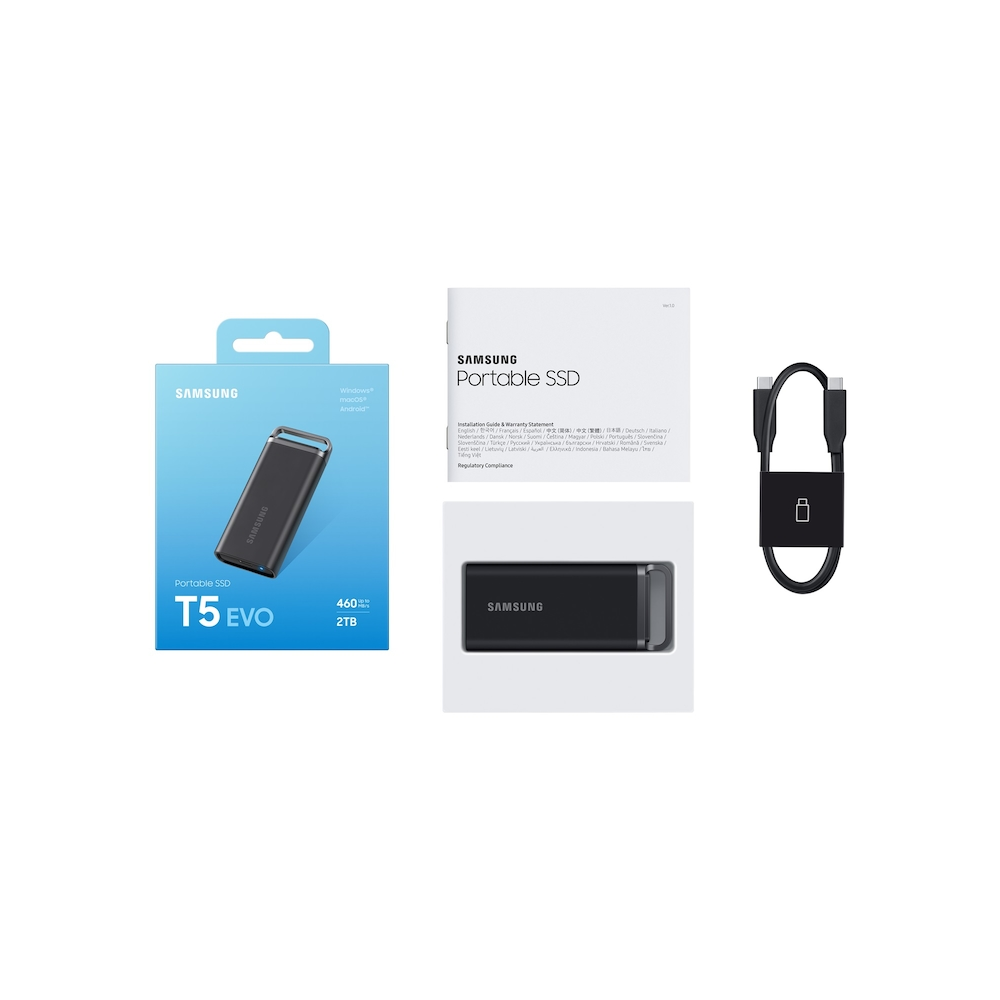
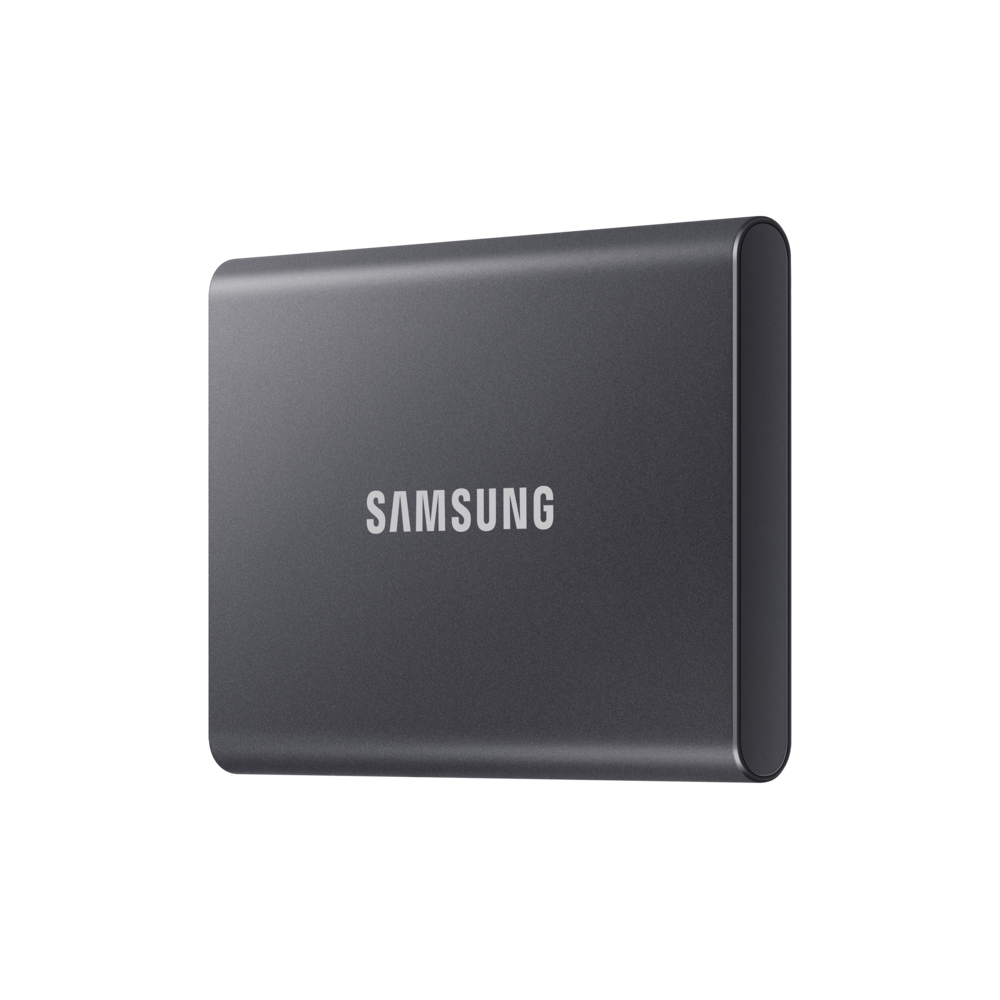
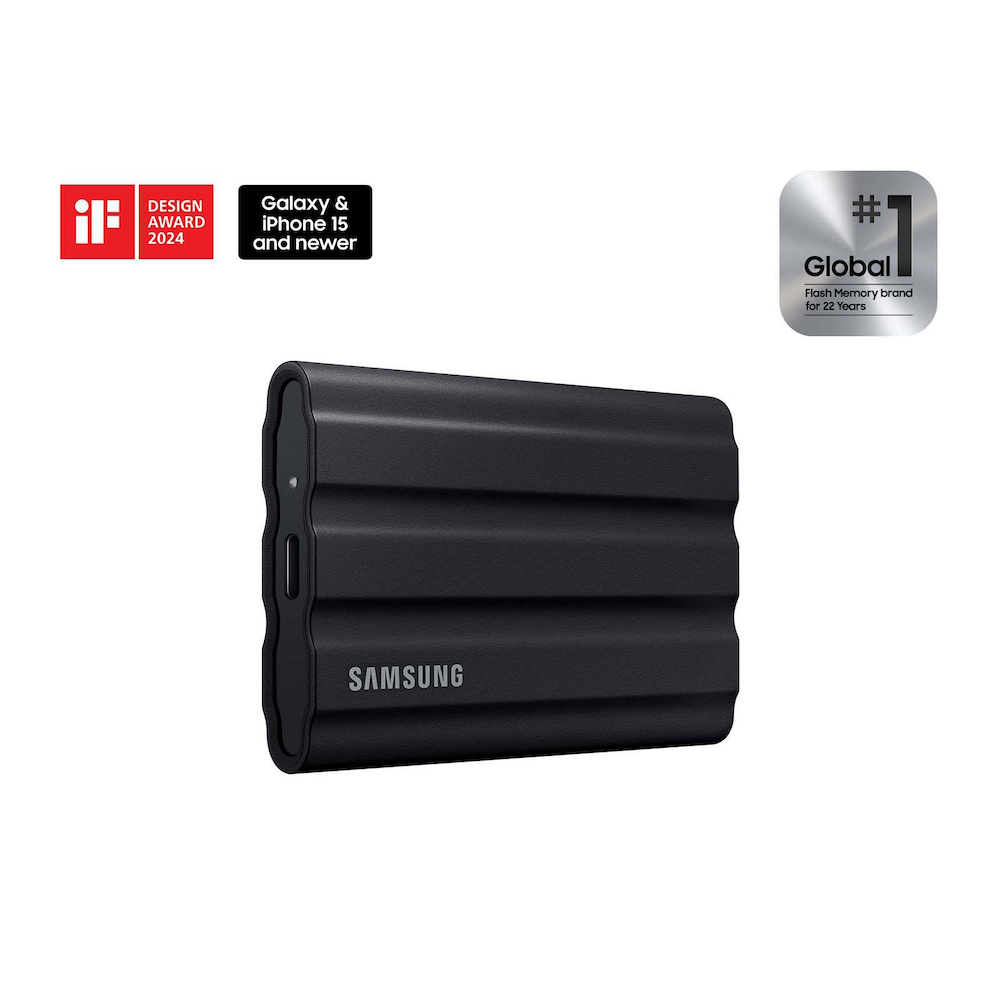
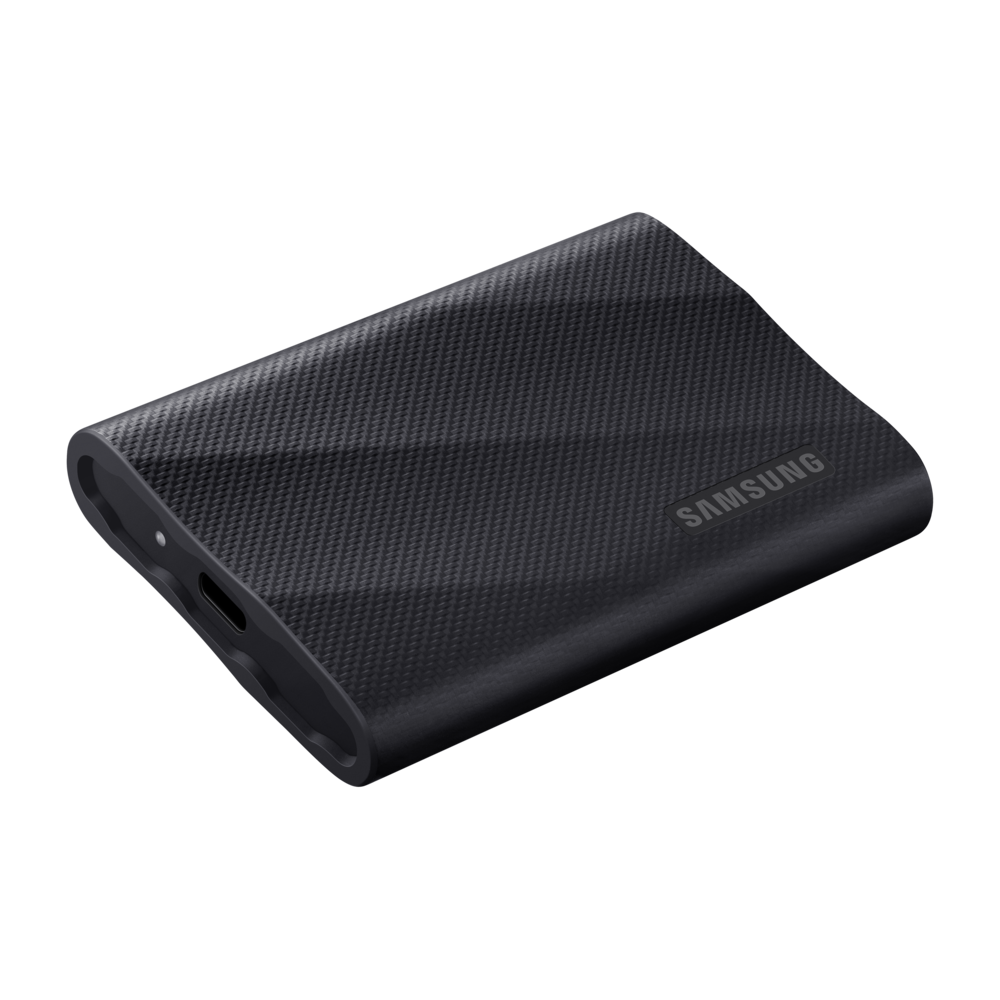
The 2 TB T5 EVO, T7, T7 Shield and T9 have the same advertised capacity. Their interfaces and physical designs differ. Buying a faster interface does not make that nominal 2 TB hold more files. Choose capacity first, then decide how often you will move large batches.
Allow for another copy
Moving the only copy from a laptop to an external drive frees laptop space, but it does not create a second copy. If the external drive will be the working location, plan where the other copy will live and how it will be updated.
Versioned backups may also need more space than the live folder. Old and deleted versions can remain in the backup until the software’s retention rules remove them. Check those settings before using the live folder’s size as the entire backup budget.
- Current files + expected growth = working estimate.
- Working estimate × your headroom factor = planning target.
- Budget storage for retained versions and another copy separately.
Sources
- Samsung T5 EVO 2TB — Black — manufacturer listingChecked November 15, 2026
- Samsung T7 2TB — Gray — manufacturer listingChecked November 15, 2026
- Samsung T7 Shield 2TB — Black — manufacturer listingChecked November 15, 2026
- Samsung T9 2TB — Black — manufacturer listingChecked November 15, 2026
- Samsung memory buying guide and performance conditionsChecked November 15, 2026