
Anker 332 vs. 555 USB-C hubs
The 555 adds Ethernet, card slots and faster USB. The smaller 332 still covers a monitor, keyboard and mouse.
Connections and limits
Scroll sideways to compare.
| Compare | 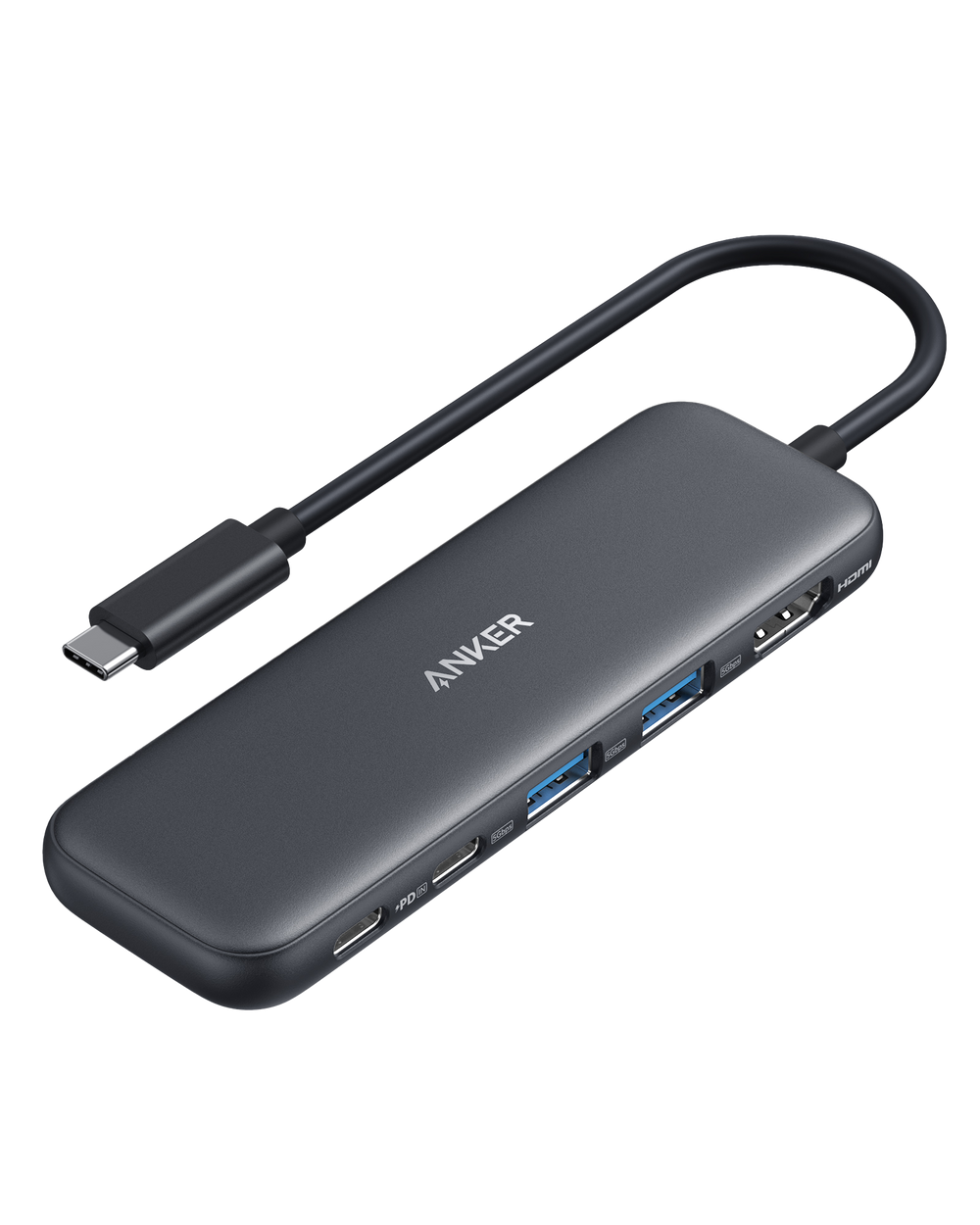 Anker 332 USB-C Hub — A8355 | 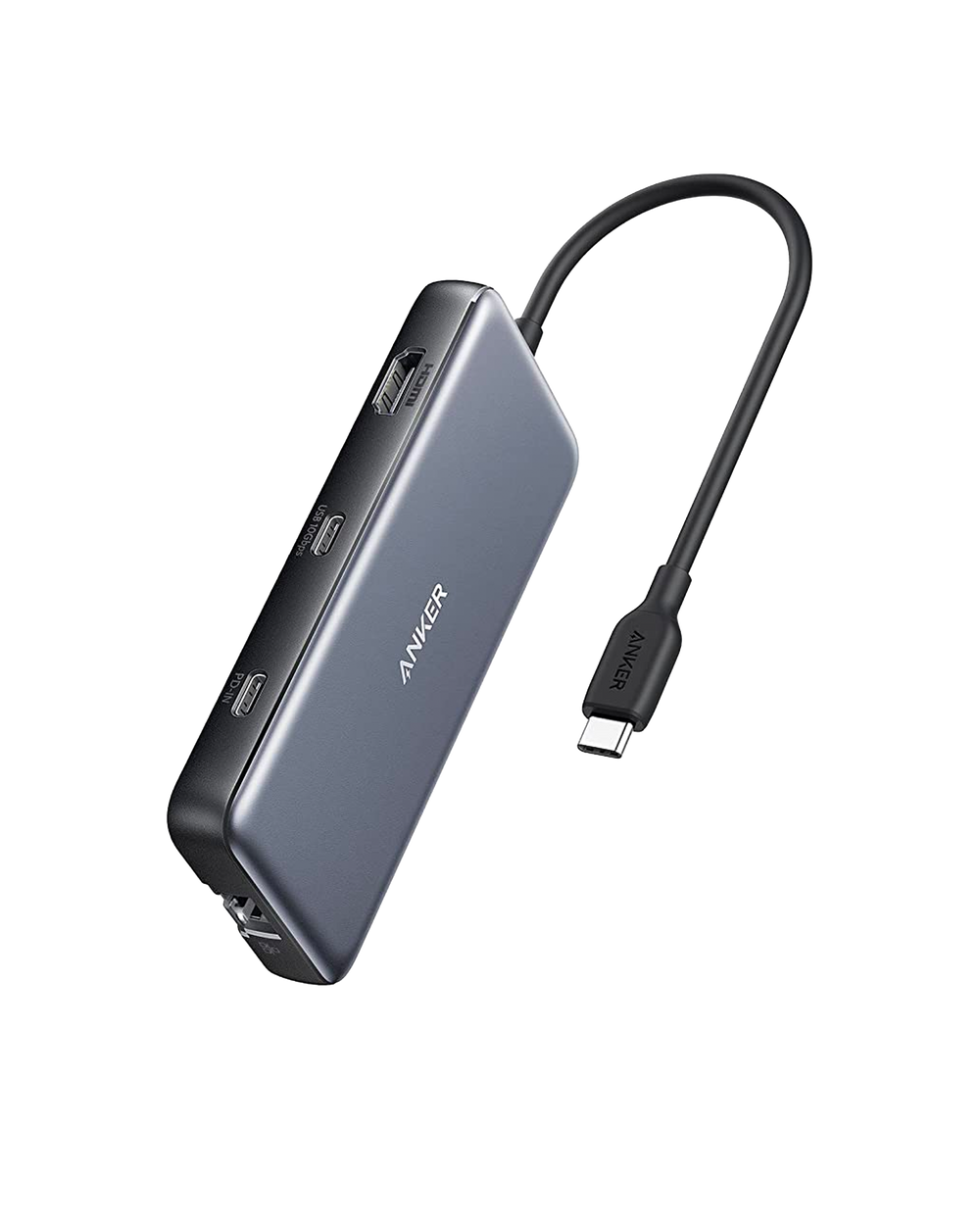 Anker 555 USB-C Hub — A8383 |
|---|---|---|
| USB data | 5 Gbps | 10 Gbps |
| HDMI maximum | 4K / 30 Hz | 4K / 60 Hz, host-dependent |
| Additional connections | 100 W input; up to 85 W to laptop | Gigabit Ethernet; SD/microSD; same charging limits |
Try a concrete connection list
For a laptop, HDMI monitor, USB keyboard and mouse, the 332’s missing Ethernet and card slots may be irrelevant. Add a camera card to that routine and the 555 removes the need for a separate reader. Add a wired network and its Ethernet port becomes useful too. Write the daily devices down; a socket that never gets used should not drive the choice.
For a 4K desk monitor, look up the laptop’s supported display mode before choosing between 30 Hz and 60 Hz output. Then check charger wattage separately. The 85 W laptop allowance is a ceiling with a suitable input, not what an old low-power phone charger will supply.
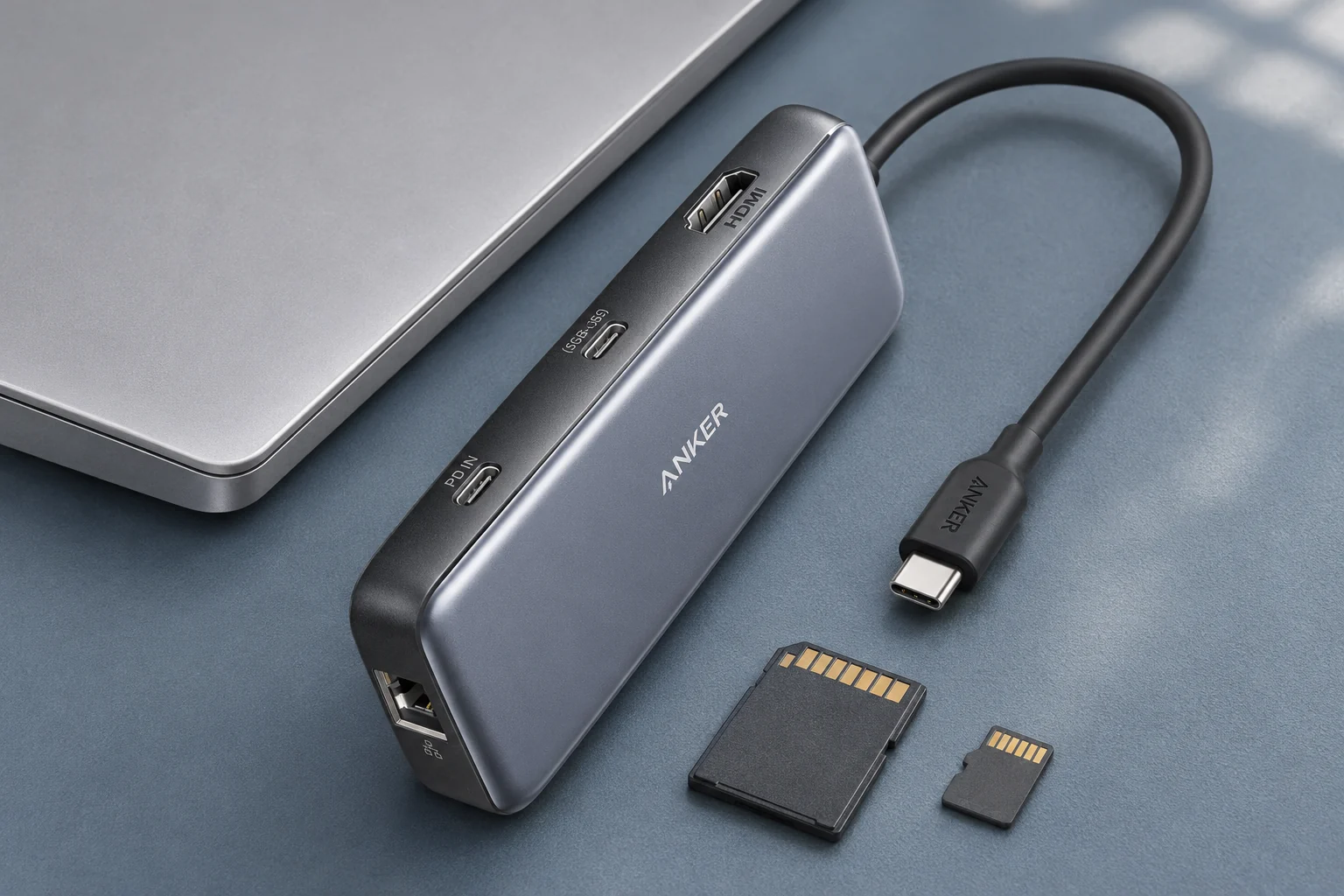
Count the connections before counting the ports
The Anker 332 A8355 has five ports, but one is a charging input. That leaves HDMI, two USB-A data ports and one USB-C data port. For a laptop attached to a monitor, a keyboard and a mouse, that can be enough. It has no Ethernet socket or card reader.
The 555 A8383 adds Gigabit Ethernet, SD and microSD slots. Its USB data ports are rated up to 10 Gbps, compared with 5 Gbps on the 332. Those additions matter if you regularly unload a camera card or plug into a wired network; they do little for a keyboard and mouse.
The display difference is 30 versus 60 Hz
The 332 lists HDMI output up to 4K at 30 Hz. The 555 lists up to 4K at 60 Hz with a compatible host. That is a meaningful distinction for a desk monitor, where the pointer and scrolling are visible all day. Check the laptop’s video-output specification as well as the hub: a USB-C socket must support the required display mode.
The 555’s USB-C data socket is not a second display output. Plug the monitor into HDMI. Do not plan a two-monitor setup merely because the hub has two USB-C-shaped sockets.
Keep the charger in the budget
Both models accept up to 100 W at the charging input and list up to 85 W for the laptop. The difference is the hub’s power allowance. A charger is separate, and a lower-powered charger does not become an 85 W supply by passing through the hub.
Choose the 332 for a modest set of USB devices and occasional HDMI. Choose the 555 when Ethernet, card slots or its higher display mode have a specific place in your daily setup. The exact model numbers are more useful than the port count when comparing listings.
Sources
- Anker 332 USB-C Hub — A8355 — manufacturer listingChecked November 15, 2026
- Anker 555 USB-C Hub — A8383 — manufacturer listingChecked November 15, 2026
- VESA: DisplayPort over USB-CChecked November 15, 2026