
Logitech K380s, MX Keys Mini and K400 Plus keyboards
Two compact typing keyboards and a keyboard with a touchpad should not be treated as interchangeable.
Keyboard layout and connection
Scroll sideways to compare.
| Compare | 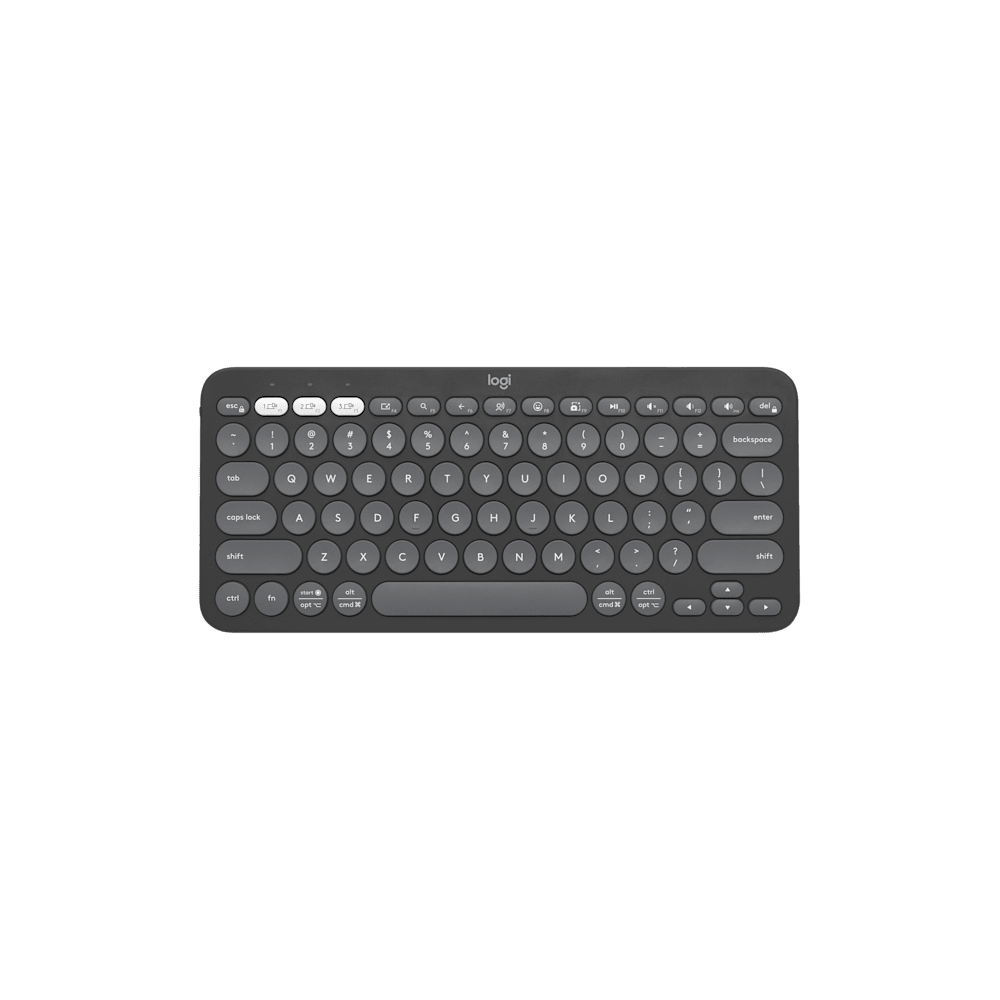 Logitech Pebble Keys 2 K380s — Graphite | 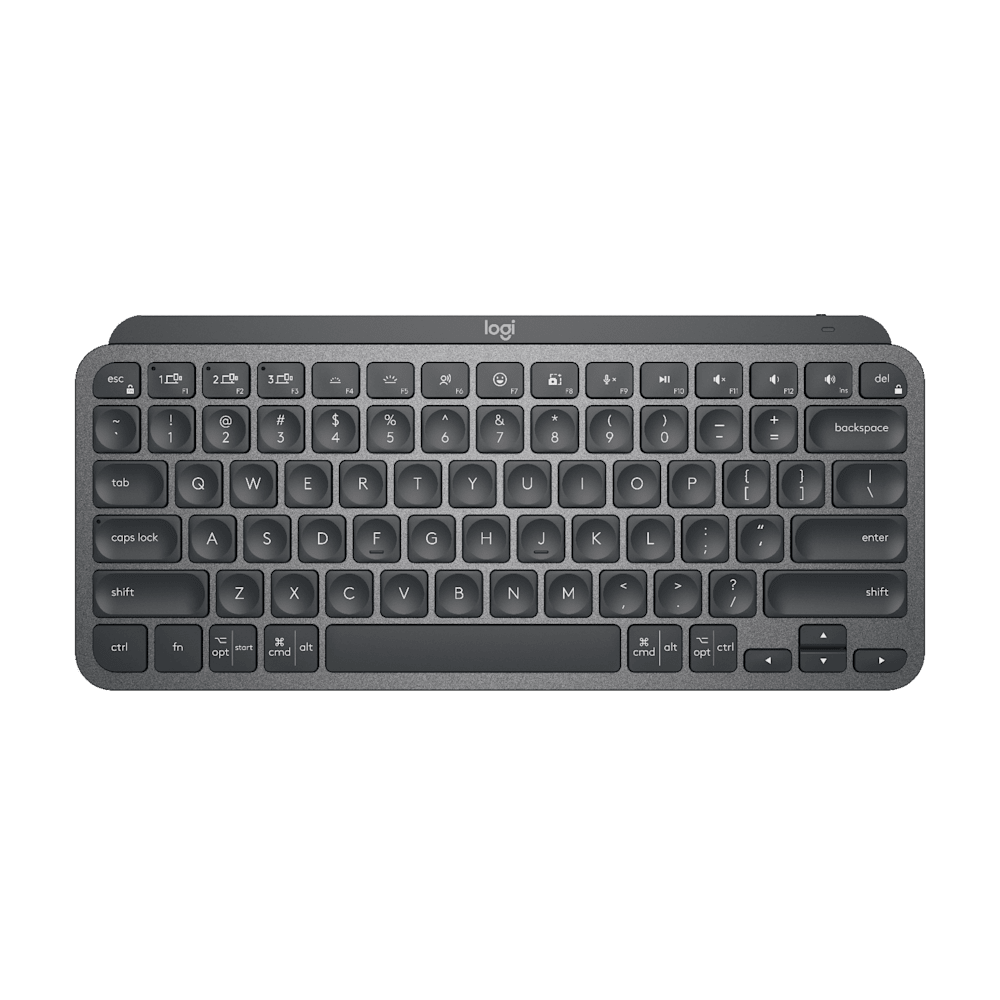 Logitech MX Keys Mini — Graphite | 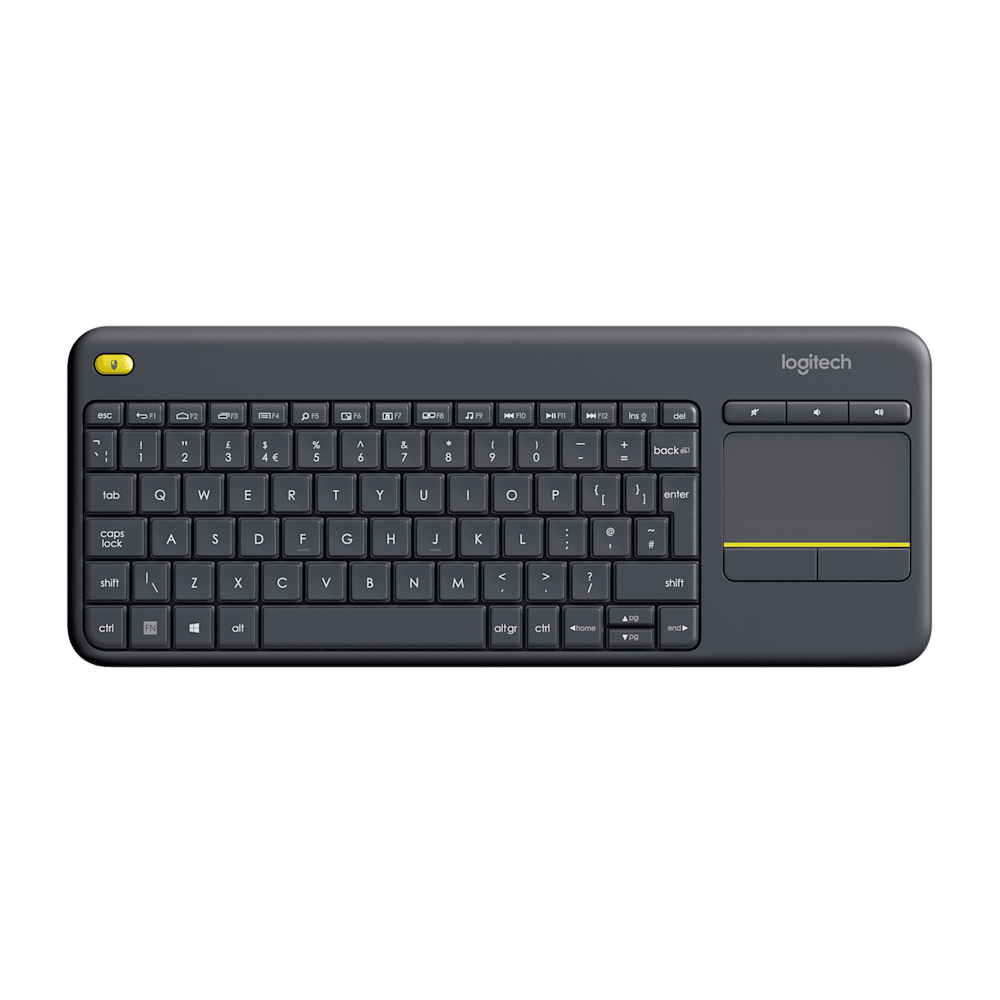 Logitech K400 Plus — Black |
|---|---|---|---|
| Width | 279 mm | 295.99 mm | 354.3 mm |
| Pointing device | Separate | Separate | Built-in touchpad |
| Connection | Bluetooth / optional Bolt | Bluetooth / optional Bolt | Included Unifying receiver |
Measure the whole working area
Use the listed widths as a starting point: 279 mm for K380s, 295.99 mm for MX Keys Mini and 354.3 mm for K400 Plus. Leave space for a separate mouse when comparing the first two. The K400’s integrated touchpad changes that calculation, particularly on a sofa or small side table.
The battery choice also changes the kit. K380s uses AAA cells; MX Keys Mini recharges over USB-C; K400 Plus uses AA cells. Pick the routine you prefer, then check the layout and platform support. A compact keyboard that makes frequent number entry awkward may save desk space at the expense of daily convenience.
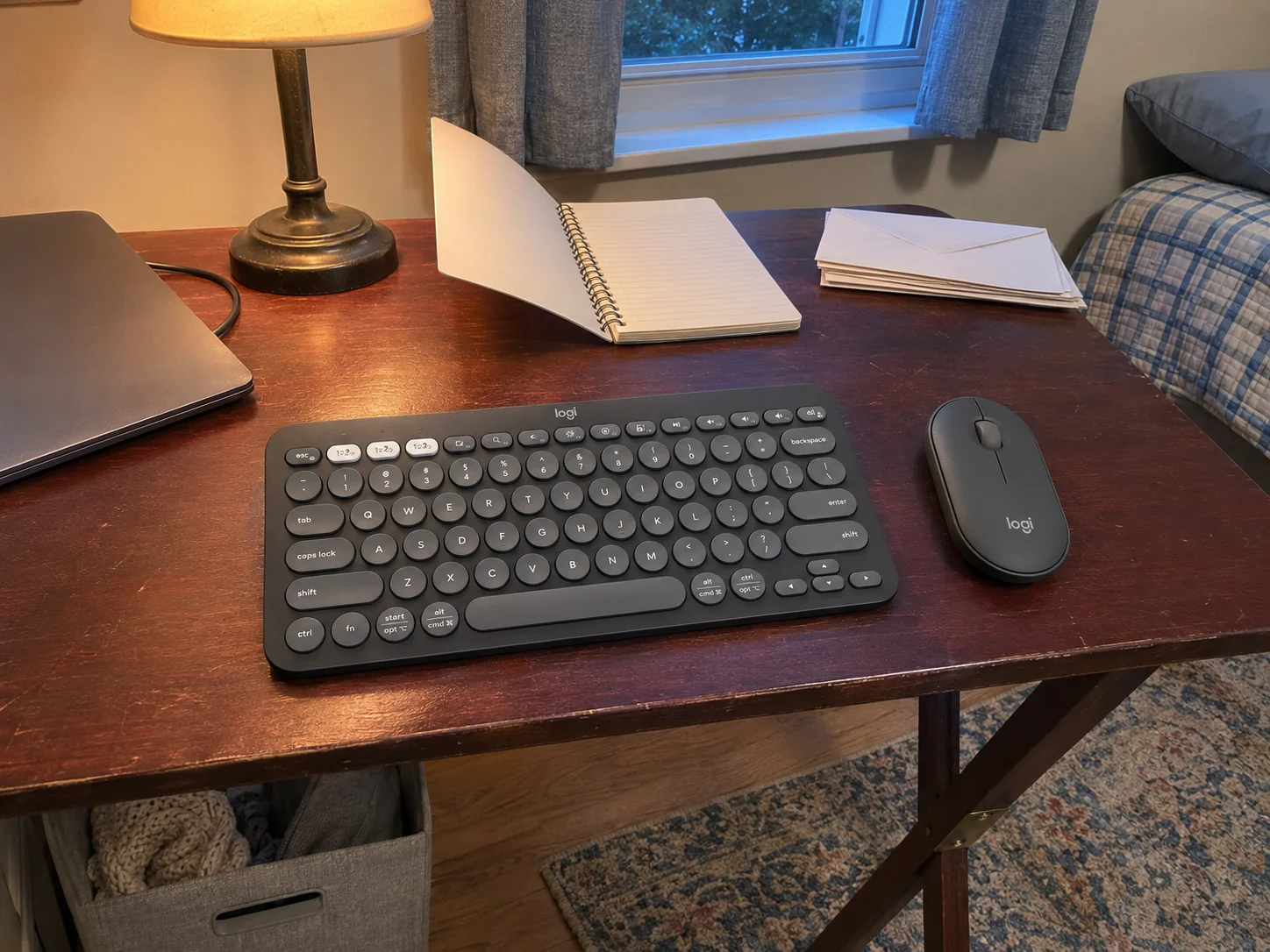
The smallest footprint is not the whole setup
The Pebble Keys 2 K380s is 279 mm wide. MX Keys Mini is about 296 mm wide, a difference of roughly 17 mm. Both leave the numeric keypad out and provide three-device pairing. A separate mouse or trackpad still needs space beside either keyboard.
K400 Plus is wider at 354.3 mm, but includes its own touchpad. For a computer connected to a television, that can mean one object to pick up and put down instead of a keyboard plus a loose mouse. For long desk work, the position and size of that touchpad become part of the decision.
Choose the connection your computer already has
K380s and MX Keys Mini use Bluetooth and support an optional Logi Bolt receiver. Neither includes that receiver in its individual package. K400 Plus uses the included Unifying USB receiver instead. The receiver families are different.
Logitech lists Windows, Android and ChromeOS for K400 Plus. Check the intended host’s compatibility before treating it as a universal television remote. A USB socket on a television does not, by itself, establish keyboard support.
Replaceable batteries or a charging cable
K380s takes two AAA batteries. K400 Plus takes two AA batteries. MX Keys Mini has a rechargeable battery and backlit keys. Its lighting is a tangible difference if you type in a dim room; it also creates a reason to keep a charging cable nearby.
Put a piece of paper on the desk at the keyboard’s width, then account for the pointing device. Choose K380s for a compact replaceable-battery keyboard, MX Keys Mini for rechargeable power and lighting, or K400 Plus when the integrated touchpad is the main reason to buy it.
Sources
- Logitech Pebble Keys 2 K380s — Graphite — manufacturer listingChecked November 15, 2026
- Logitech MX Keys Mini — Graphite — manufacturer listingChecked November 15, 2026
- Logitech K400 Plus — Black — manufacturer listingChecked November 15, 2026