
File transfer speeds in Gbps and MB/s
Bits, bytes and a few useful lower bounds for moving a 100 GB folder.
Use the conversion as a lower bound
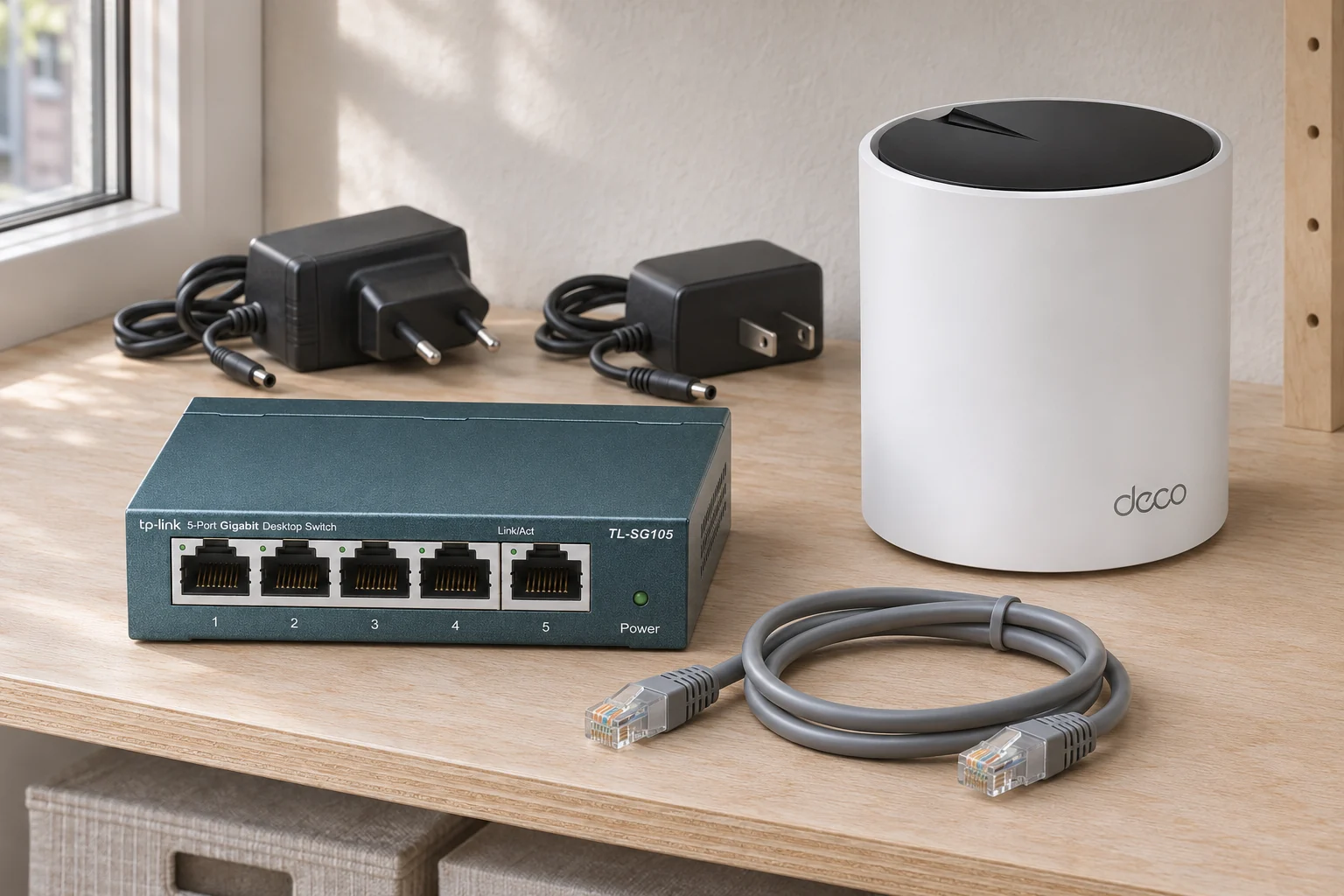
Divide bits by eight to compare a link label with file sizes in bytes. A 1 Gbps link has a theoretical 125 MB/s ceiling before protocol overhead; a 2.5 Gbps link has 312.5 MB/s. A 100 GB decimal transfer would therefore take at least 800 seconds at 1 Gbps even before other delays.
Use the calculator to see whether a faster connection could save enough time to matter. Then check whether the source drive, destination drive and both network interfaces can sustain that class of transfer. Replacing one switch does not remove every other limit.
Divide bits by eight
Network and USB link rates are usually written in bits per second. File-copy windows commonly show bytes per second. Eight bits make one byte, so 1 Gbps divided by eight is 125 MB/s when using decimal units. That is before overhead, not a measured file-copy speed.
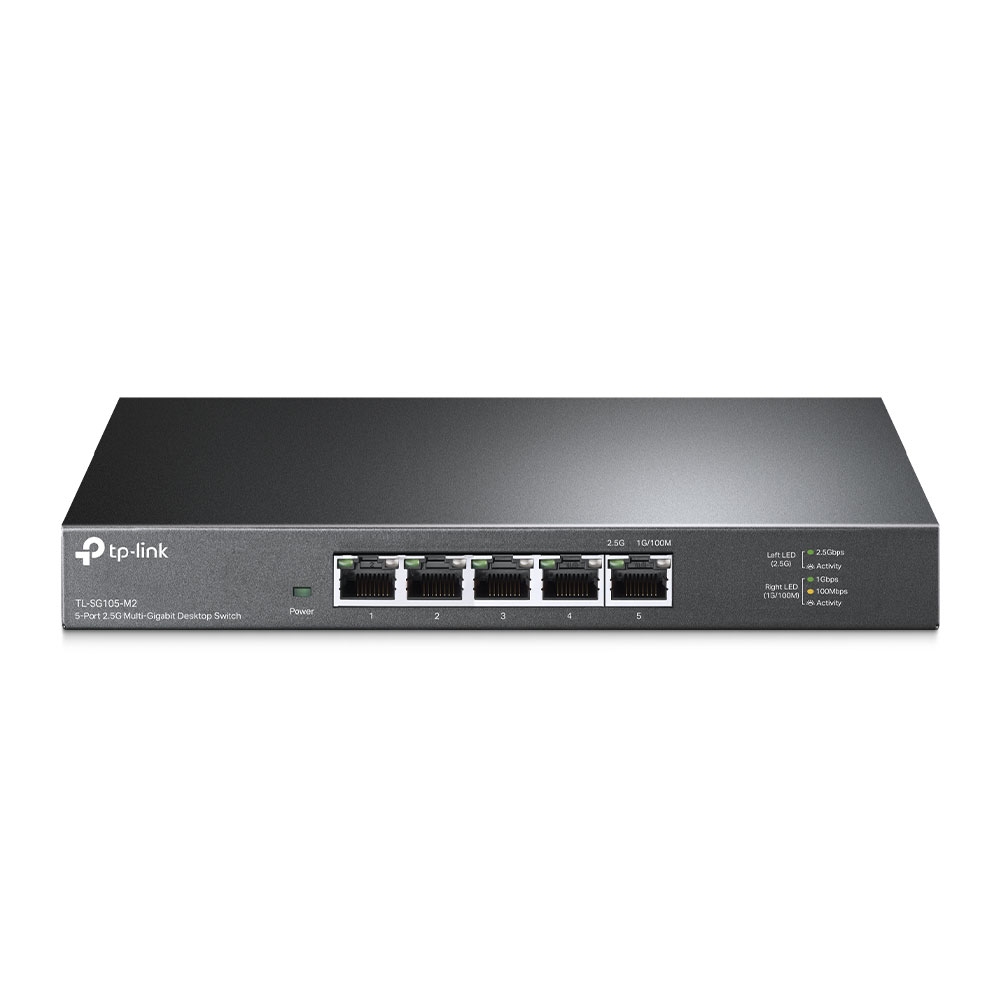
The UE300C is a Gigabit Ethernet adapter. Its USB-C connector does not turn the Ethernet side into a 10 Gbps link. The TL-SG105-M2 has 2.5 Gbps Ethernet ports, which correspond to 312.5 MB/s before overhead. A device connected at 1 Gbps still has its own lower limit.

Put a 100 GB copy on the clock
Using decimal units, 100 GB is 100,000 MB. At a raw 1 Gbps rate, the arithmetic is 100,000 ÷ 125 = 800 seconds: 13 minutes 20 seconds. At 2.5 Gbps the lower bound is 320 seconds, or 5 minutes 20 seconds.
Those numbers exclude protocol overhead and pauses, and assume the source and destination can keep up. Many small files, a slower drive or another transfer can change the result. Use these figures to reject impossible expectations, not to promise a completion time.
An observed speed is more useful for planning
If a representative copy holds around 80 MB/s, use that rate for a rough estimate: 100,000 ÷ 80 = 1,250 seconds, or 20 minutes 50 seconds. A future copy can still differ, but the assumption is now tied to your setup.
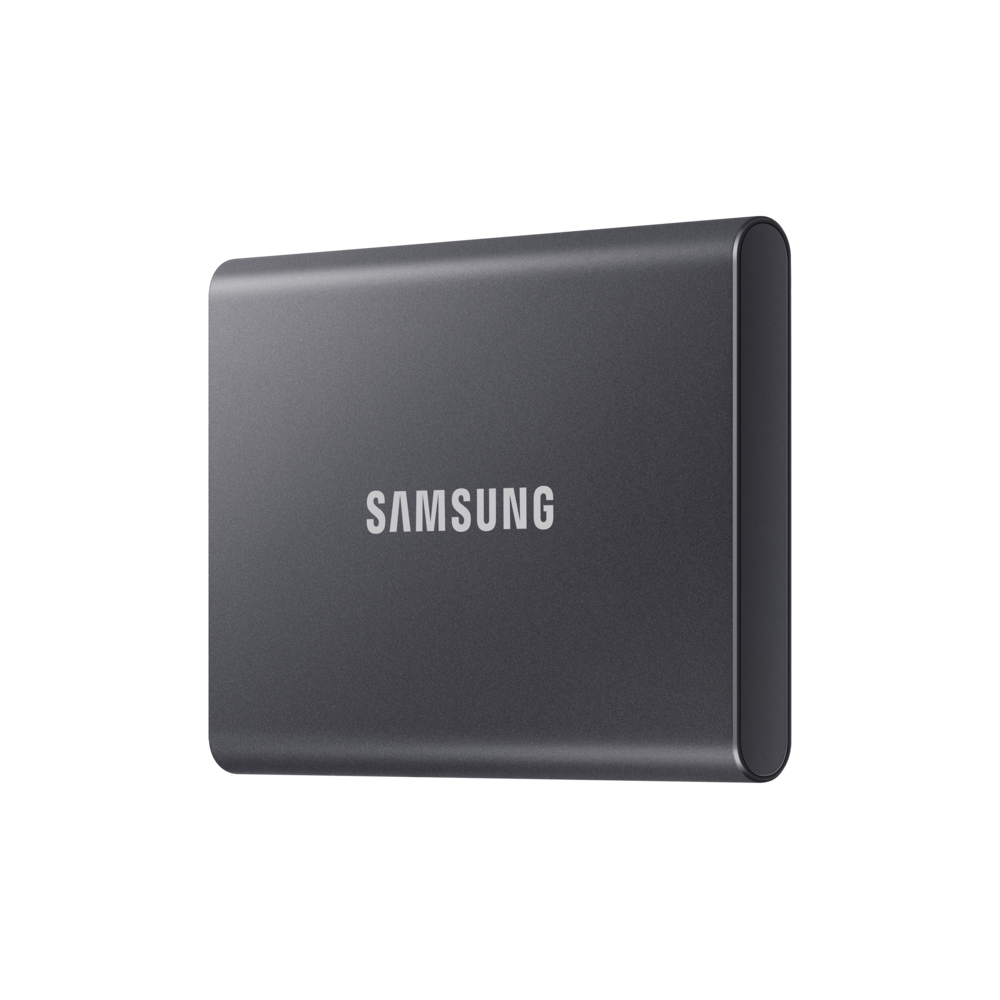
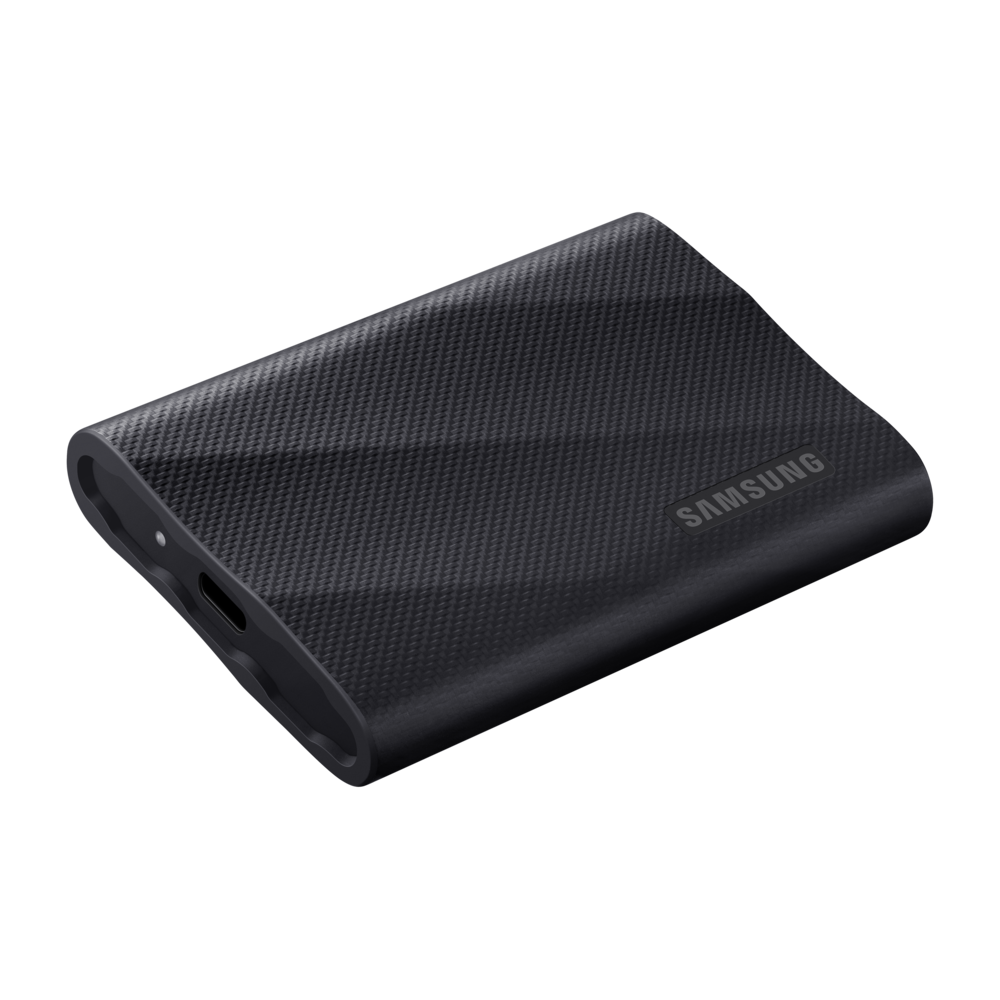
The transfer calculator accepts either a raw Gbps link rate or an observed MB/s rate and labels the result accordingly. When comparing a T7 with a T9, keep their manufacturer MB/s figures separate from USB interface Gbps.
Sources
- TP-Link UE300C — manufacturer listingChecked November 15, 2026
- TP-Link TL-SG105-M2 — manufacturer listingChecked November 15, 2026
- Samsung T7 2TB — Gray — manufacturer listingChecked November 15, 2026
- Samsung T9 2TB — Black — manufacturer listingChecked November 15, 2026
- USB-IF: USB 3.2 transfer ratesChecked November 15, 2026