File transfer speeds in Gbps and MB/s
Bits, bytes and a few useful lower bounds for moving a 100 GB folder.
Read article →
Buying guides
A switch solves a shortage of wired sockets. A router or mesh choice addresses a different part of the network. Start by identifying whether the problem is port count, local transfer speed or coverage in a particular room.
Leave one switch port for the connection upstream. For a mesh kit, choose locations and check possible Ethernet routes before buying several units. Those simple counts and drawings often settle the comparison faster than radio-rate labels.
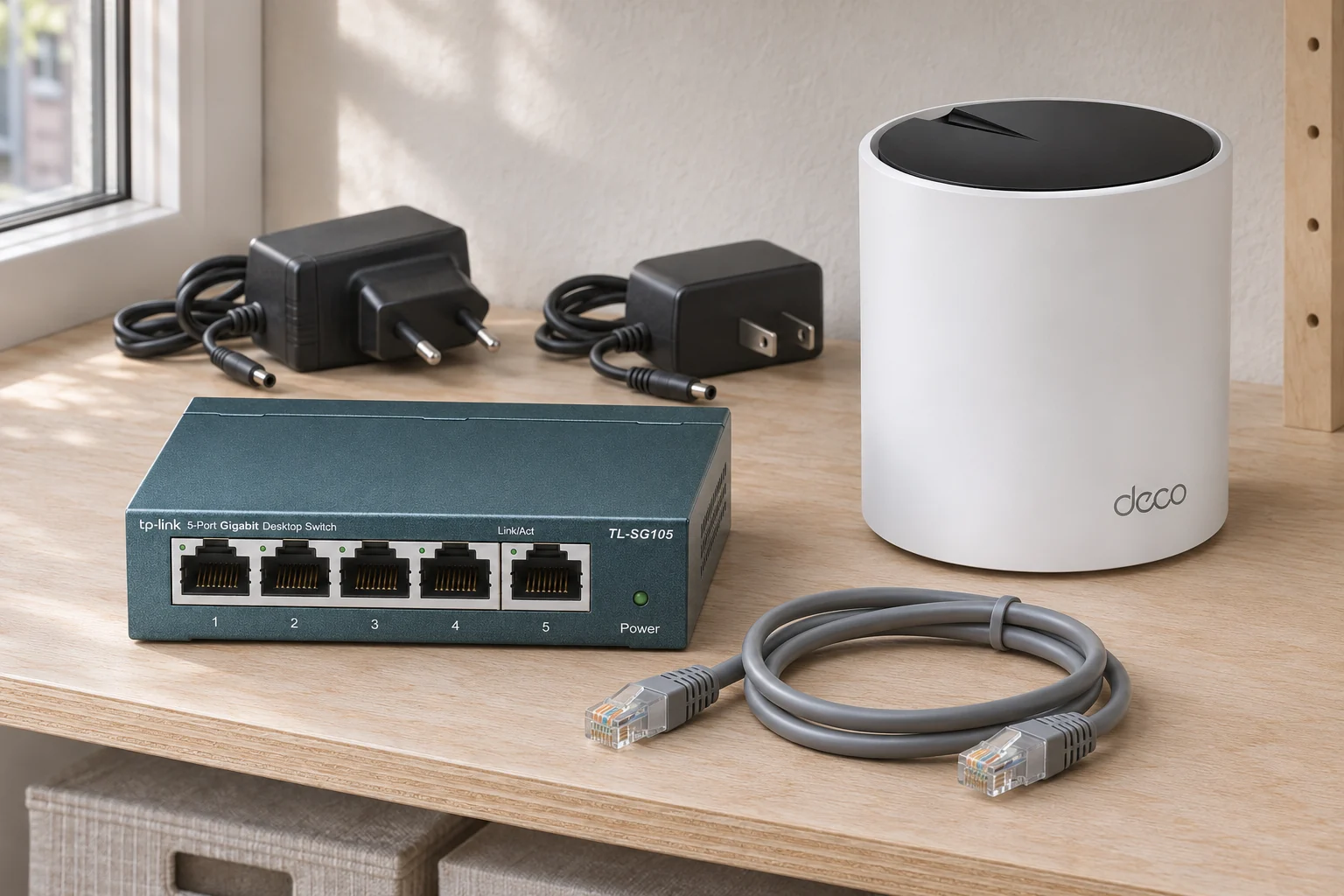
Work out whether the problem is radio placement, a shortage of wired sockets or the speed of a local transfer. A mesh kit, an Ethernet switch and a faster adapter each address a different part of the network.
Bits, bytes and a few useful lower bounds for moving a 100 GB folder.
Read article →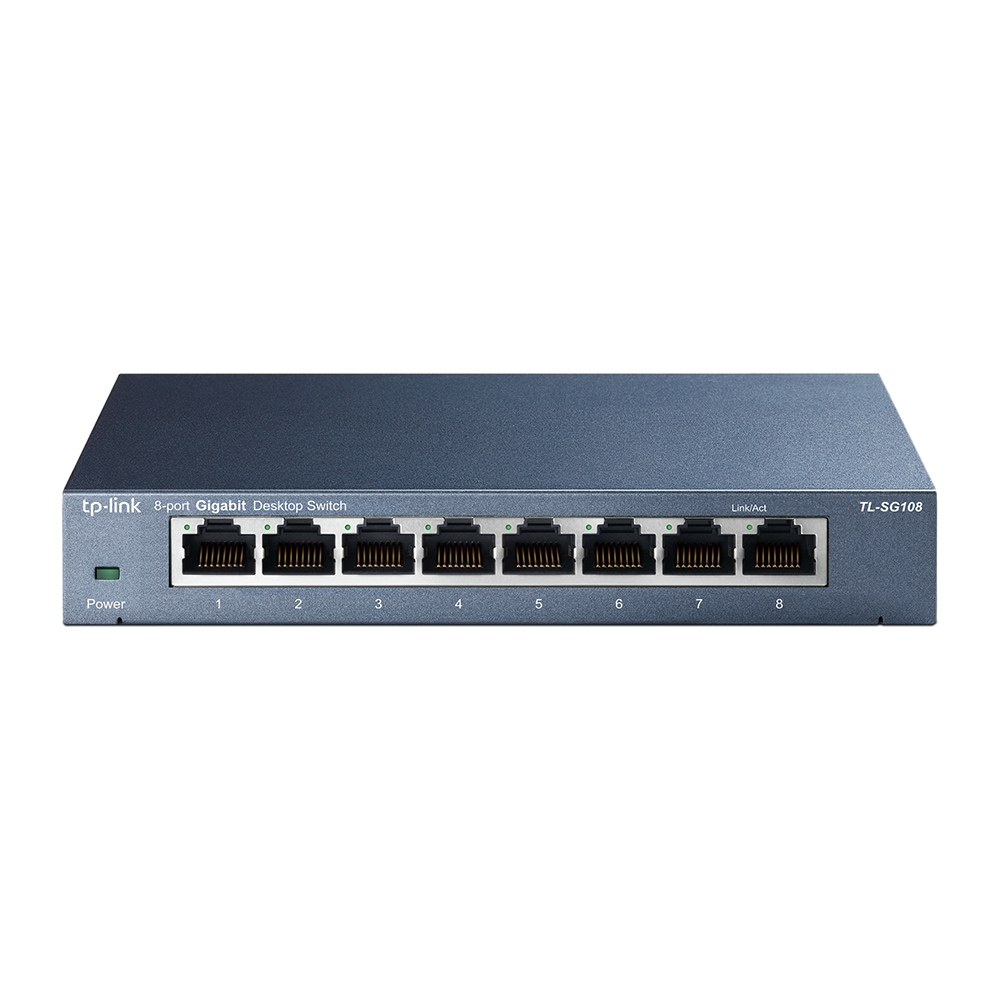
TL-SG105, TL-SG108 and TL-SG105-M2 compared by useful port count and link speed.
Read article →
The shared AX3000 label does not tell you where the radios or Ethernet sockets will be.
Read article →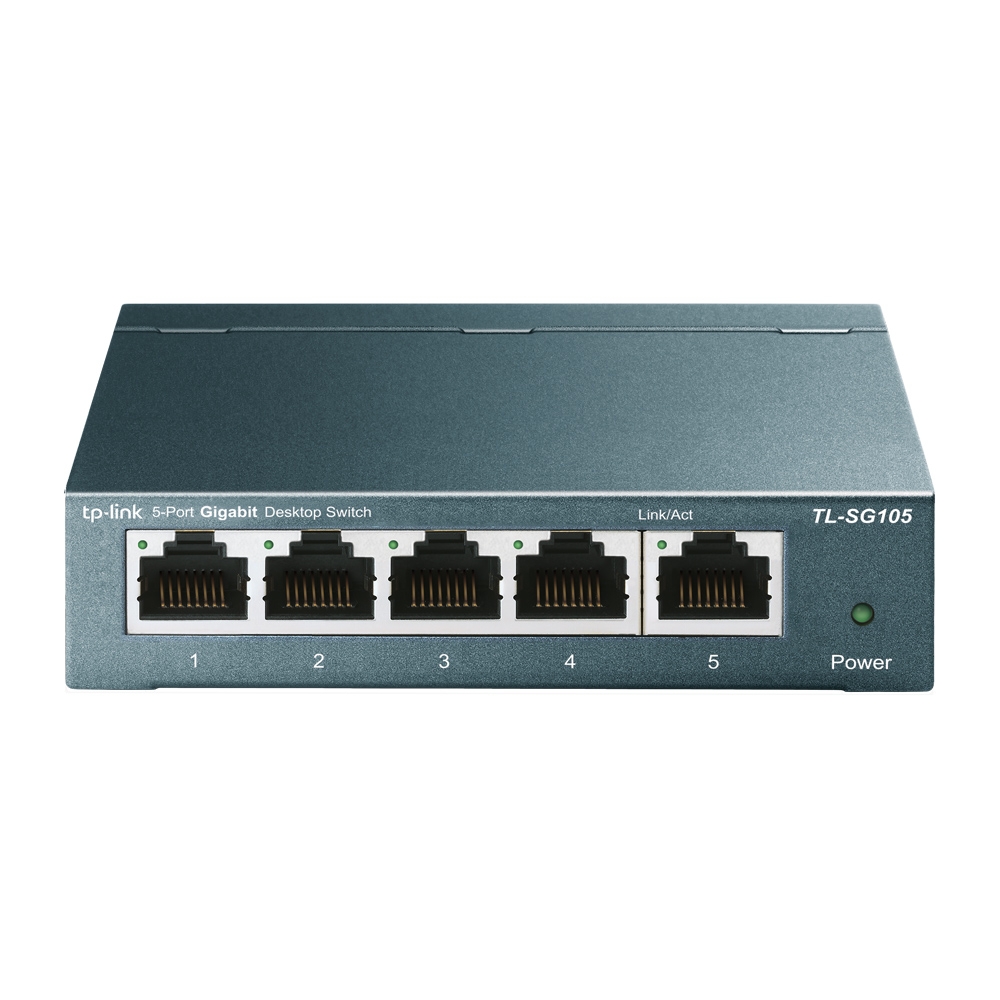 TP-Link TL-SG105A five-port unmanaged Gigabit Ethernet switch in a metal desktop enclosure.TP-Link TL-SG108An eight-port unmanaged Gigabit Ethernet switch for a larger group of wired devices.
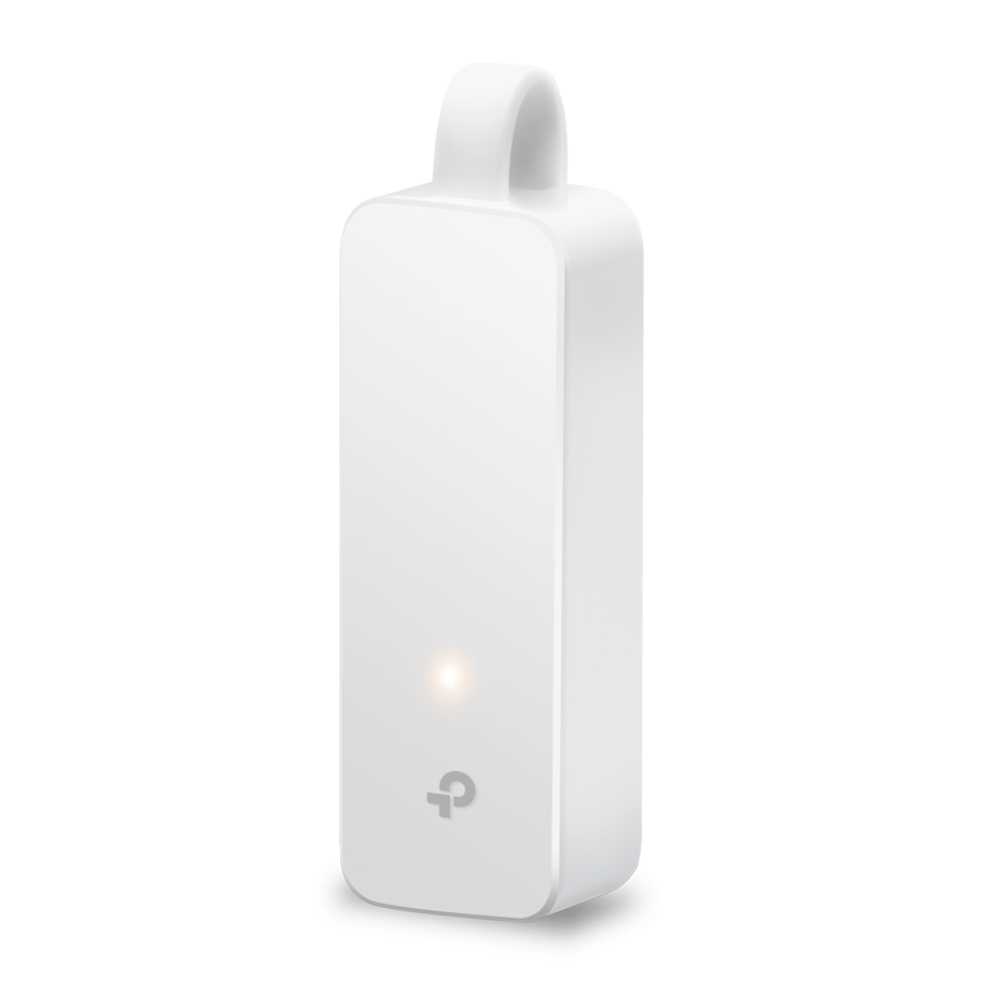
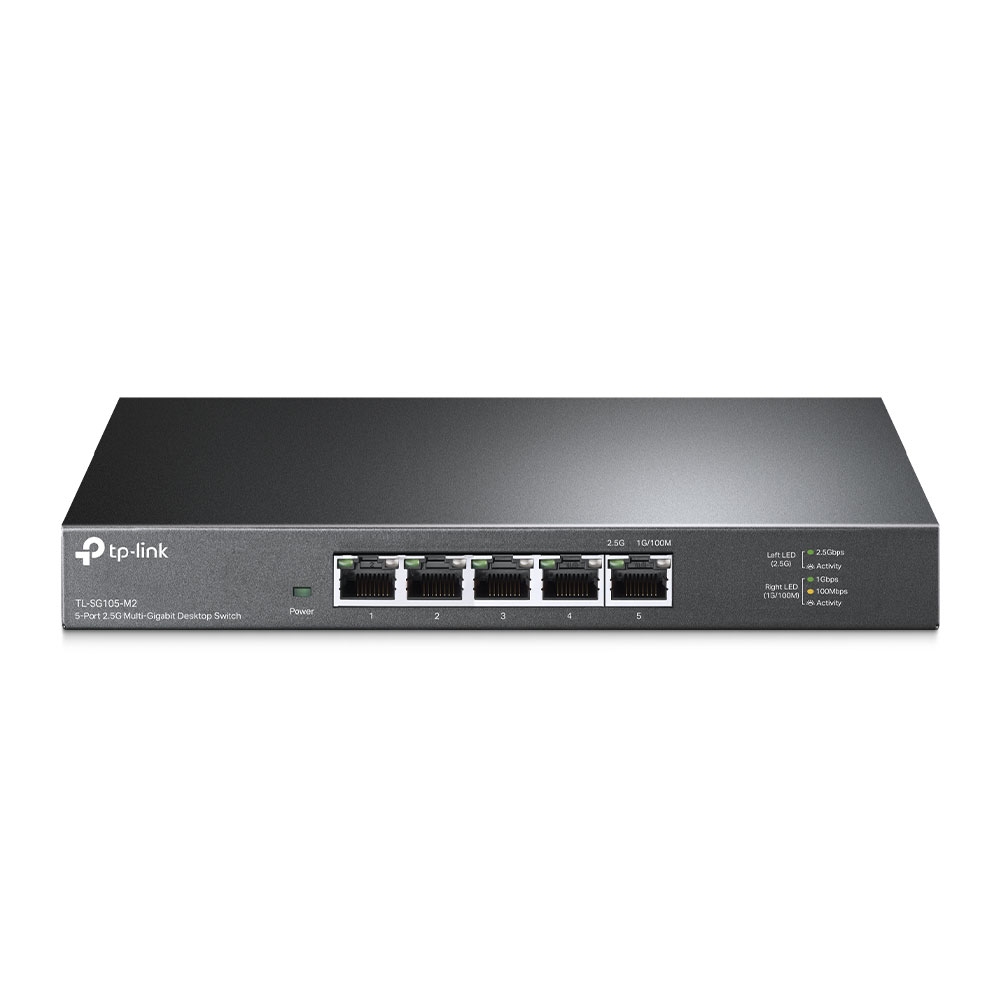 TP-Link TL-SG105-M2A five-port unmanaged switch with 2.5 Gigabit Ethernet on every port.TP-Link UE300CA USB-C adapter that adds a single Gigabit Ethernet port to a compatible computer.TP-Link Deco X55 — three-packA three-unit dual-band Wi-Fi 6 mesh kit with Gigabit Ethernet ports on each unit.
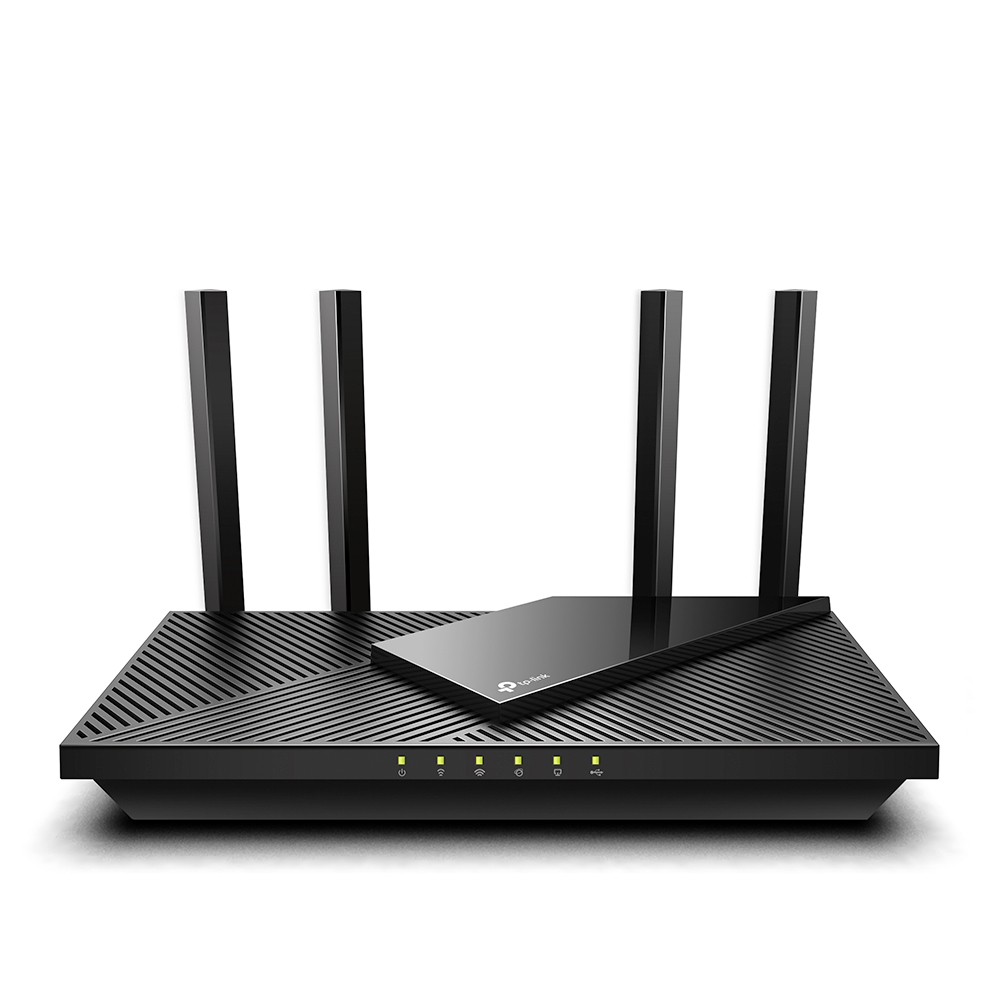 TP-Link Archer AX55A dual-band Wi-Fi 6 router with one Gigabit WAN port and four Gigabit LAN ports.
