
Logitech Brio 100, 300, 500 and C920s webcams
Brio 100, Brio 300, C920s and Brio 500 differ in focus, view angle and USB connector.
Camera differences
Scroll sideways to compare.
| Compare | 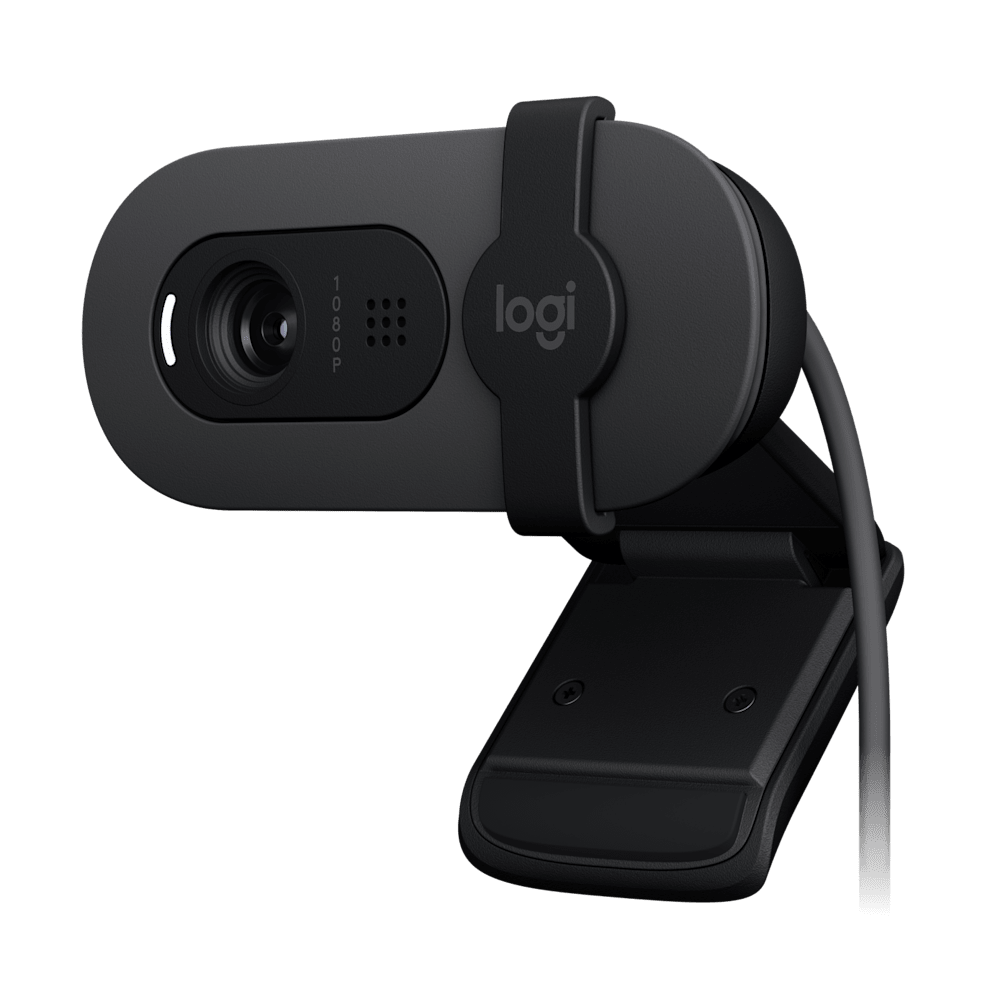 Logitech Brio 100 — Graphite | 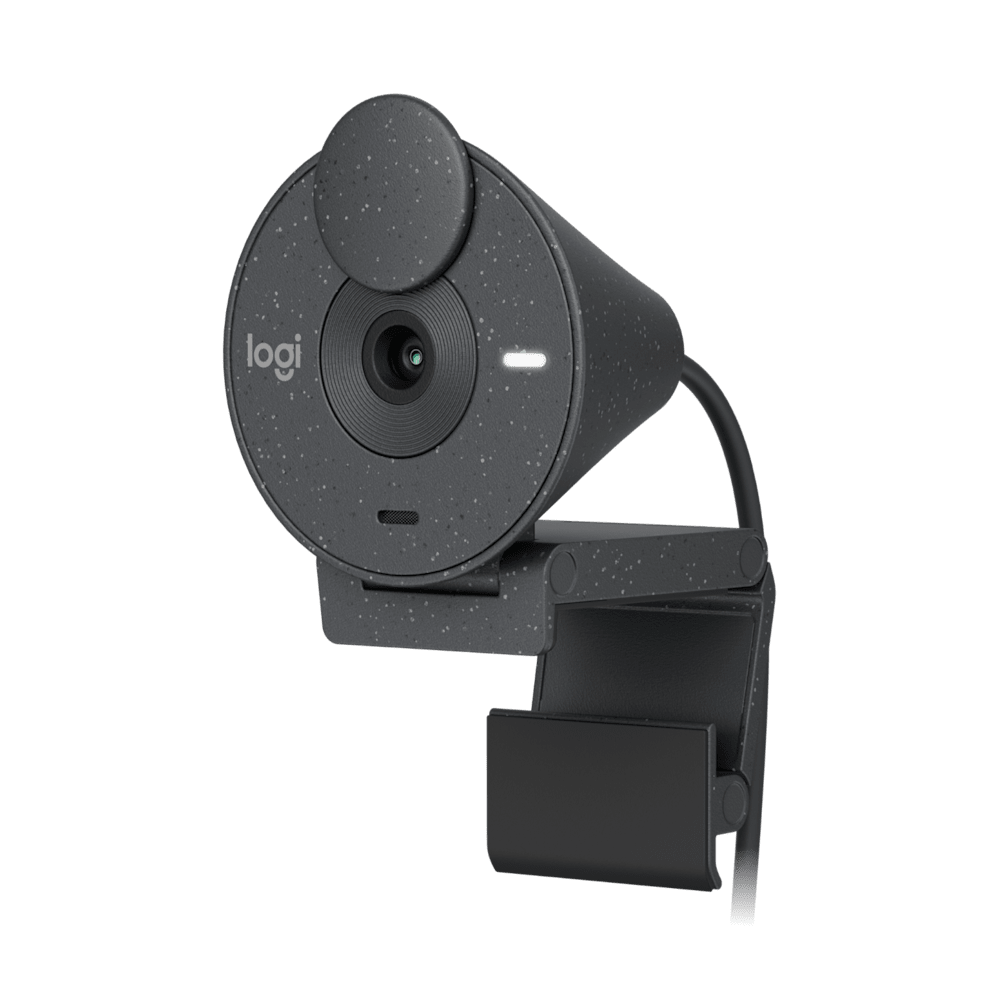 Logitech Brio 300 — Graphite | 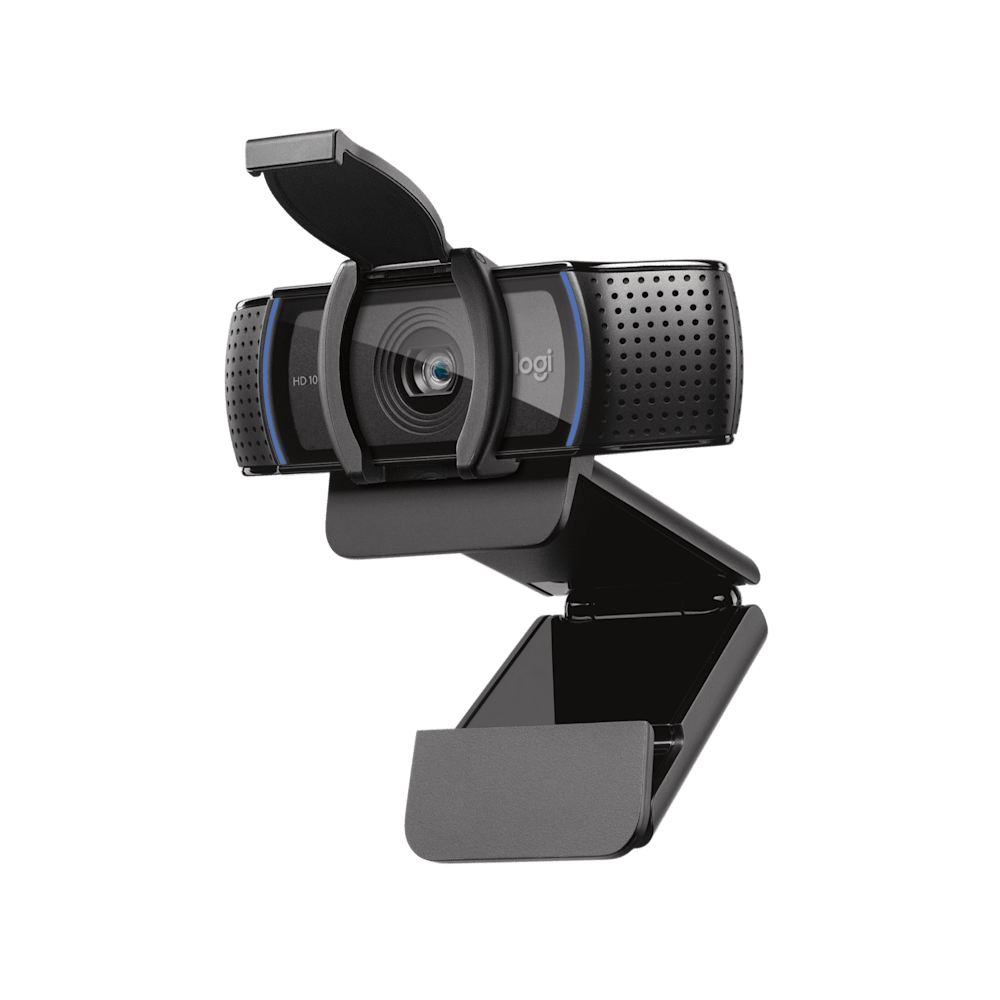 Logitech C920s — Black | 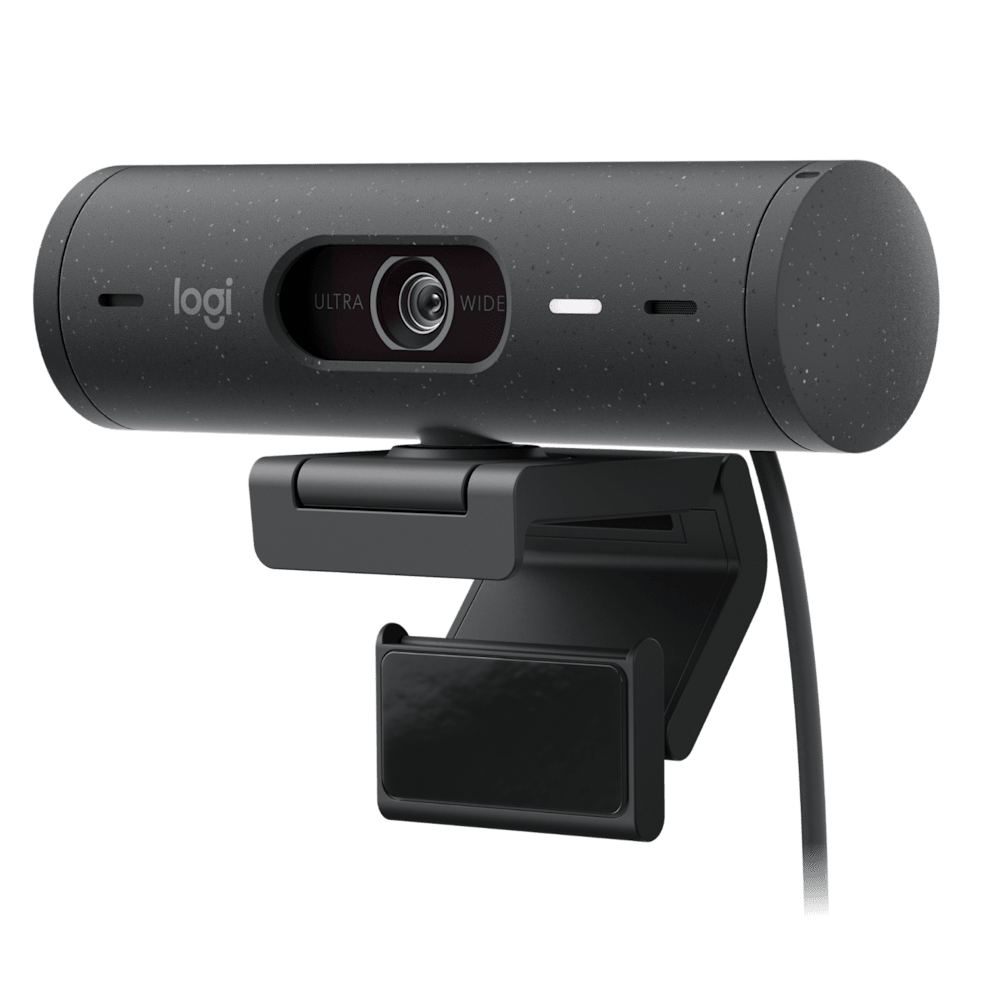 Logitech Brio 500 — Graphite |
|---|---|---|---|---|
| Connection | USB-A | USB-C | USB-A | USB-C |
| Focus | Fixed | Fixed | Autofocus | Autofocus |
| Diagonal view | 58° on store listing | 70° | 78° | 90° / 78° / 65° |
Check the picture you need to frame
Sit where you normally join calls and look at the room behind you. A narrow view may be enough for a single chair; a wider view may be useful for two people or a desk demonstration. The Brio 100, 300 and C920s have different fixed views, while the Brio 500 provides selectable framing.
Then decide whether the camera will mostly see your face at one distance or objects moving toward the lens. That separates fixed-focus models from autofocus options. Finally check USB-A versus USB-C and the monitor’s available mounting edge; these mundane details can be more consequential than buying another 1080p camera.
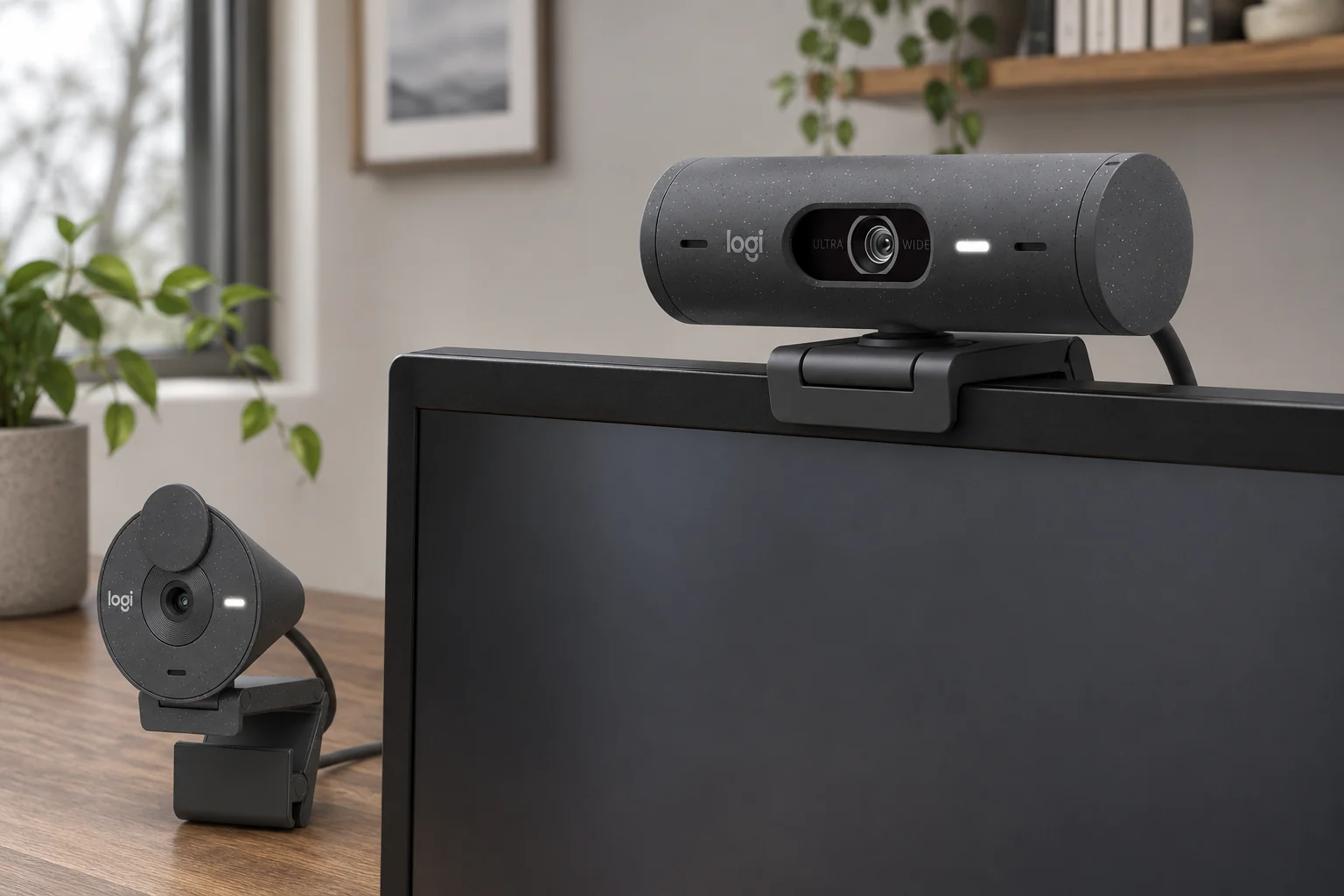
Start with what should appear behind you
A narrow view can keep more of a small room out of frame. A wider view leaves space for a second person or a demonstration. Logitech lists a 58-degree diagonal view for the Brio 100, 70 degrees for the Brio 300 and 78 degrees for the C920s. The Brio 500 offers 90, 78 and 65-degree settings.
These are diagonal angles, not horizontal room widths. Camera position still matters. Before choosing, decide whether the camera will sit on a close laptop screen or a monitor farther across the desk.
Fixed focus and autofocus are different purchases
The Brio 100 and 300 use fixed focus. That can suit a seated call with a consistent working distance. The C920s and Brio 500 have autofocus, which is a more relevant feature if your position changes or you hold an object near the lens. It does not guarantee that every object will focus at every distance.
All four list 1080p at 30 frames per second. The Brio 500 also lists 720p at 60 fps. That higher frame rate comes with a lower resolution; it is not a 1080p60 mode. Your calling application also decides which available mode it uses.
Check the cable before the feature list
Brio 100 and C920s connect by USB-A. Brio 300 and 500 use USB-C. Pick a connection that fits the computer or hub already on the desk, leaving room for a headset and other peripherals.
Each model provides a physical lens cover, though the mechanism differs. Choose by the framing, focus and connector you need. Resolution alone cannot tell you which camera will suit your seating position, and it cannot predict the lighting in your room.
Sources
- Logitech Brio 100 — Graphite — manufacturer listingChecked November 15, 2026
- Logitech Brio 300 — Graphite — manufacturer listingChecked November 15, 2026
- Logitech C920s — Black — manufacturer listingChecked November 15, 2026
- Logitech Brio 500 — Graphite — manufacturer listingChecked November 15, 2026
- Logitech Brio 300 specificationChecked November 15, 2026
- Logitech Brio 500 specificationChecked November 15, 2026