
Keyboards and mice for two computers
Three-device pairing is useful, but the keyboard, mouse and USB receiver still need to be chosen separately.
Multi-device pairs
Scroll sideways to compare.
| Compare | 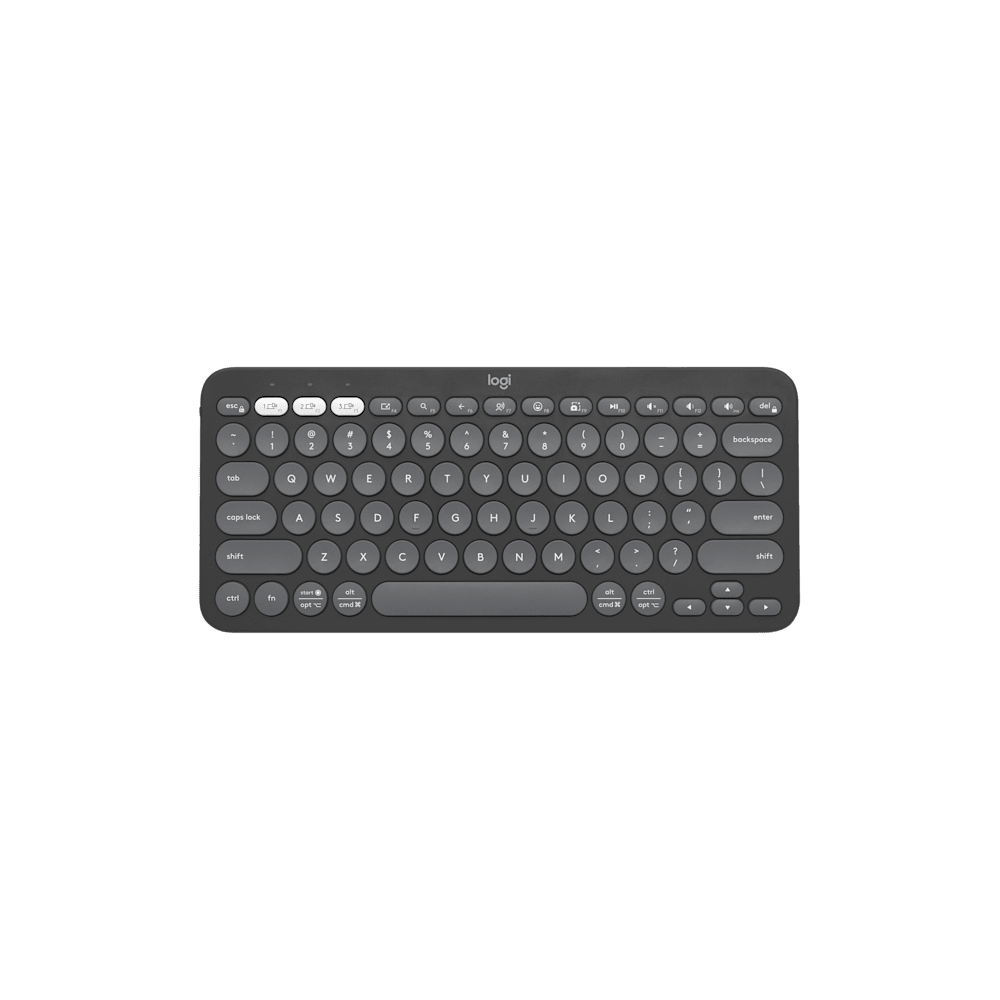 Logitech Pebble Keys 2 K380s — Graphite | 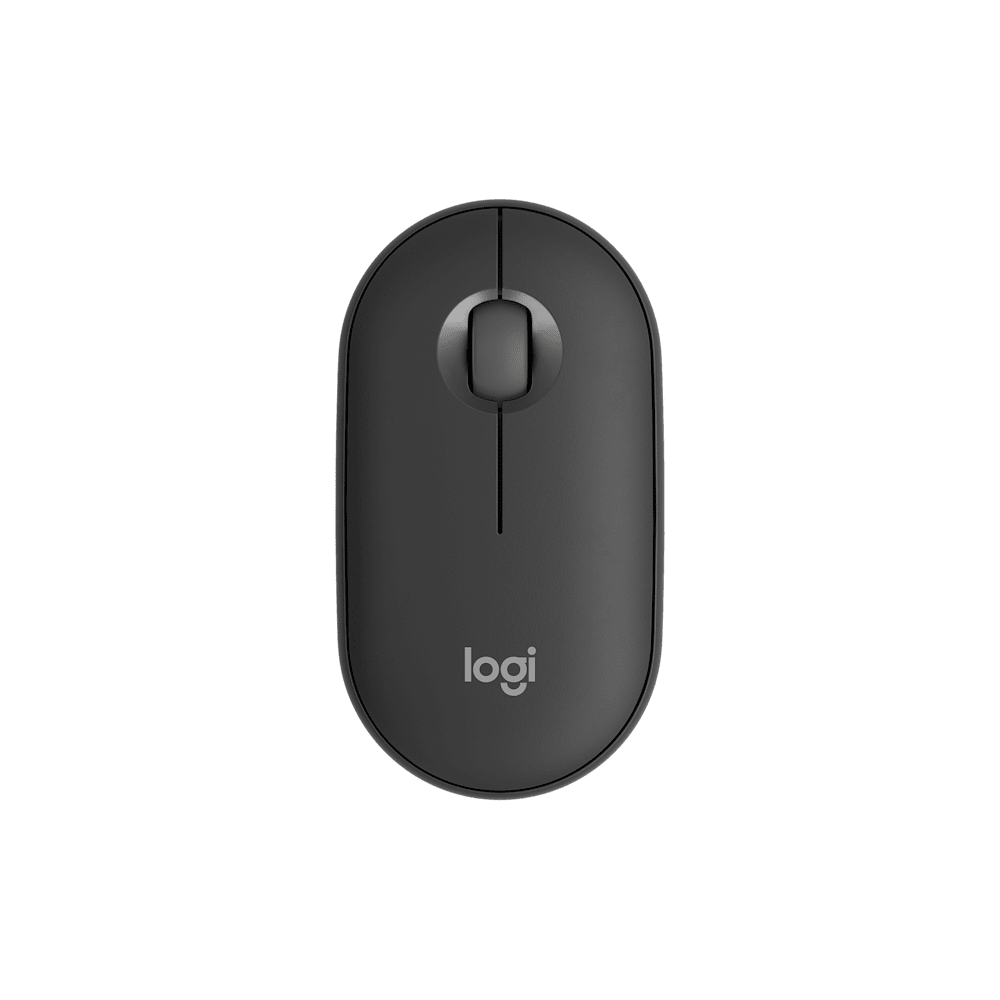 Logitech Pebble Mouse 2 M350s — Graphite | 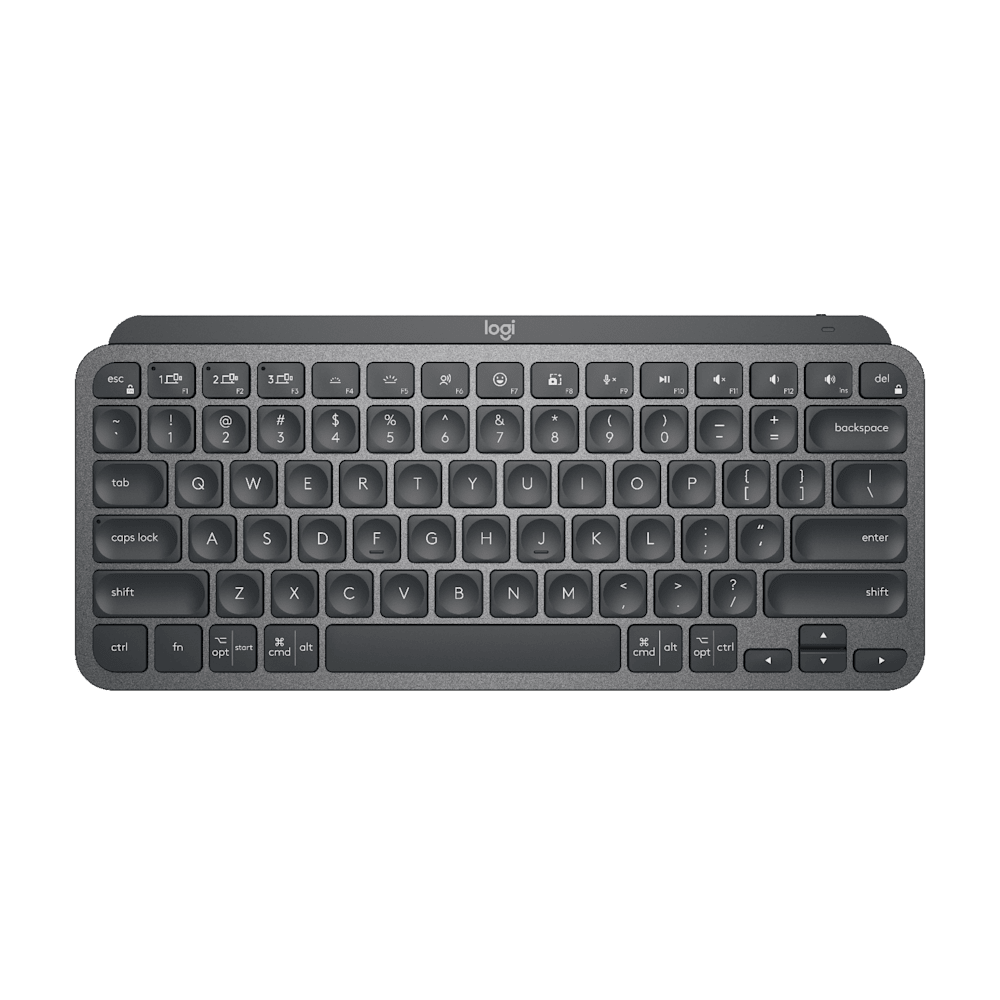 Logitech MX Keys Mini — Graphite | 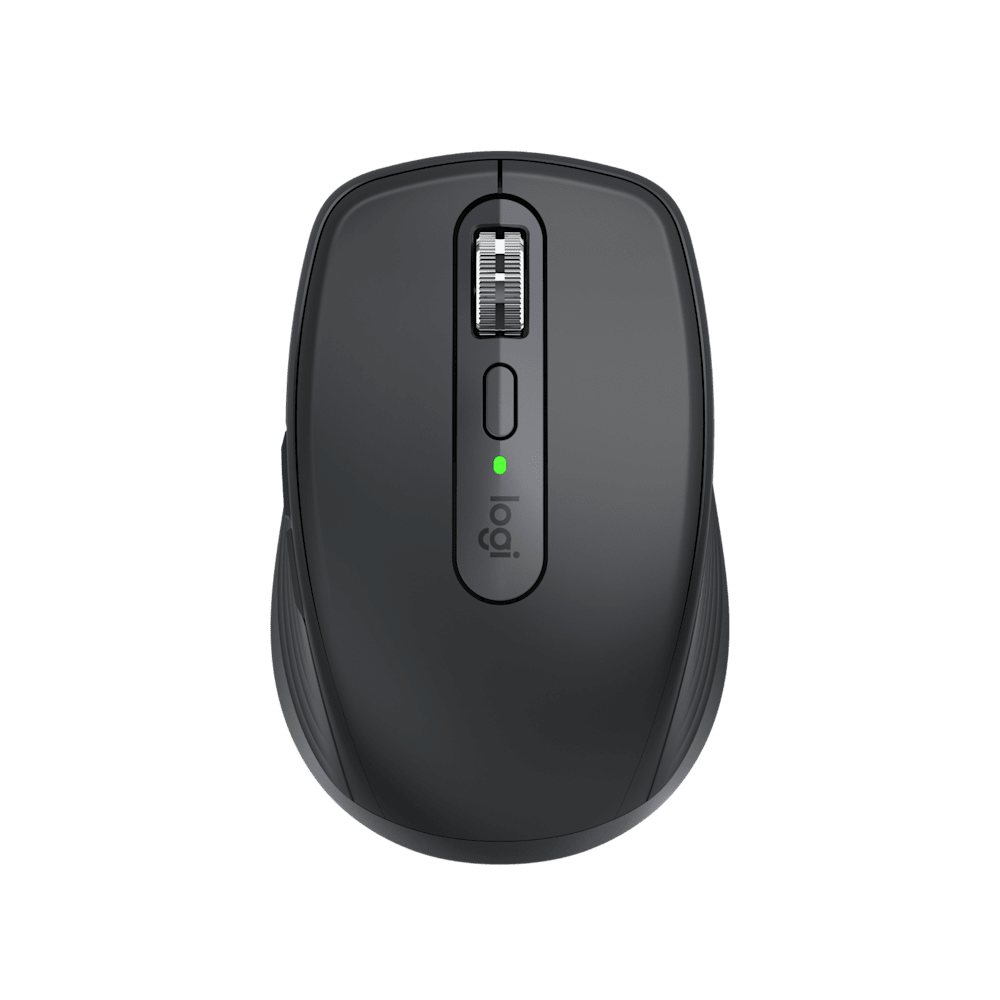 Logitech MX Anywhere 3S — Graphite |
|---|---|---|---|---|
| Paired devices | Up to 3 | Up to 3 | Up to 3 | Up to 3 |
| Power | Two AAA | One AA | USB-C rechargeable | USB-C rechargeable |
| Receiver in individual package | Not included | Not included | Not included | Not included |
Give each computer a consistent slot
If both devices have three-device switching, pair the work computer to the same numbered slot on the keyboard and mouse, then do the same for the personal computer. That makes the switch easier to remember. Test both devices after changing computers so an accidental click does not land on the machine you just left.
Receiver families still need attention. The K400 Plus uses Unifying, the M650 includes Bolt, and the other listed Bolt-compatible devices may omit a receiver. A drawer full of Logitech dongles does not establish that the one you already own matches the new device.
Sources for these notes
- Logitech Pebble Mouse 2 M350s — Graphite — manufacturer listing
- Logitech Pebble Keys 2 K380s — Graphite — manufacturer listing
- Logitech Signature M650 — Graphite, medium — manufacturer listing
- Logitech MX Anywhere 3S — Graphite — manufacturer listing
- Logitech MX Keys Mini — Graphite — manufacturer listing
Pairing saves unplugging
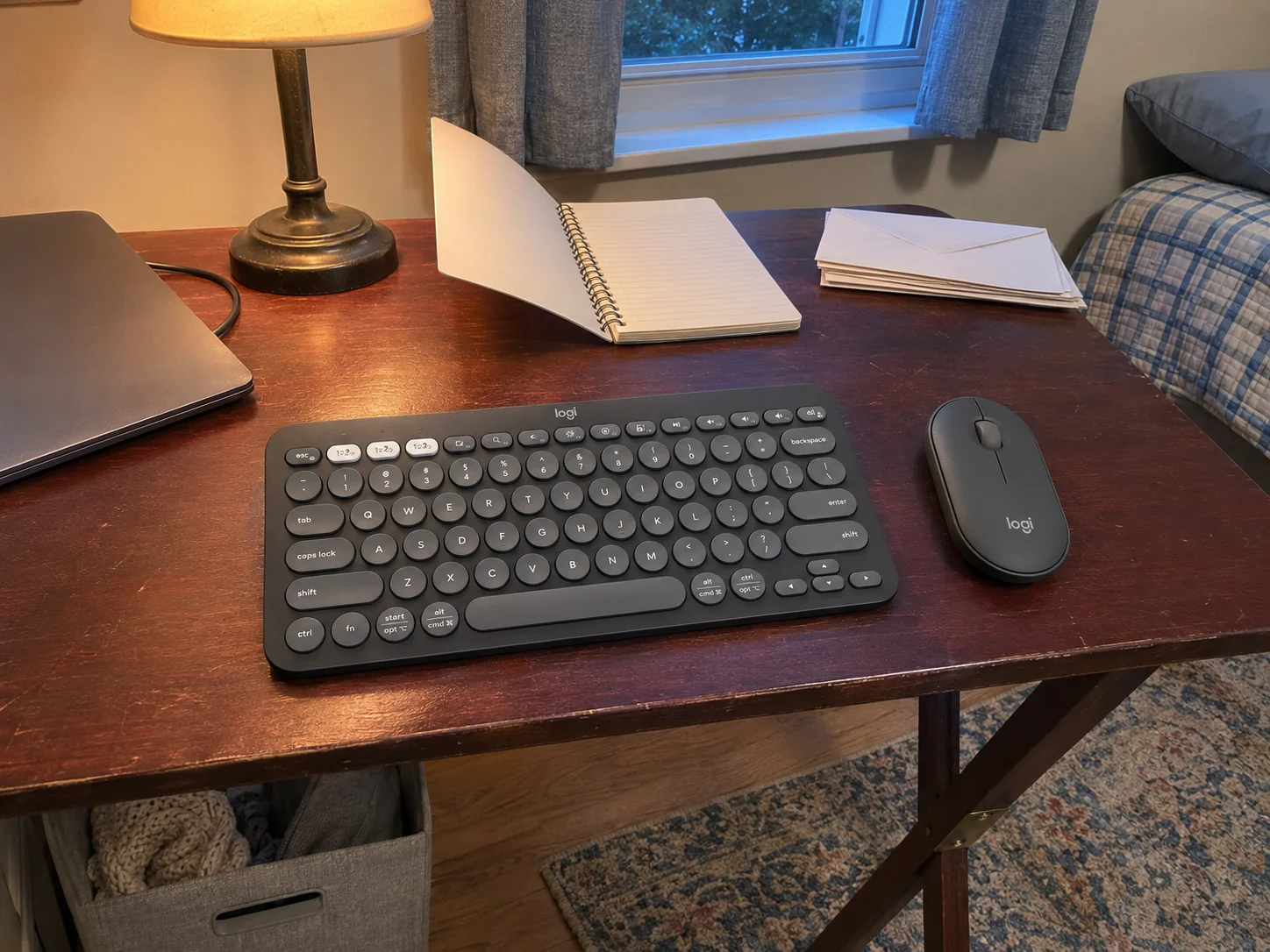
Pebble Keys 2 K380s and Pebble Mouse 2 M350s can each pair with up to three devices. The MX Keys Mini and MX Anywhere 3S offer the same three-device count. That makes a work laptop and a personal computer a reasonable pairing, with one slot left for another device.
Set up both input devices on both computers before relying on the arrangement. Keep the laptop’s built-in keyboard or trackpad available while pairing. A device-switching button is useful only after its destination has been configured.
Treat the receiver as a separate item
The four multi-device models here support Bluetooth and are compatible with Logi Bolt, but their individual retail packages do not include a Bolt receiver. A computer with suitable Bluetooth may need no receiver. A desktop without it needs another plan.
The Signature M650 includes a Bolt receiver, but it is not the three-device-switching model in this comparison. An included dongle and multi-device pairing solve different problems. Do not assume that another mouse with a similar shape has the same switching controls.
Match the receiver family
A Logi Bolt device does not become compatible with an older Unifying receiver because both carry Logitech branding. The K380s is also a different model from the older K380. Keep the complete names when buying a replacement or a bundle.
For a two-computer setup, write down which connection each machine will use and where its receiver will live. Then decide between replaceable batteries on the Pebble pair and rechargeable batteries on the MX pair. This is usually more useful than buying extra functions before the basic switching arrangement is settled.
Sources
- Logitech Pebble Keys 2 K380s — Graphite — manufacturer listingChecked November 15, 2026
- Logitech Pebble Mouse 2 M350s — Graphite — manufacturer listingChecked November 15, 2026
- Logitech MX Keys Mini — Graphite — manufacturer listingChecked November 15, 2026
- Logitech MX Anywhere 3S — Graphite — manufacturer listingChecked November 15, 2026
- Logitech Signature M650 — Graphite, medium — manufacturer listingChecked November 15, 2026