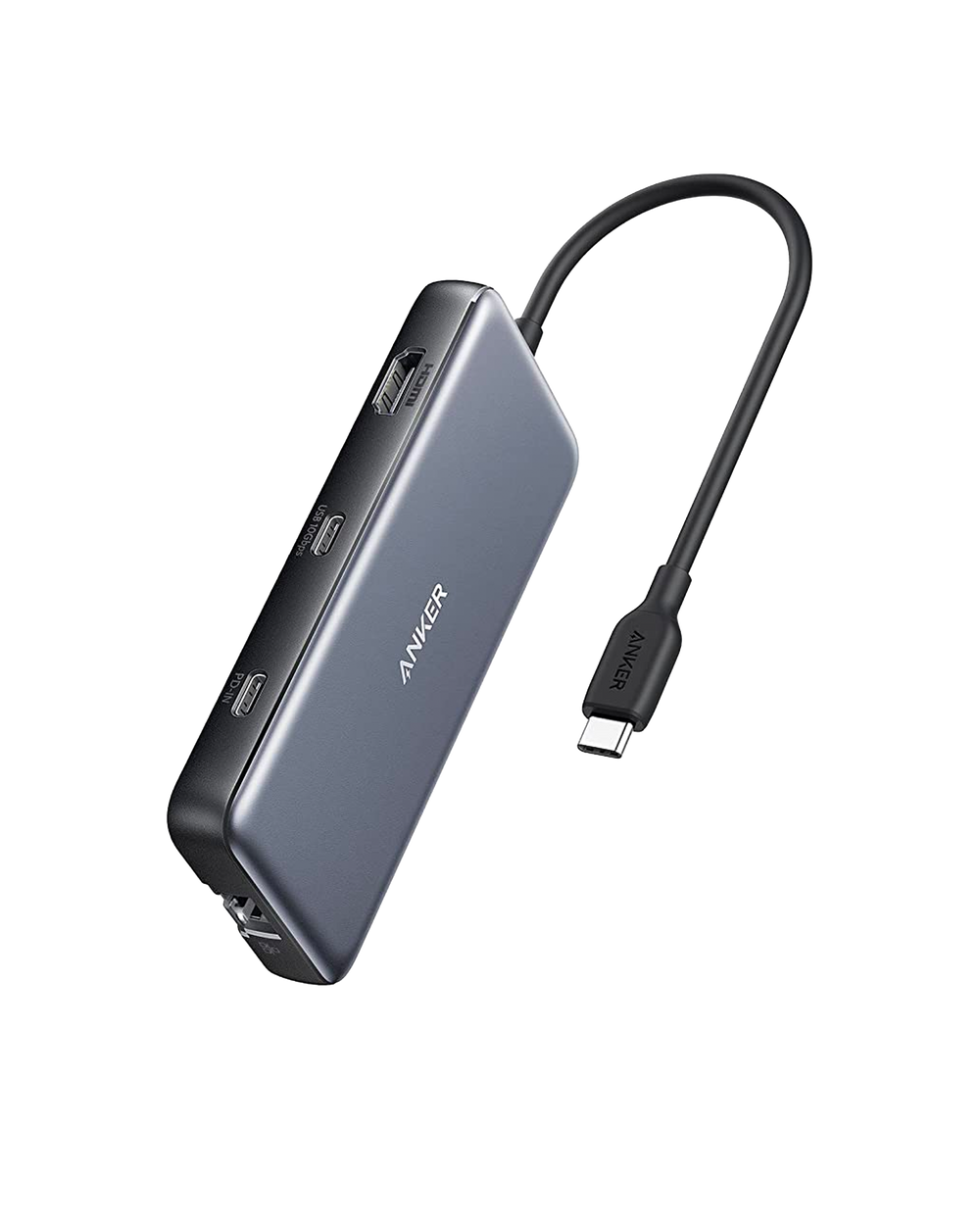
Anker 332 vs. 555 USB-C hubs
The 555 adds Ethernet, card slots and faster USB. The smaller 332 still covers a monitor, keyboard and mouse.
Read article →
Buying guides
USB-C can be the shape of a charging input, a data connection or a display-capable host port. A hub may contain several of those jobs in the same case. List what each attached device needs before counting the sockets.
For a monitor, check the required resolution and refresh rate on the whole path. For a drive, check data speed. For laptop power, account for the hub’s own allowance and the separately supplied charger.
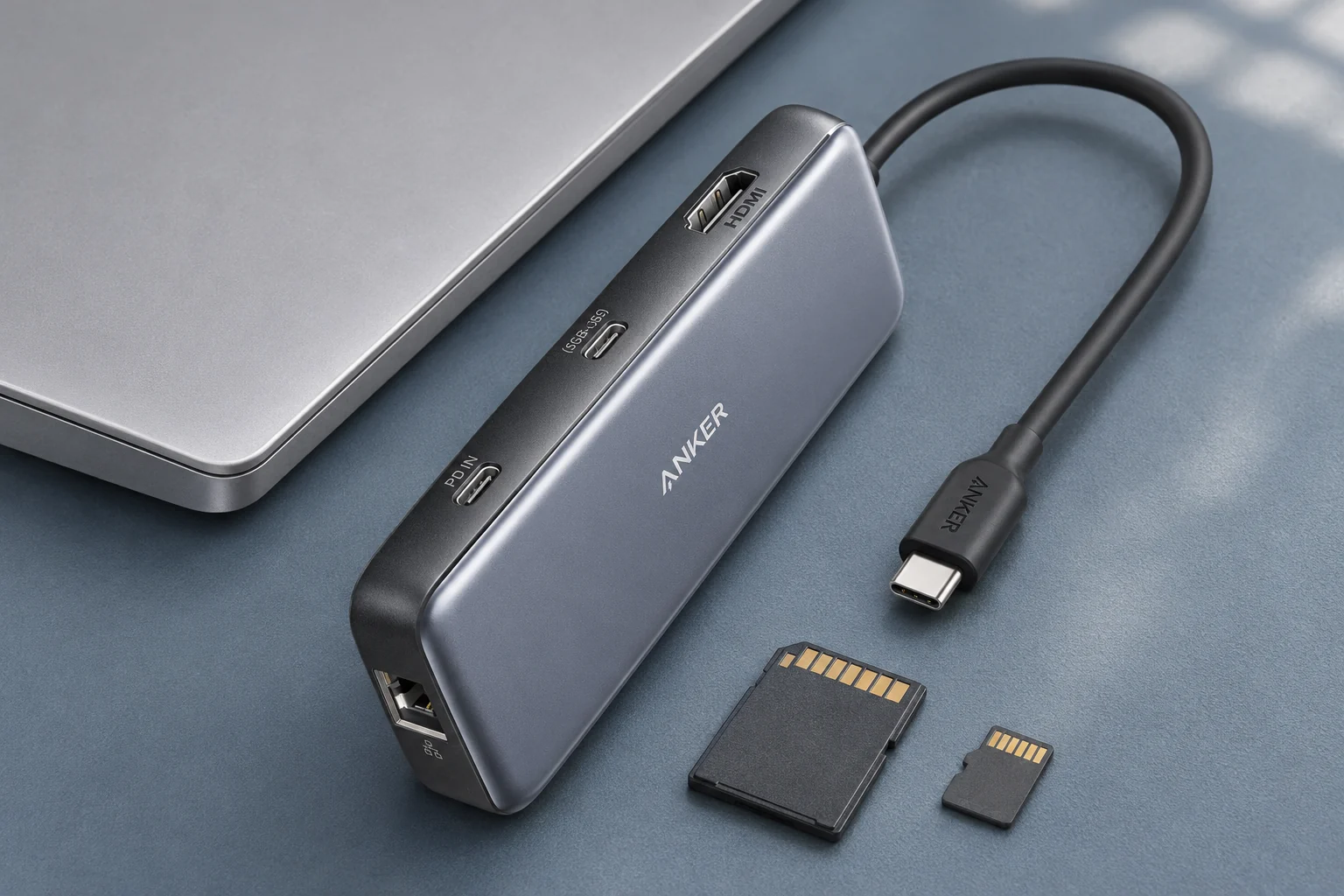
A hub’s port count includes sockets with different jobs. Charging inputs, USB data ports and display outputs are not interchangeable. Inventory the computer’s capabilities and the accessories you actually plan to attach before adding another adapter.
The 555 adds Ethernet, card slots and faster USB. The smaller 332 still covers a monitor, keyboard and mouse.
Read article →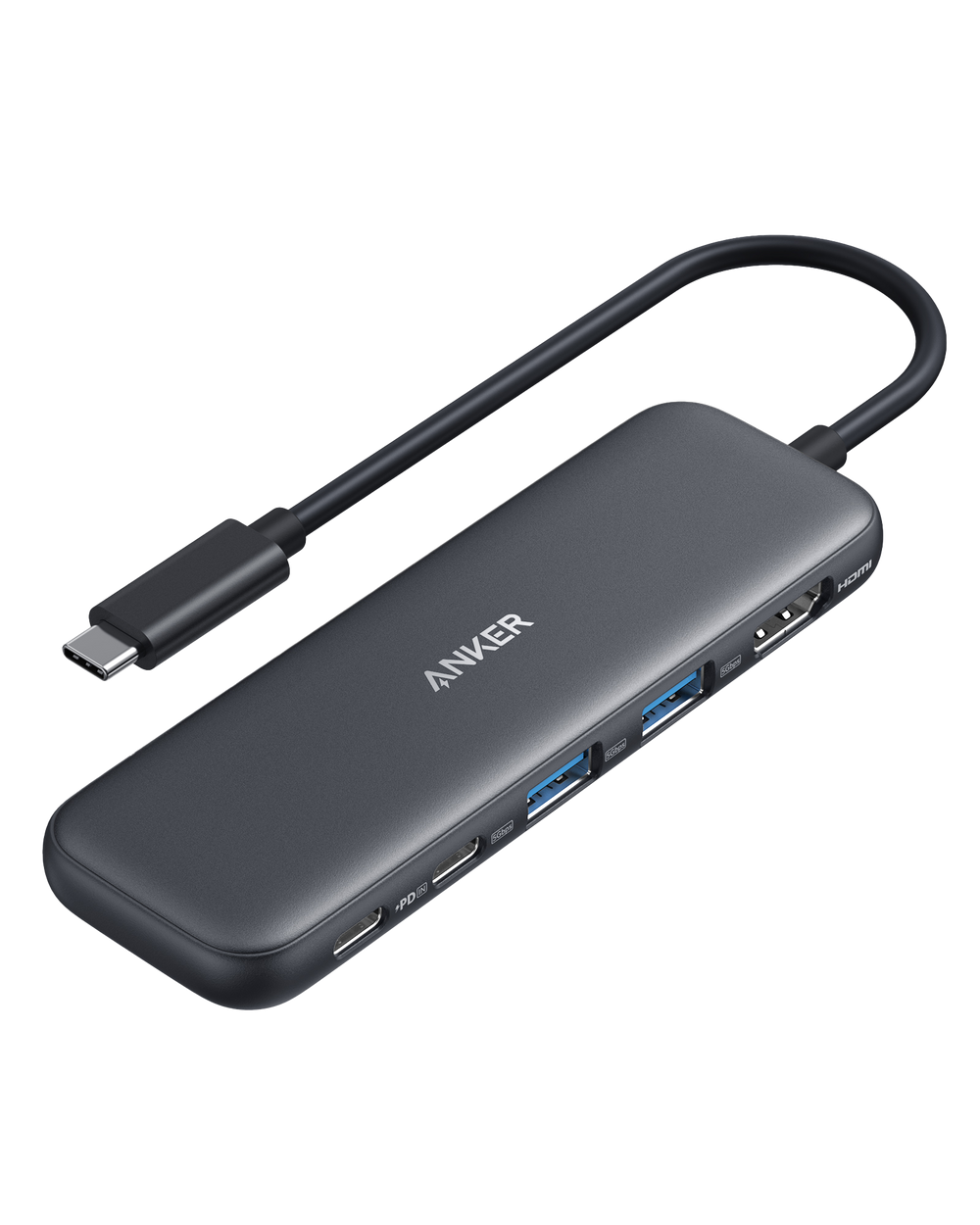
The connector shape tells you less than the host’s data, display and charging specifications.
Read article →
