
TP-Link Archer AX55 vs. Deco X55 mesh
The shared AX3000 label does not tell you where the radios or Ethernet sockets will be.
The physical setup
Scroll sideways to compare.
| Compare | 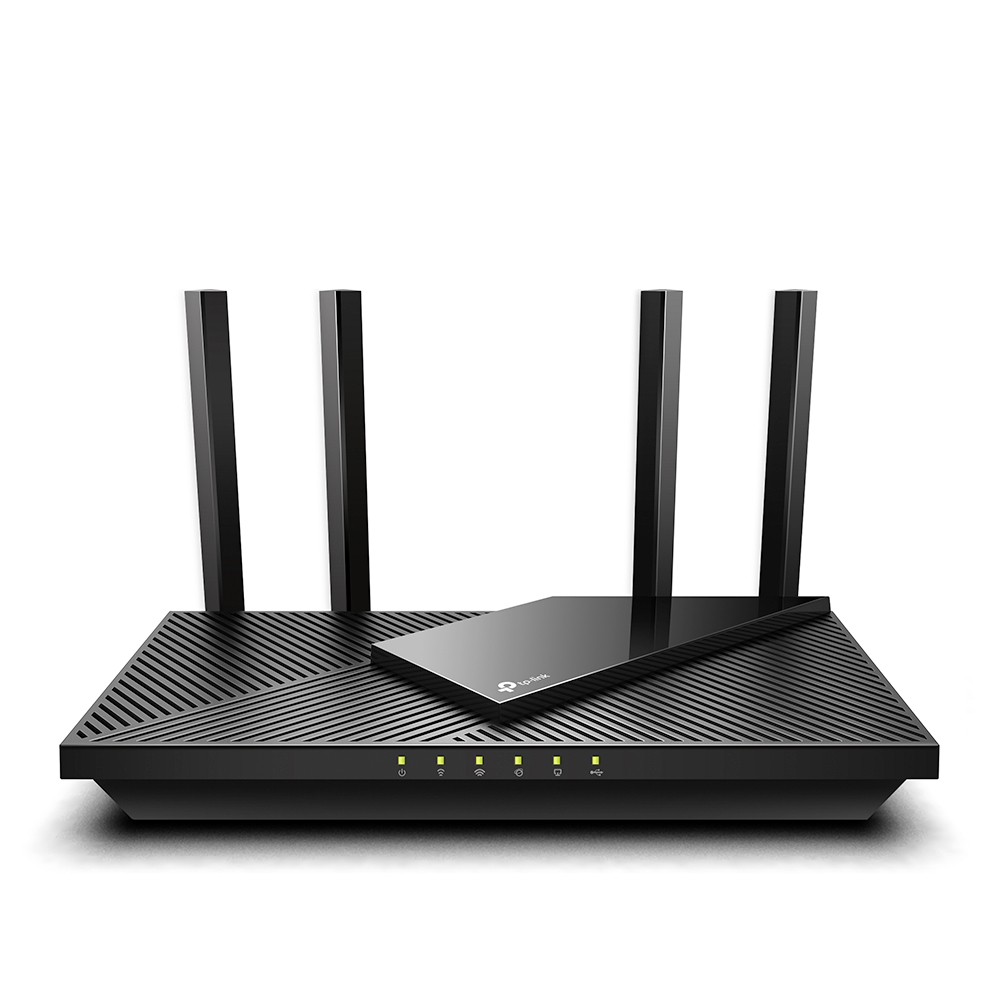 TP-Link Archer AX55 | 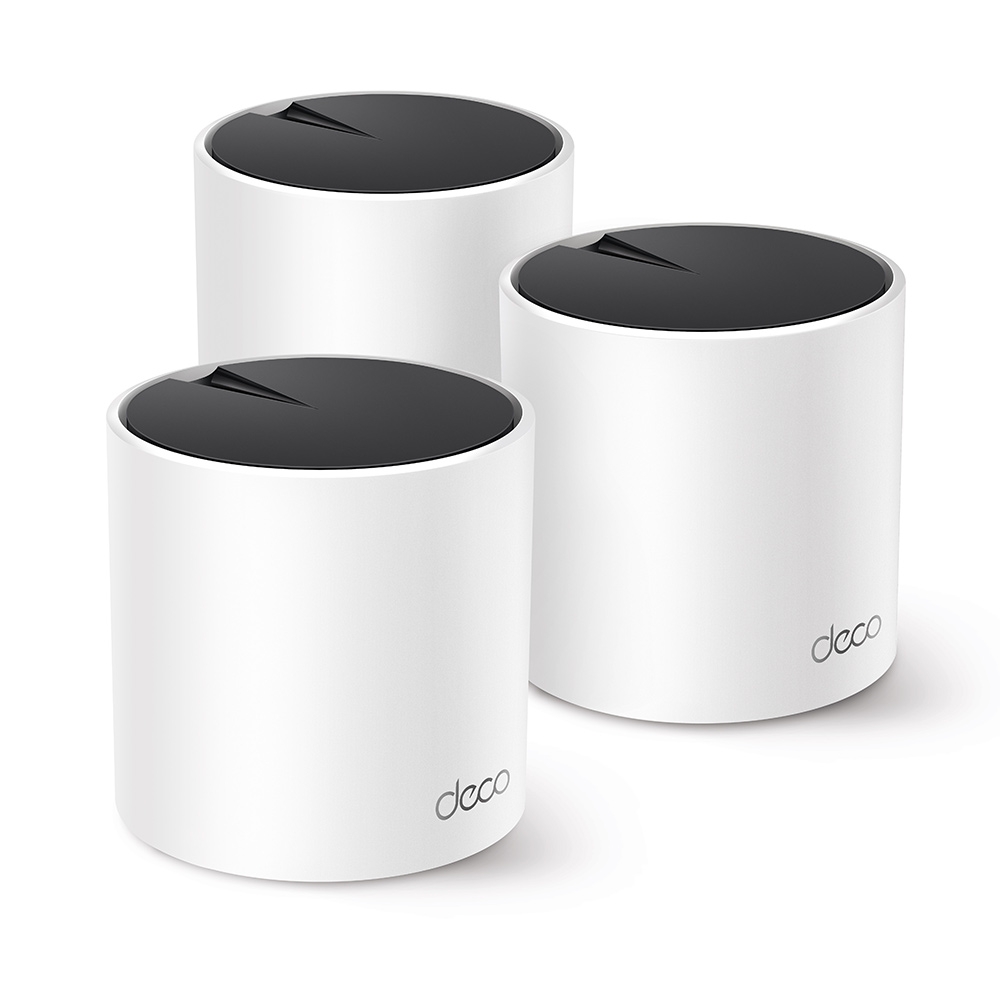 TP-Link Deco X55 — three-pack |
|---|---|---|
| Units in this comparison | One router | Three mesh units |
| Ethernet | 1 Gigabit WAN + 4 Gigabit LAN | 3 Gigabit ports per unit |
| Radio arrangement | Dual-band Wi-Fi 6 | Dual-band Wi-Fi 6; Ethernet backhaul supported |
Sketch the rooms before selecting the box
Mark the internet entry point, the place you can actually put a router, and the rooms with a weak connection. Then mark any usable Ethernet runs. That sketch helps separate a placement problem, a coverage problem and a need for more wired sockets.
For the Deco X55 three-pack, give each unit a proposed location and decide whether its connection back to the network will be wired or wireless. For the AX55, count the nearby wired devices against its four LAN ports. This is a more useful comparison than adding together radio-rate labels.
Start with where the connection is needed
Archer AX55 is one router. The Deco X55 package shown here has three mesh units, which can be placed in different parts of a home. That physical arrangement is the first difference to consider, before comparing the AX3000 label.
Both list 2,402 Mbps on 5 GHz and 574 Mbps on 2.4 GHz. Adding those numbers produces a marketing class near 3,000; it does not describe one client’s internet download speed. Actual connections depend on the client, placement, interference and the rest of the network.
Draw the wired connections
AX55 has one Gigabit WAN port and four Gigabit LAN ports. Each Deco X55 unit has three Gigabit ports with WAN/LAN auto-sensing. Count the port used to connect the main unit to the internet source, plus any Ethernet links between mesh units.
Deco X55 supports Ethernet backhaul as well as wireless backhaul. If Ethernet is already available between rooms, that is a concrete reason to consider how the mesh units will connect. The X55 is dual-band and has no separate third radio for wireless backhaul.
Do not buy nodes to solve a port shortage
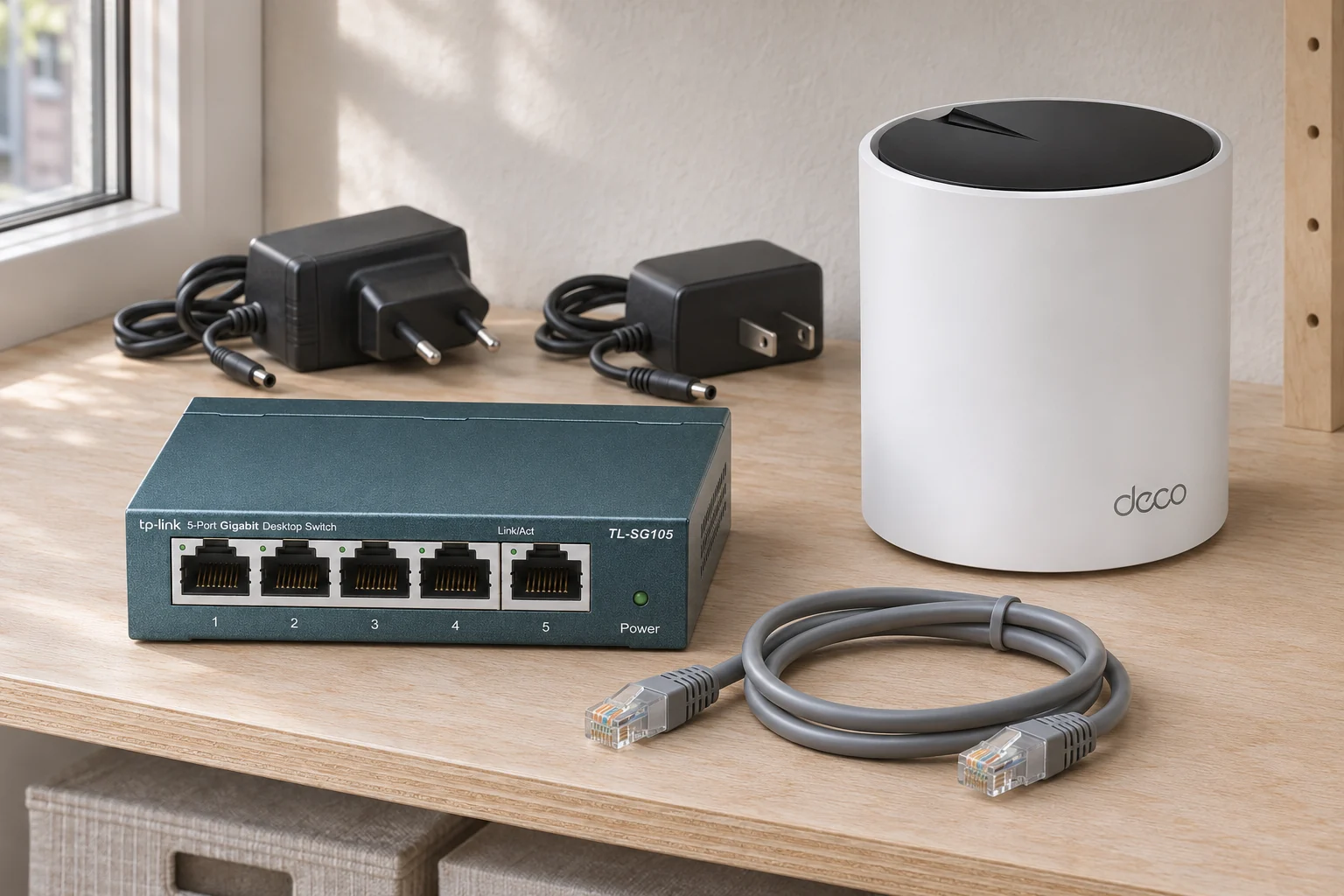
If wireless coverage is already adequate and you only need more wired sockets, an Ethernet switch such as TL-SG105 addresses that job directly. A mesh kit is a different purchase. Conversely, another switch does not place a Wi-Fi radio in the room that needs one.
Choose a single router when one location can serve the setup. Consider mesh when multiple radio locations have a purpose and you can place them with a workable connection between them. Check whether the existing provider equipment will remain the router or whether the new system will take that role before setup.
Sources
- TP-Link Archer AX55 — manufacturer listingChecked November 15, 2026
- TP-Link Deco X55 — three-pack — manufacturer listingChecked November 15, 2026
- TP-Link TL-SG105 — manufacturer listingChecked November 15, 2026