
TP-Link 5-port vs. 8-port Ethernet switches
TL-SG105, TL-SG108 and TL-SG105-M2 compared by useful port count and link speed.
One router connection already allocated
Scroll sideways to compare.
| Compare | 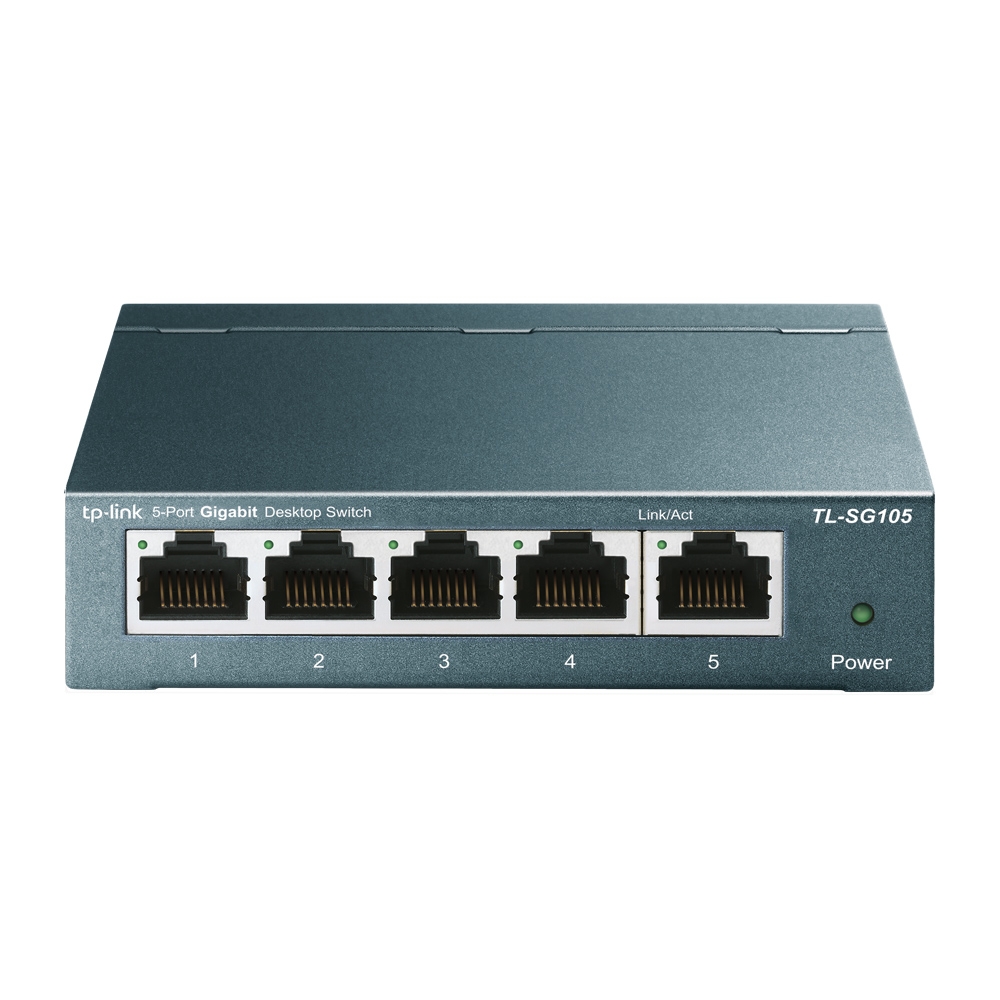 TP-Link TL-SG105 | 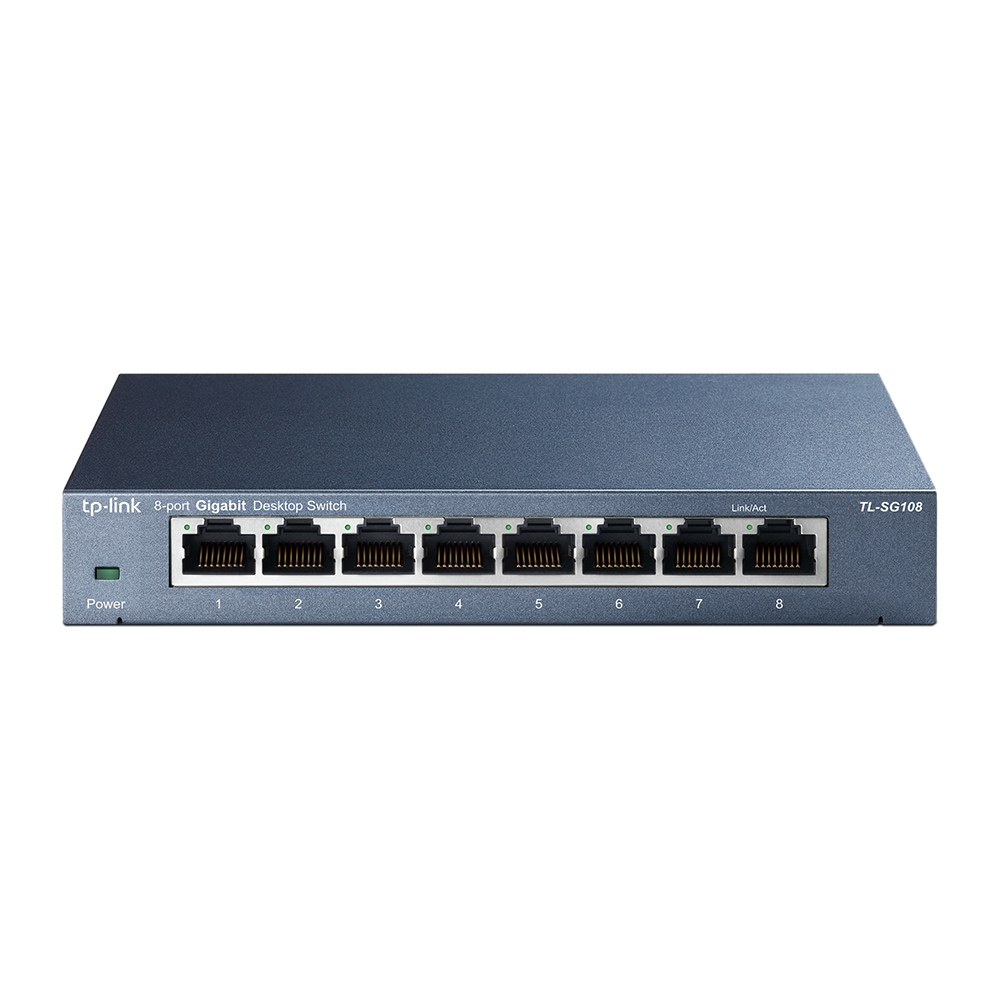 TP-Link TL-SG108 | 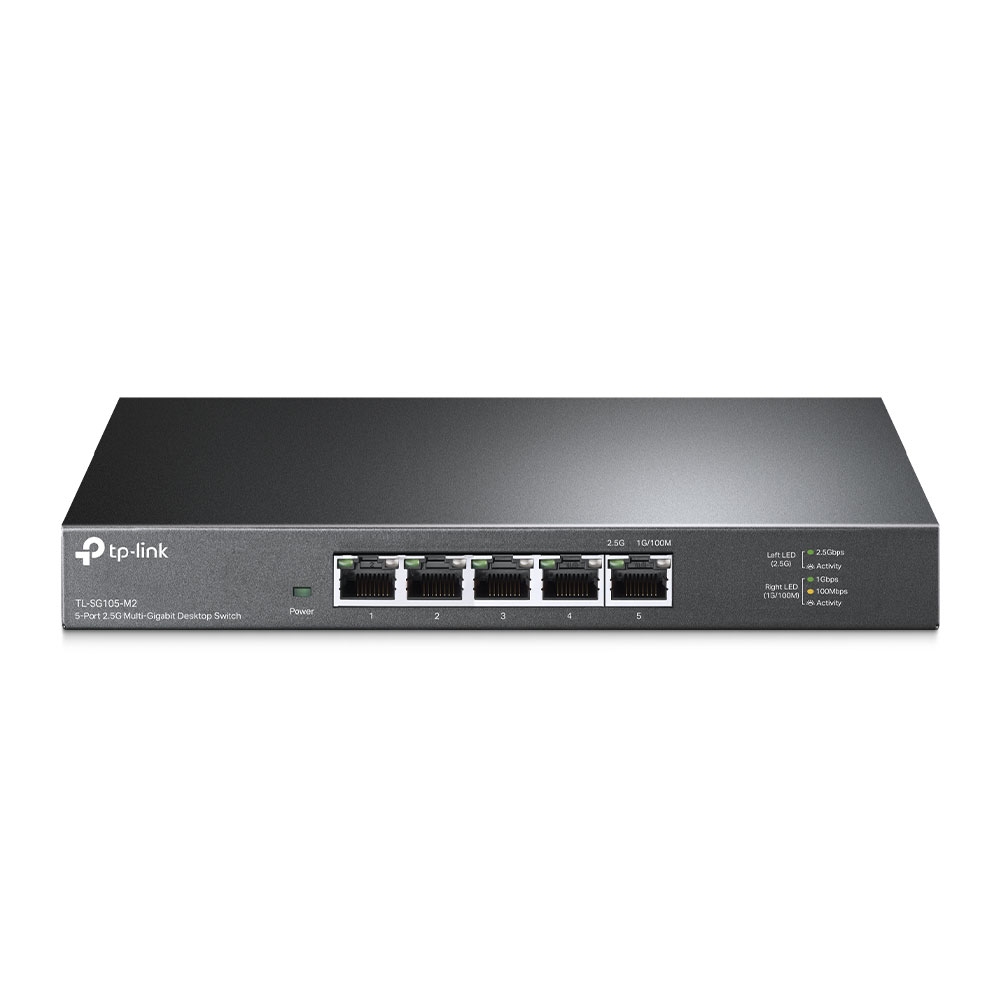 TP-Link TL-SG105-M2 |
|---|---|---|---|
| Total ports | 5 | 8 | 5 |
| Ports left for devices | 4 | 7 | 4 |
| Maximum port rate | 1 Gbps | 1 Gbps | 2.5 Gbps |
Count the uplink and two likely additions
List the devices that need a wired connection today, add the router connection, then note the next one or two plausible additions. Three devices plus a router consume four sockets, leaving one spare on a five-port switch. Six devices plus a router require seven sockets, so the eight-port model leaves one spare.
Also measure where the box and its plugged-in cables will fit. A short switch body can still need room in front for cable bends and behind for power. Faster 2.5 Gbps ports are a separate decision from port count; buy them for a capable local path, not simply because the number is larger.
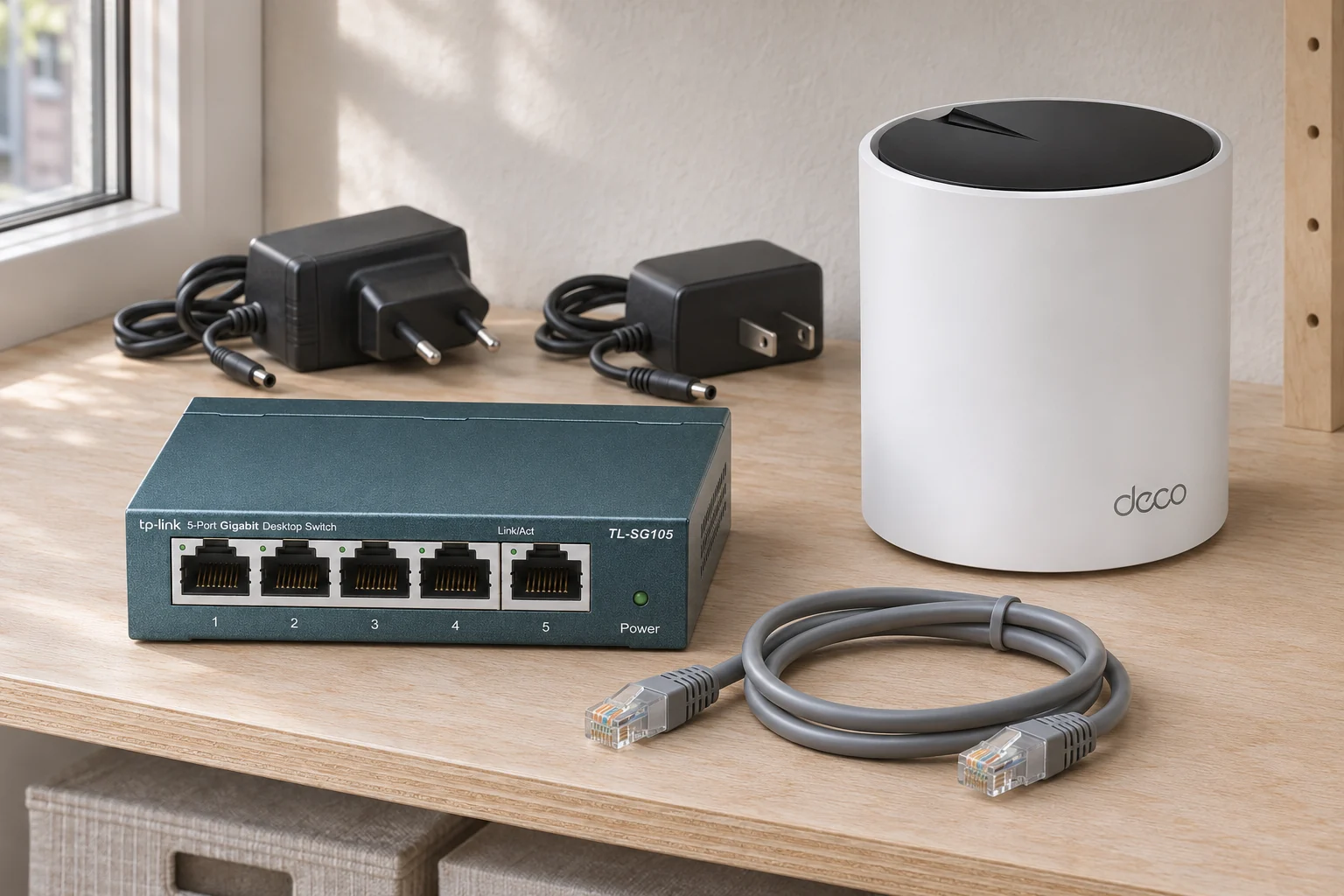
Count the uplink first
A desktop switch adds wired connections to an existing network. In a common setup, one port connects back to the router. A five-port model then has four sockets left for other devices; an eight-port model has seven. There is no separate ninth uplink socket on the TL-SG108.
Write down the devices that will actually use Ethernet: desktop, printer, console, access point, network storage. Add the router connection, then a little room for the next device. Four wired devices plus a router already fill a five-port switch.
Choose speed separately from port count
TL-SG105 and TL-SG108 provide Gigabit ports. TL-SG105-M2 has five ports supporting up to 2.5 Gbps. That can matter for local transfers between compatible computers and storage. It does not increase an internet plan’s speed or upgrade a computer’s Gigabit network adapter.
The M2’s advertised 25 Gbps switching capacity is an aggregate figure. It is not a 25 Gbps port. For an individual connection, use the port’s 2.5 Gbps rating and then check the other end of the cable.
Keep the job simple
These are unmanaged, fanless desktop switches. They suit adding ordinary wired ports without a management interface to configure. If you specifically need managed VLAN controls or power delivered over Ethernet, choose a model that explicitly supplies those functions. Do not infer them from a metal case or a large switching-capacity number.
For a few ordinary wired devices, TL-SG105 is the smaller port-count choice. TL-SG108 buys room for expansion. TL-SG105-M2 is the different speed choice, useful when both ends of a local connection can benefit from 2.5 GbE. Check hardware revision details when comparing listings.
Sources
- TP-Link TL-SG105 — manufacturer listingChecked November 15, 2026
- TP-Link TL-SG108 — manufacturer listingChecked November 15, 2026
- TP-Link TL-SG105-M2 — manufacturer listingChecked November 15, 2026