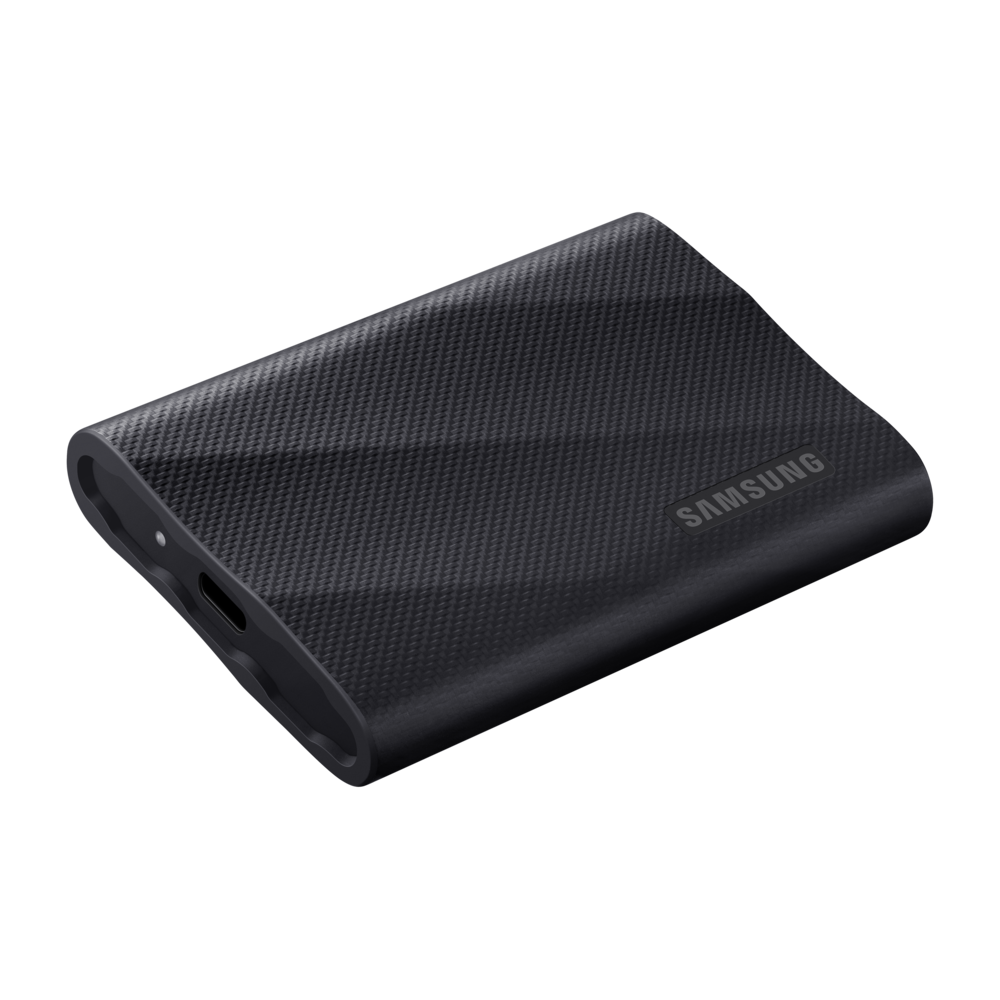
Samsung T5 EVO, T7, T7 Shield and T9 SSDs compared
Samsung T5 EVO, T7, T7 Shield and T9 use three different USB speed classes.
Read article →
Buying guides
Write down current file size and likely growth before selecting a capacity. Keep the second copy in the plan; an external drive holding the only copy is storage, not redundancy.
Next trace the connection from computer to cable, hub and drive. The 5, 10 and 20 Gbps models here occupy different interface classes. A drive at the faster end of that range needs a capable host path before its headline figures become relevant.
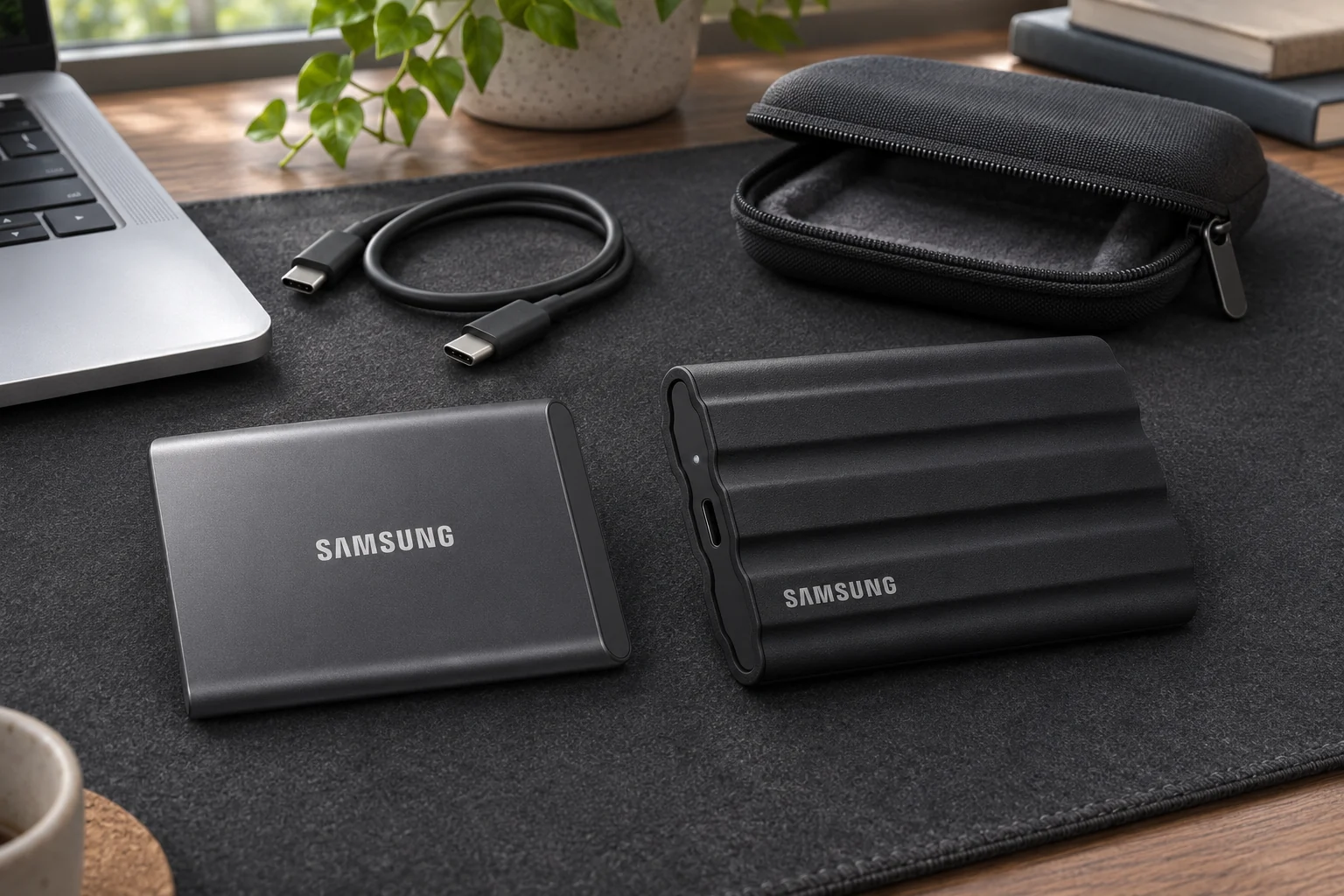
Separate capacity from speed. Estimate the files and future versions you need to keep, then check the computer’s connection. A 20 Gbps drive still needs a compatible path back to the host.
An external drive can be a working disk or another copy. Moving the only copy off a laptop creates space, but it does not create redundancy.
Samsung T5 EVO, T7, T7 Shield and T9 use three different USB speed classes.
Read article →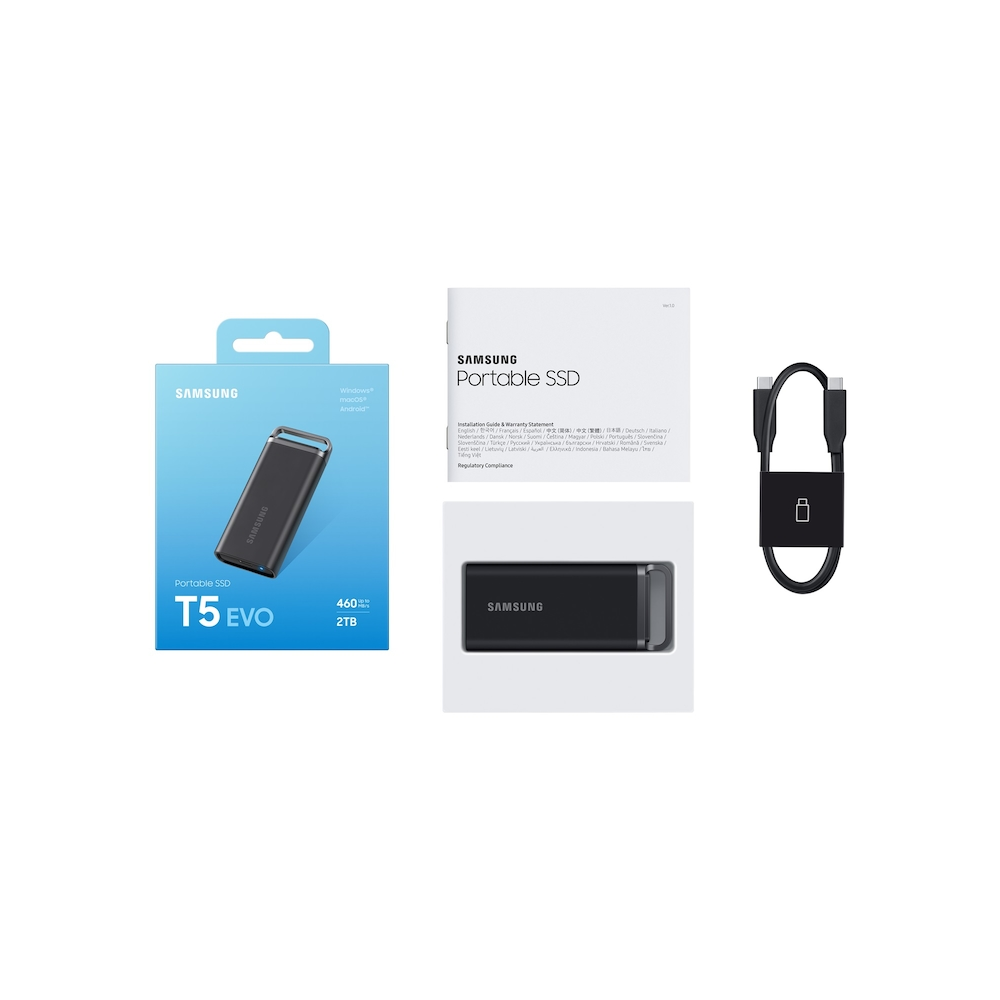
A simple capacity worksheet for photos, projects and another copy of important files.
Read article →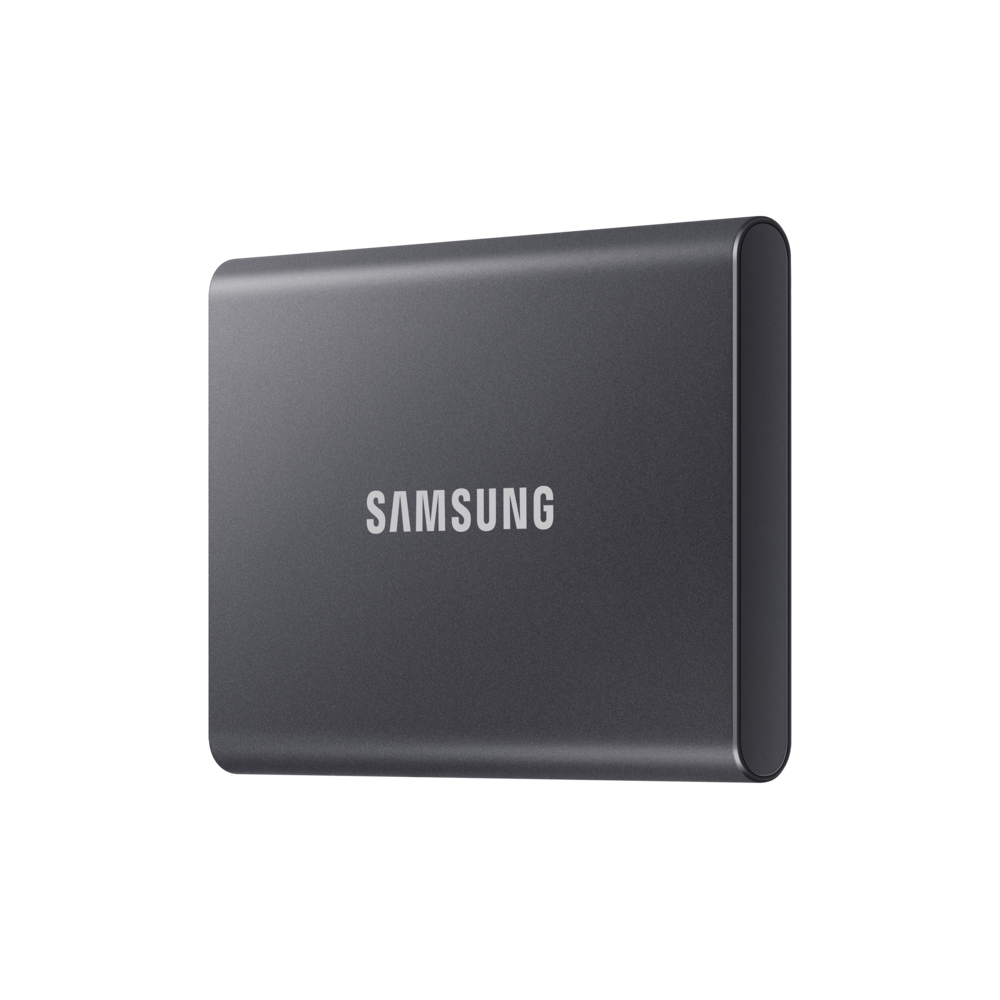 Samsung T7 2TB — GrayThe 2TB gray T7, a USB 3.2 Gen 2 portable SSD.
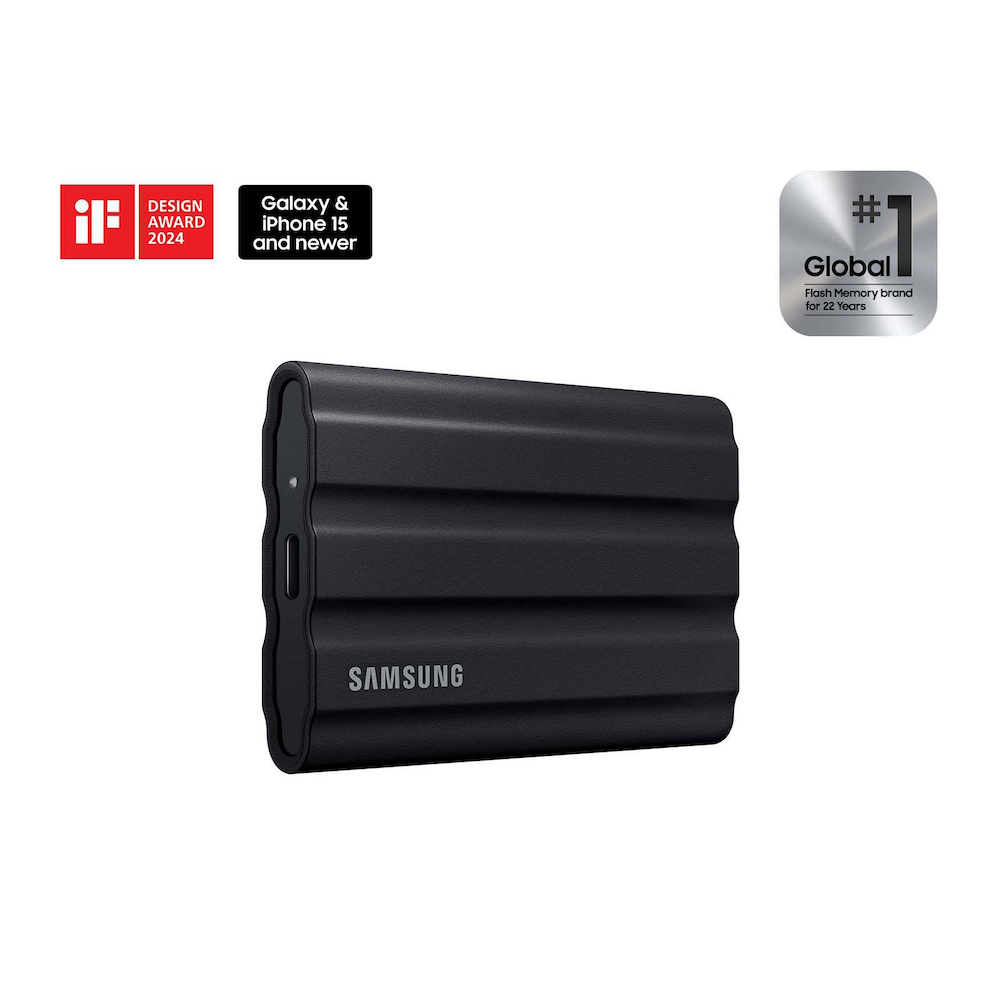 Samsung T7 Shield 2TB — BlackThe 2TB black T7 Shield, with a rubber exterior and USB 3.2 Gen 2 interface.Samsung T9 2TB — BlackThe 2TB T9 uses USB 3.2 Gen 2x2 for a faster connection when the host supports it.Samsung T5 EVO 2TB — BlackThe 2TB T5 EVO is a portable SSD with a USB 3.2 Gen 1 interface and carrying loop.
